The Questions Your Amazon Product Images Leave Unanswered
What questions do your Amazon product images leave unanswered? Use Pixoate to explain size, details and included items in useful secondary graphics.
The product title says “complete kit.” The photograph shows a case, several parts and something half hidden behind the packaging. A buyer is left wondering which pieces are included and whether the tool will fit the job.
An image set can be attractive while leaving the most useful questions unanswered. For an Amazon listing, the opportunity is to give each permitted image a clear information role rather than collecting several near-identical angles.

Original explanatory graphic. The scenes and sample records are schematic illustrations, not screenshots or measured tool results.
Read the gallery as someone unfamiliar with the product
Start with the main image and ask what it establishes. Then move through the supporting images. Can the buyer identify the supplied quantity, see relevant connections, understand the dimensions and inspect the feature that distinguishes the item?
Amazon's official photography guidance [1] discusses using product images to help customers evaluate an item. Check current requirements for each placement before turning that principle into a graphic.
Give uncertainty its own image
For an illustrative storage-box listing, the main photo might identify the product. A separate image could show verified outer and inner dimensions. Another could show the lid mechanism. A fourth could clarify which boxes and accessories are supplied.
Those images are useful because they carry different information. Repeating the same front view with slightly different lighting does not answer the missing questions.
Use Pixoate Photo Editor for product detail graphics where the placement permits annotations. Keep labels readable on a phone and derive specifications from verified product information.
A collage needs a reason to exist
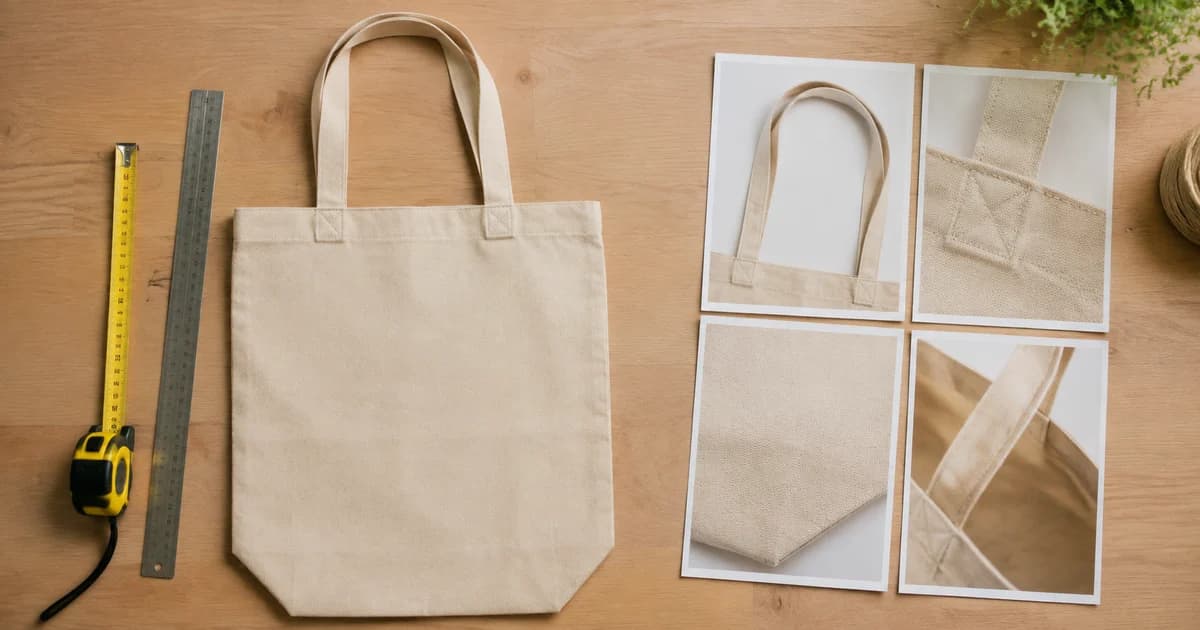
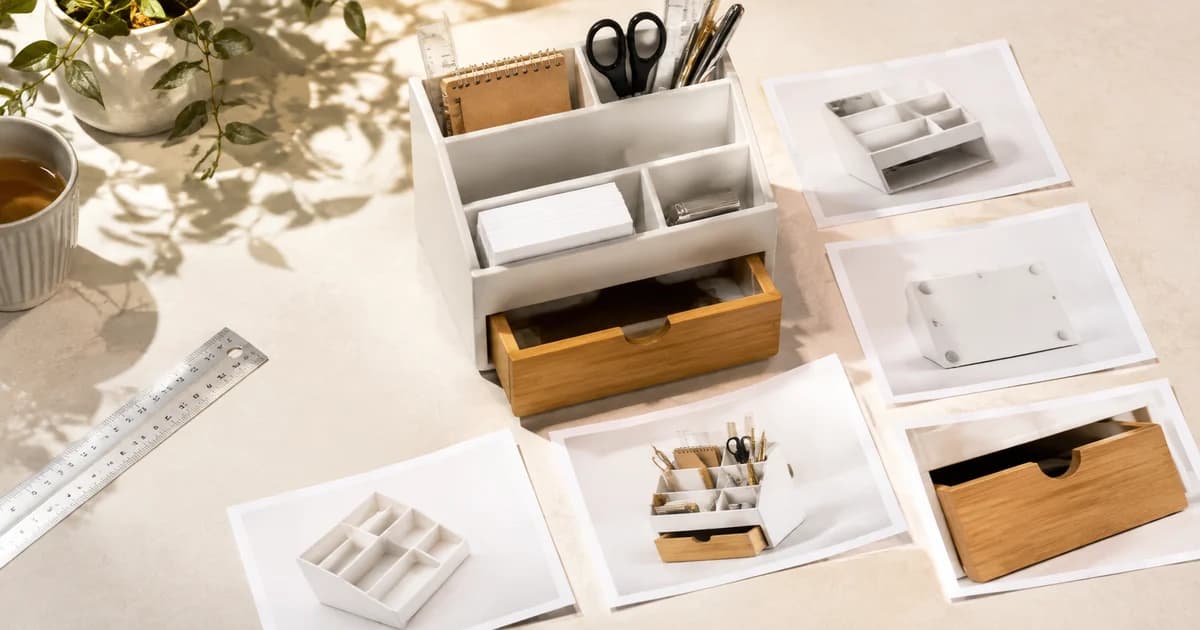
Collage Maker can organise close-ups or a set of included parts. Keep panels large enough to inspect and explain what each represents. A grid of tiny images may create the appearance of completeness while making every detail harder to see.
Do not use generated details to establish a connector, label or physical dimension. Photograph the actual feature when it matters to compatibility or purchase expectations.
Let customer questions improve the next revision
Repeated questions can reveal a gap in the image set. If people keep asking whether a cable is included, examine the pictured arrangement and the accompanying wording together.
Choose one unanswered question and improve the relevant image. Keep a record of the change and review subsequent enquiries with appropriate context. A reduction in confusion is useful evidence even before any sales effect can be established.
The next worthwhile Amazon image may be a plain, accurate close-up rather than another dramatic hero shot. Use Pixoate Photo Editor to make the answer clear, and preserve a gallery that describes the product customers will actually receive.
Sources
- official photography guidance:
https://sell.amazon.com/blog/product-photos