It Looked Different Online: The Product Photo Details Behind Buyer Expectations
Product images shape expectations about colour, scale and accessories. Use Pixoate to clarify the offer and show what a customer will actually receive.
“It looked different online” can describe several different disappointments. The colour appeared warmer. The container seemed larger. The photograph suggested two pieces, but the offer included one.
Product images create expectations through both explicit detail and visual implication. A useful review asks what a reasonable buyer is likely to conclude from the complete image set.
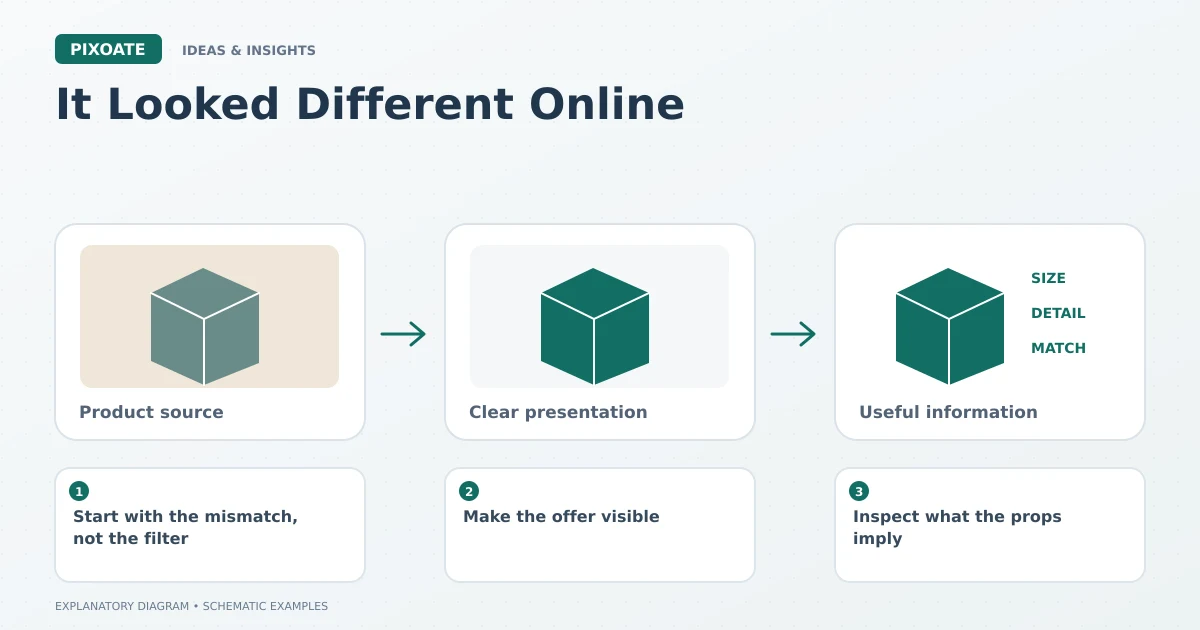
Original explanatory graphic. The scenes and sample records are schematic illustrations, not screenshots or measured tool results.
Start with the mismatch, not the filter
Identify the uncertainty you want to prevent. Colour, dimensions, quantity, included accessories and condition each need a different response.
For a hypothetical cushion listing, an oversized crop might hide the actual scale while dramatic colour editing changes the fabric tone. Adding another attractive scene would not necessarily answer either problem.
Make the offer visible
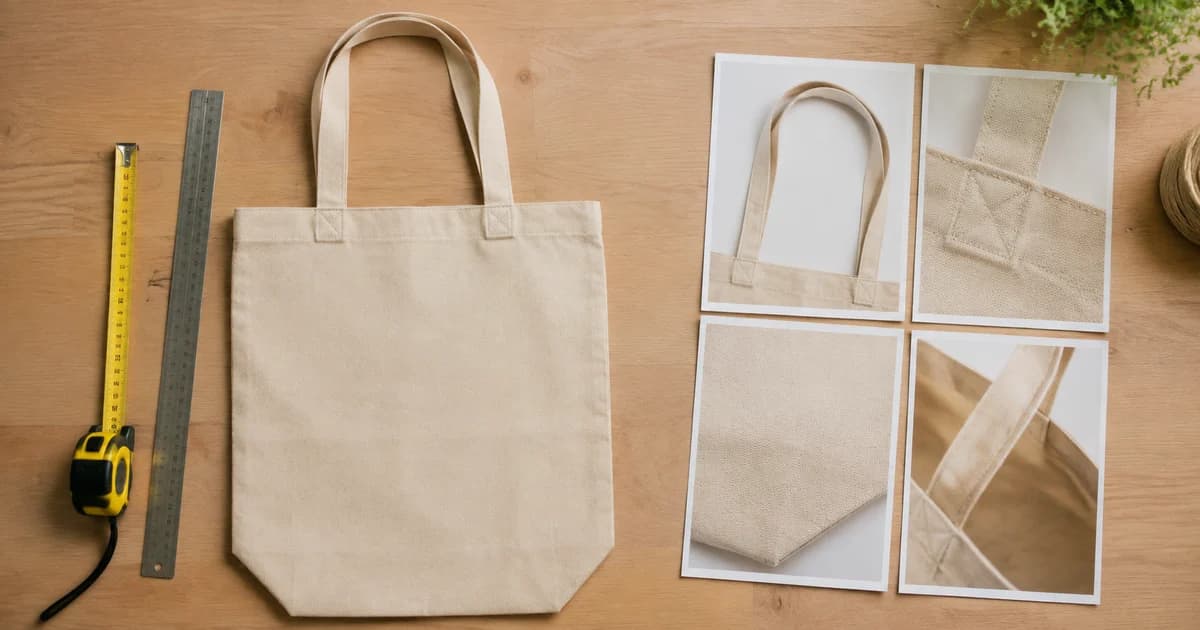
Use Pixoate Photo Editor for clear, permitted supporting graphics with verified product information. Keep dimensions explicit and distinguish product size from package size.
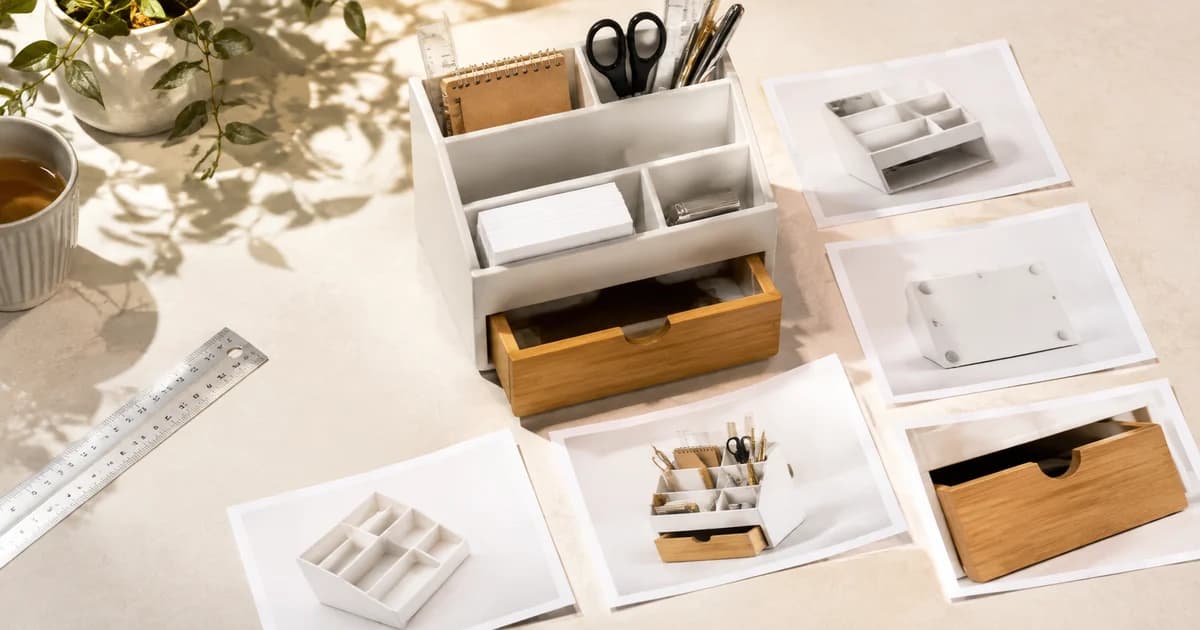
Use Collage Maker to arrange real detail views or included components where that helps. Label the panels and keep them large enough to inspect.
Amazon's photography guidance [1] connects accurate imagery with setting realistic customer expectations. That is a reason to review the offer carefully, not a basis for inventing a reduction in returns.
Inspect what the props imply
A display stand, cable or decorative accessory can look like part of a bundle. If it is not included, make the offer unambiguous through the images and accompanying wording.
Generated scenes deserve the same scrutiny. They may alter apparent size, quantity or material even when the central product remains recognisable.
Learn from specific feedback
If buyers ask whether an accessory is included, review the image arrangement. If they describe an unexpected size, inspect the dimension graphic and scale reference. Keep the actual product specification as the source of truth.
Record the change you make and review later feedback in context. Returns and complaints have many causes, so a different rate after an image update does not establish causation by itself.
The best expectation-setting image may be an ordinary, accurate detail view. Use Pixoate Photo Editor to make the offer clearer, then ask whether the parcel will match the story the pictures tell.
Sources
- photography guidance:
https://sell.amazon.com/blog/product-photos