Colorize Black-and-White Family Photos and Keep the Original
Create an AI colour interpretation of an old family photo. Preserve the original scan, adjust vividness and check faces without assuming historical colour accuracy.
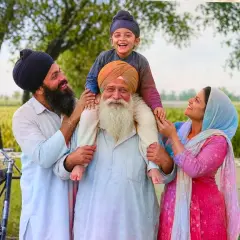
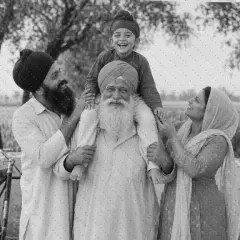
The photograph of your grandparents is familiar: the same coats, the same front step, the same black-and-white tones. A colour interpretation can make that scene feel different and invite questions about the people in it. The important word is interpretation.
Pixoate's AI colorization tool for black-and-white family photos estimates colours from an uploaded image. It can create an appealing version for a family album or gift, but it cannot establish the original colour of a dress, uniform, car or wall from a monochrome image alone.
Preserve the scan before changing it
Keep a full, untouched scan of the photograph, including any border or handwritten information you want to preserve. If the reverse contains names or dates, capture that separately.
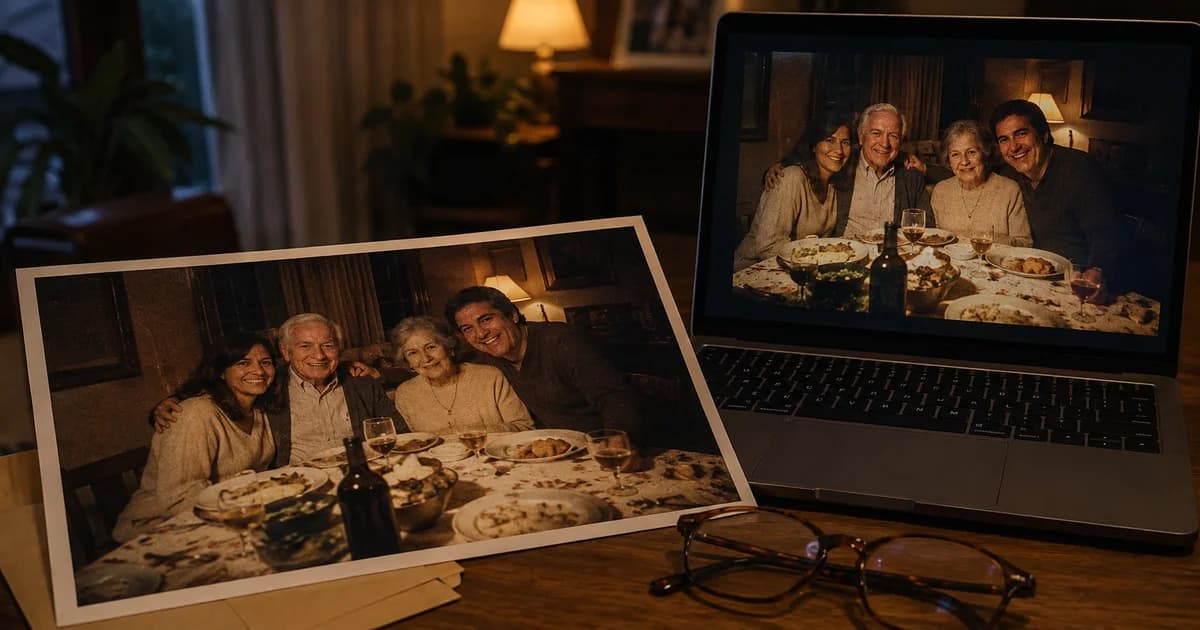
Use the largest clear original available. A screenshot of a photo shared repeatedly through messaging apps may have lost detail that an AI tool cannot reliably recover. If you only have a physical print, photograph or scan it flat with even lighting and without glare.
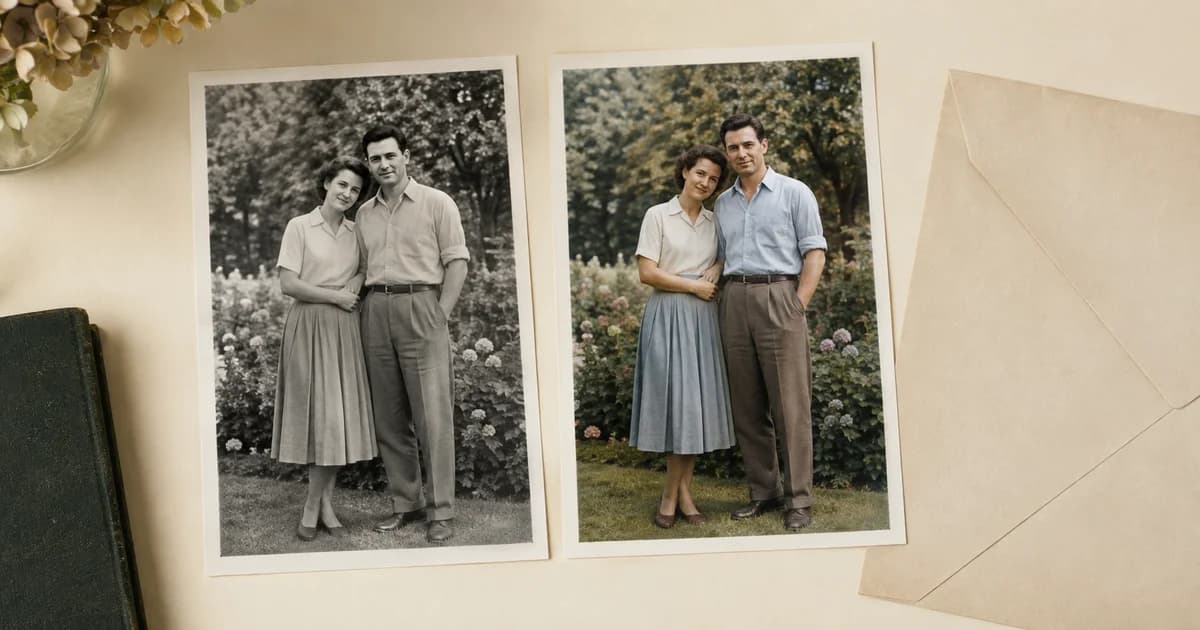
Name the files so the original and the colour interpretation cannot be confused. A simple “original-scan” and “AI-colour-version” distinction can help relatives understand what they are looking at years later.
How to colorize an old photo with Pixoate
- Open the black-and-white photo colorizer and upload the scan or photo.
- Run the colourisation and inspect the preview.
- Adjust the colour vividness if the result looks too strong or too muted.
- Compare faces, clothing boundaries and background details with the original. Try another available engine if the first interpretation is unsuitable.
- Download the version you want to keep and save it alongside the unchanged scan.
Start with restrained colour for portraits. Strong saturation can make skin, grass and brickwork look less plausible even when the overall image initially seems more striking.
Check the places where estimated colour goes wrong
Look for colour spilling from a coat into a hand, patches that change across one face, or a background colour appearing inside hair. Check all people in a group rather than only the person in the centre.
An image can also be internally consistent and historically wrong. The AI may choose a blue dress when the real dress was green. Ask relatives about remembered colours if that matters, but do not treat a generated result as confirmation of their memory.
For family-history projects, include a note that the image has been AI-colorized. Keep captions grounded in records or known family information. The tool does not identify people, date the photograph or authenticate a uniform.
Handle damage as a separate problem
Colourisation does not necessarily remove scratches, repair torn edges or restore lost facial detail. If a scan is damaged, Pixoate's old-photo restoration tool is a separate option to evaluate on a copy.
Review any restoration before colourising it. If the repair changes a face or invents an important feature, use a less altered version. Applying several AI processes in sequence can make those changes harder to notice.
For a larger print, inspect the final file's actual dimensions and obtain the printer's requirements. Do not assume that adding colour has also made the image suitable for enlargement.
Make the result meaningful for the family
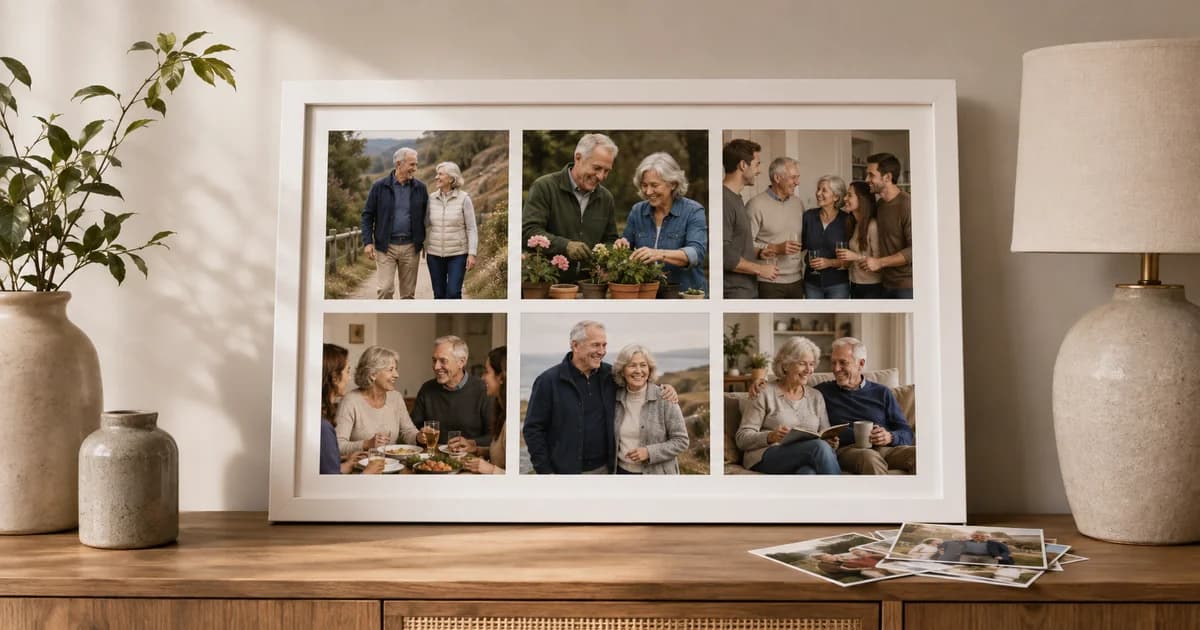
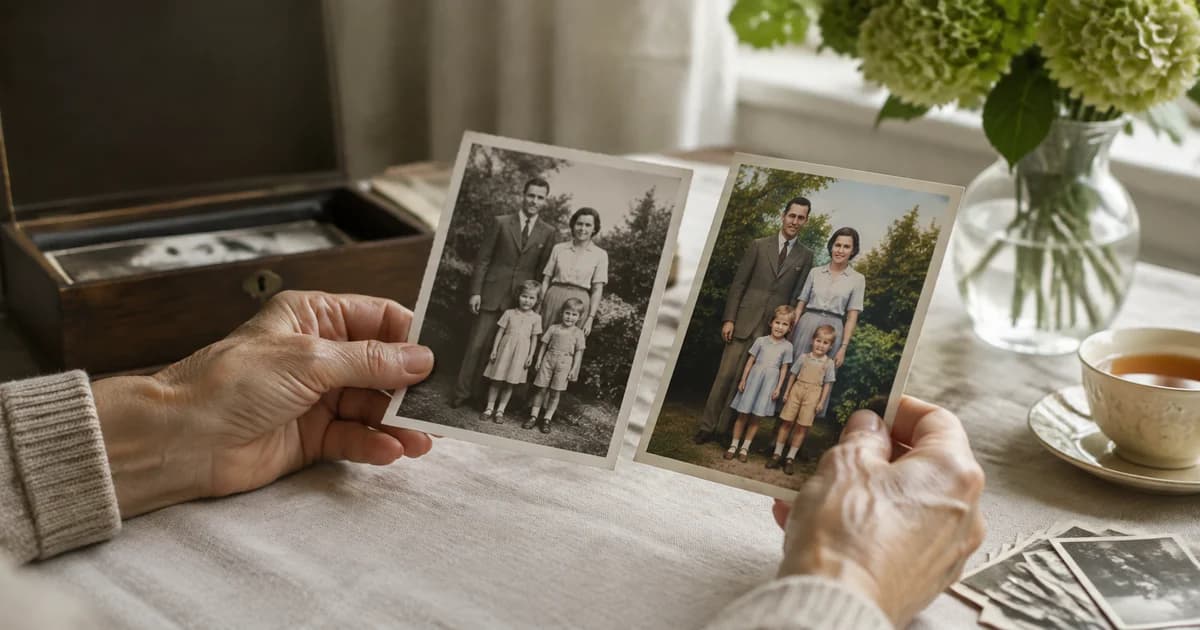
A US family reunion display or a UK anniversary album can include both versions. Use a side-by-side family photo collage to keep the original visible and let viewers compare the interpretation.
For older relatives, show a large, uncluttered version first and ask what they recognise. The conversation may be more valuable than deciding which colour version is “best.” Do not overwrite the scan while experimenting.
Can AI recover the exact original colours?
No. It estimates plausible colours from visual patterns. Exact historical colour needs independent evidence.
Should every old photo be colorized?
Only if the interpretation serves your purpose. A monochrome original may be the version you prefer or the appropriate one for an archive.
What if skin tones look unnatural?
Reduce vividness, try an available alternative engine or keep the original. There is no requirement to accept an unconvincing result.
Choose one meaningful scan and create a colour interpretation of your family photograph, with the original safely preserved beside it.