Can an eBay Product Photo Be Too Perfect? The Value of Showing True Condition
Can an eBay product photo look too perfect? Explore editing choices that preserve wear, explain condition and support buyer trust with Pixoate.
A used item carries a history on its surface. A worn corner, a faded label or a small scratch can be relevant to the person deciding whether the price and condition suit them.
Editing becomes useful when it makes that history easier to inspect. It becomes a problem when the photograph quietly suggests a different item from the one being sold.
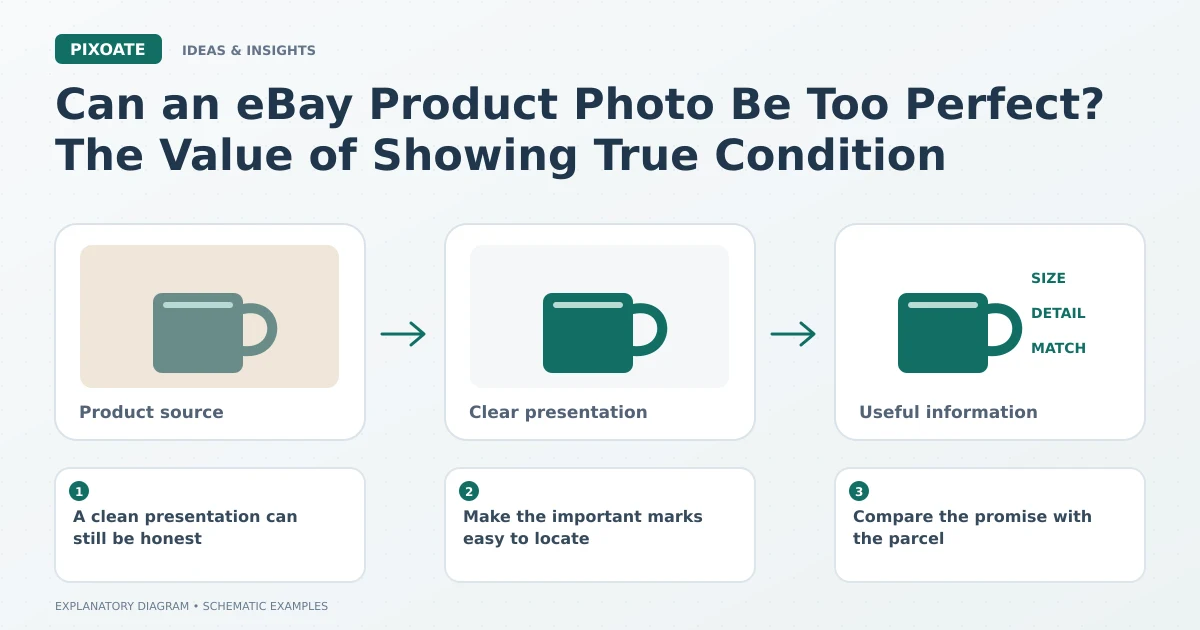
Original explanatory graphic. The scenes and sample records are schematic illustrations, not screenshots or measured tool results.
A clean presentation can still be honest
Straightening a photo, reducing an unhelpful colour cast and choosing a clearer crop can make an eBay listing more readable. None requires hiding genuine wear.
Use Pixoate Photo Editor to make restrained adjustments. Keep the original and compare the areas that describe condition: edges, surfaces, labels and included parts.
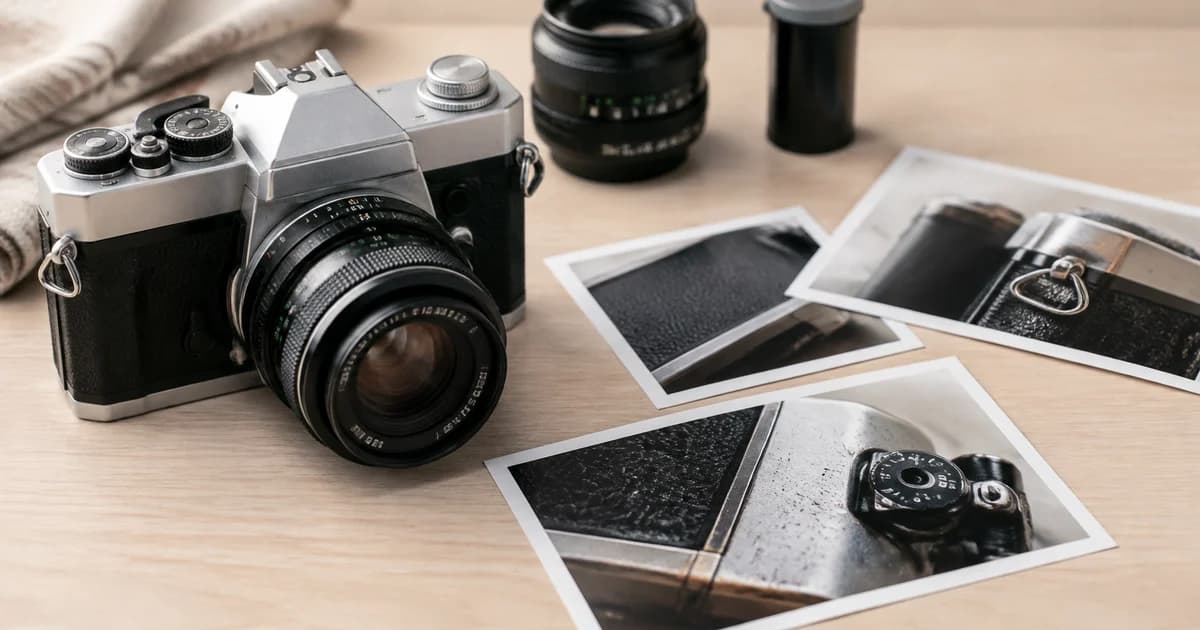
For a hypothetical used camera listing, a brighter image might reveal the controls and a scuffed corner more clearly. That is useful information. Removing the scuff would change the apparent condition of the specific camera.
Make the important marks easy to locate
An overall image shows the item. A close-up shows the relevant condition detail. Together, they help the buyer understand where the mark is and whether it affects their decision.
Do not use a tiny collage panel as the only view of a significant flaw. A viewer should be able to inspect it at the size the listing actually provides.
Compare the promise with the parcel
Use Image Compare to review the edited photo against the source. Check whether the item appears newer, a different colour or supplied with more accessories than the actual offer.
Keep the written condition description aligned with the image set. A technically accurate sentence buried in the description may not resolve a strongly misleading visual impression.
Ask whether perfection is helping
A heavily processed used item can look strangely generic. The visible specifics are often what establish which object is being sold: its exact finish, label, accessories and condition.
Check the current marketplace requirements for the intended image placement, then approve the export and listing assignment. The final review should include the actual uploaded gallery, not only the editor preview.
The useful standard is a photograph that helps someone evaluate the real item. Use Pixoate Photo Editor for clarity, and keep the evidence of condition intact.