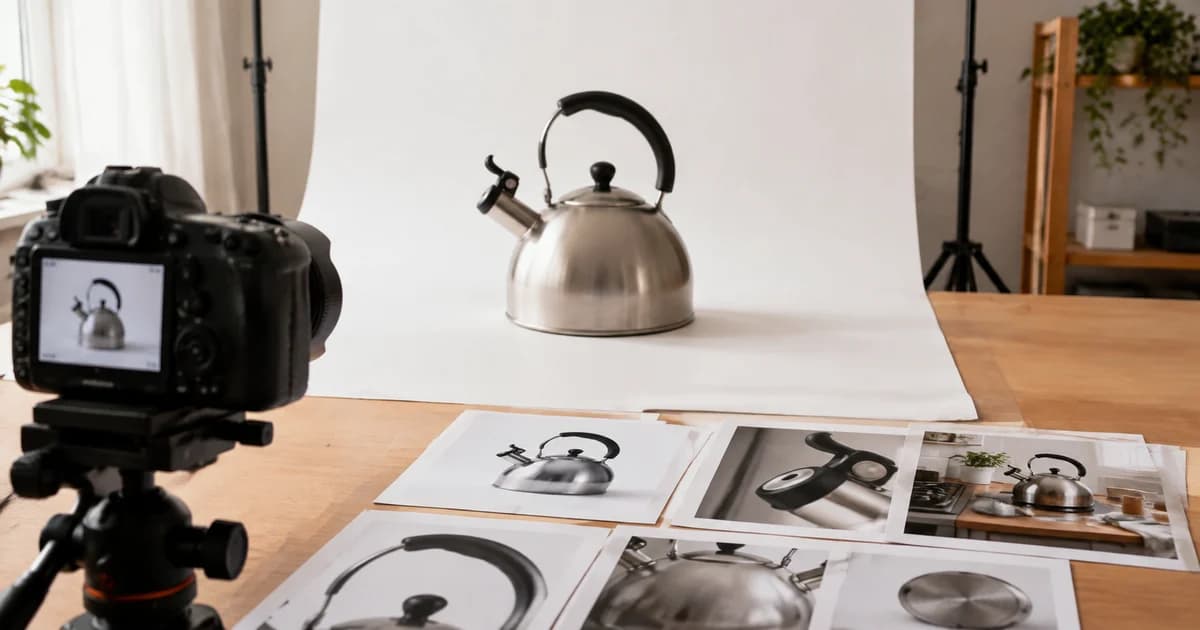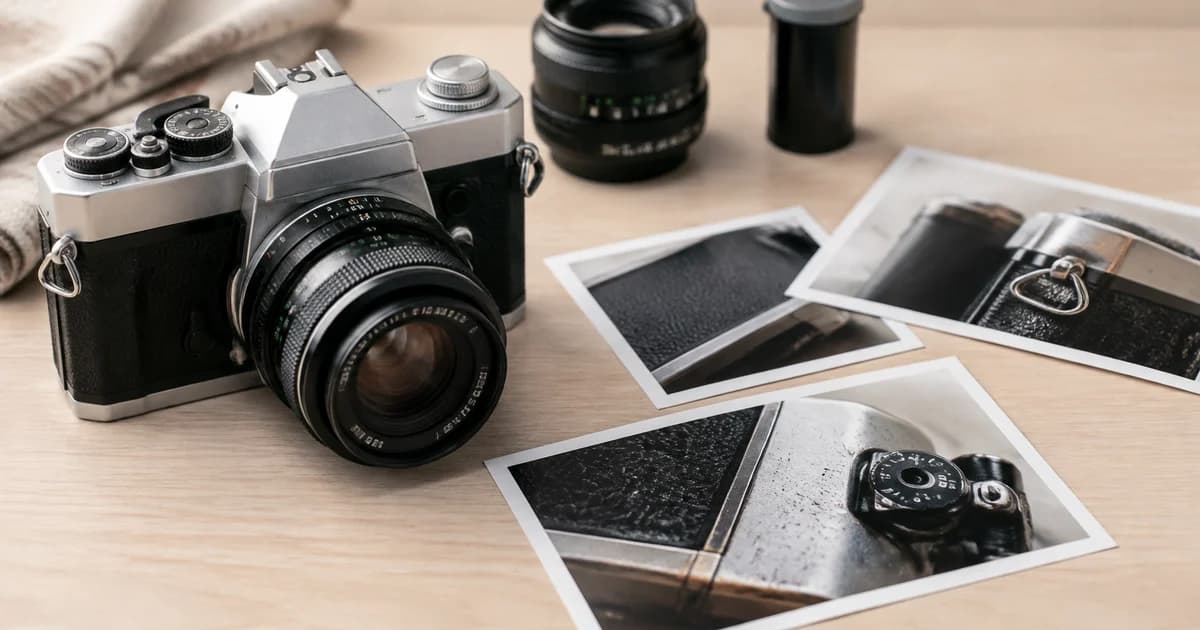
How to Edit eBay Photos of Used Items While Showing Their True Condition
Edit eBay photos of used items with Pixoate while keeping wear and defects visible. Build a listing that explains the condition buyers will receive.
A used camera, jacket or piece of furniture needs a photograph that makes its condition understandable. A dark image can hide useful detail unintentionally; a heavily edited image can hide it deliberately or create the same impression.
Use Pixoate Photo Editor for used-item listing photos to improve readability while preserving the marks, wear and features that describe the actual item.
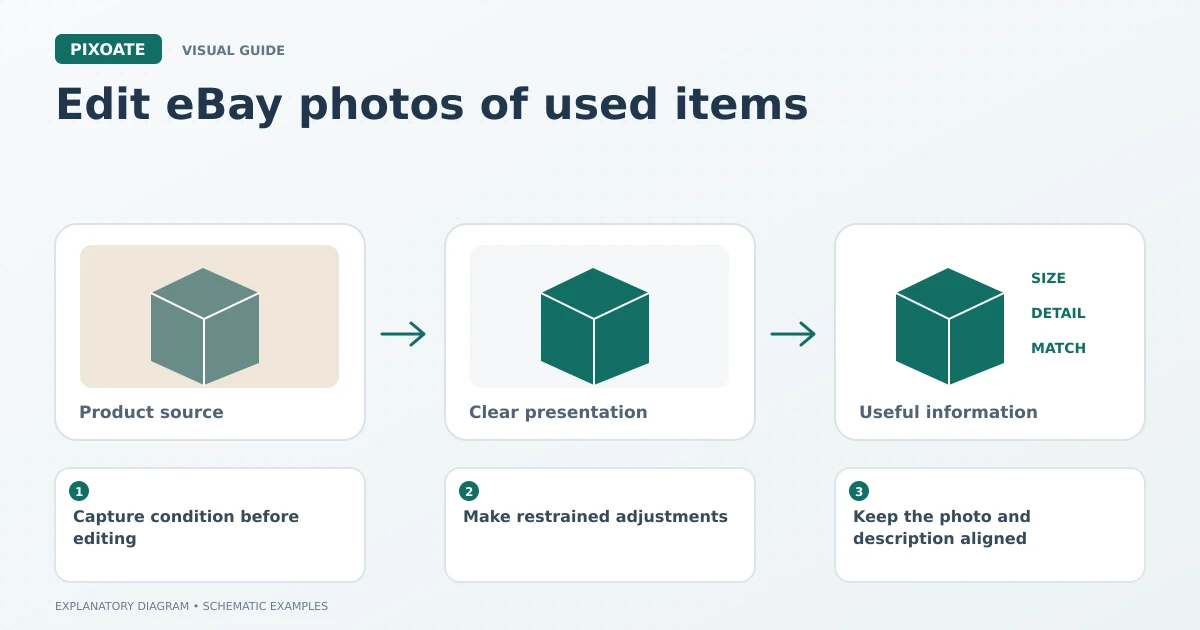
Original explanatory graphic. The scenes and sample records are schematic illustrations, not screenshots or measured tool results.
Capture condition before editing
Take an overall view and close-ups of relevant wear, labels, included parts and functional details. Photograph the specific item being sold rather than relying on a generic product image that may show a different version.
Keep the source files. If a buyer asks about a scratch or a connector later, the original capture provides a clearer starting point than an image that has passed through several edits.
Make restrained adjustments
Correct orientation and crop irrelevant surroundings while retaining the entire item where that matters. Adjust brightness and colour carefully enough that dark areas become inspectable without erasing surface detail.
A white-background product image can help separate the object from a busy room. Check the cutout around thin parts, fabric edges and transparent areas. Background removal should not remove a damaged edge or a piece that belongs to the product.
Compare the result with the original using Image Compare. Inspect scratches, fading, stains and serial labels at a useful zoom.
Keep the photo and description aligned
| Photo detail | Description question |
|---|---|
| Visible wear | Is its location and significance explained? |
| Extra cable or case | Is it included or only shown for context? |
| Model or size label | Does it match the listing text? |
| Several similar items | Which exact item or quantity is being sold? |
Check current eBay listing requirements in your seller workflow before adding overlays or other graphics. A promotional design and a condition photograph have different purposes.
Review the uploaded gallery
Confirm the correct images are attached to the correct listing. Put useful condition views where someone can find them, and inspect mobile crops so an important edge is not hidden.
Should I use AI to reconstruct a missing view?
Use an actual photograph when the image must establish the condition or appearance of the item. A generated view is not evidence of a side you did not photograph.
Can a cleaner image help a used-item listing?
It can make the information easier to inspect. The goal is a clear representation of the real item, not an unsupported promise about sales.
Prepare the photos in Pixoate Photo Editor, retain the originals and let accurate condition details guide the final gallery.