The Spare Room Buyers Overlook: Giving an Empty Space a Purpose with Virtual Staging
An empty spare room can be easy to overlook. Use Pixoate virtual staging to suggest a plausible workspace or another purpose that suits the actual room.
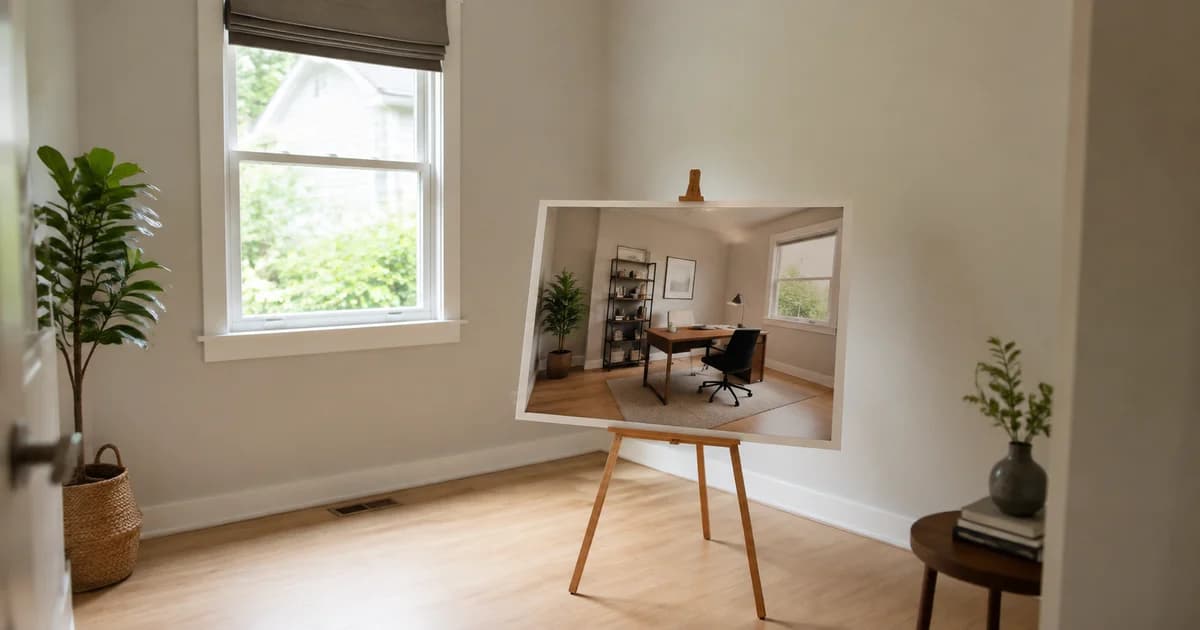
The spare room appears near the end of the listing gallery: four walls, a window and no obvious purpose. It may be useful space, but the photograph leaves the viewer to supply all the ideas.
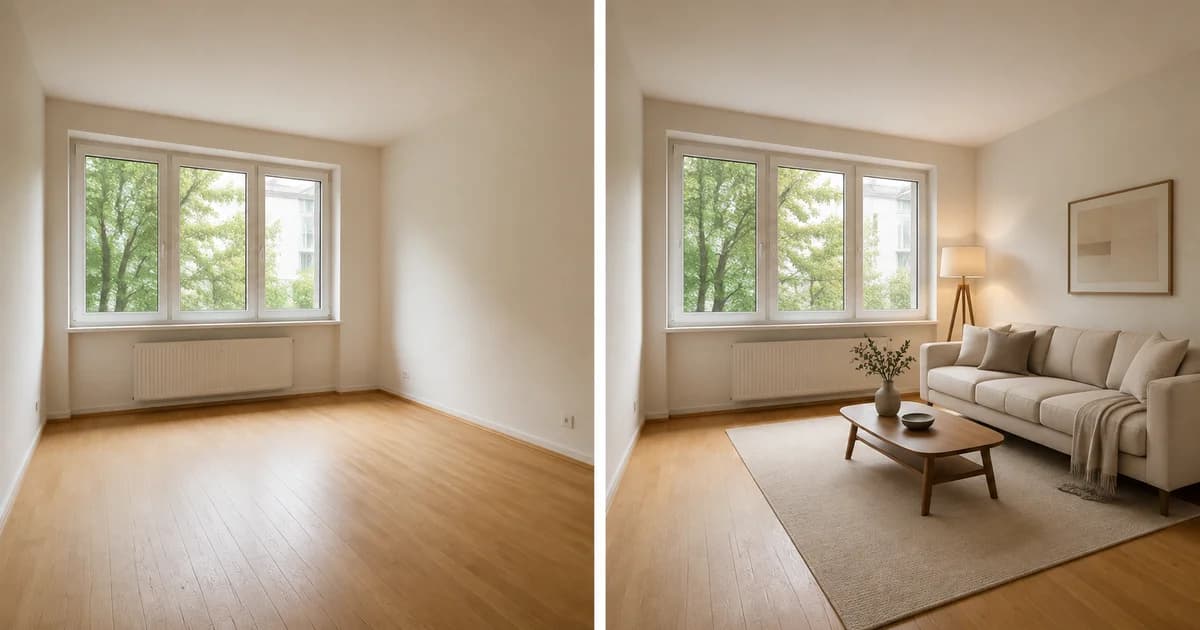
A focused virtual-staging concept can give that room a practical starting point. The question is what real use the space can plausibly support.
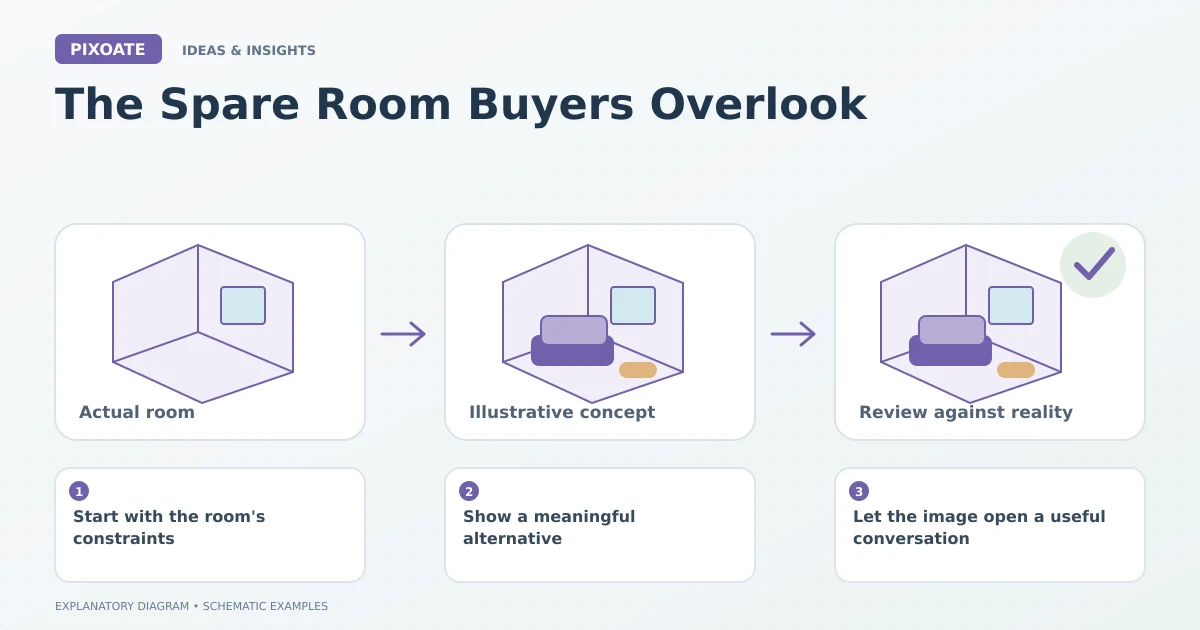
Original explanatory graphic. The scenes and sample records are schematic illustrations, not screenshots or measured tool results.
Start with the room's constraints
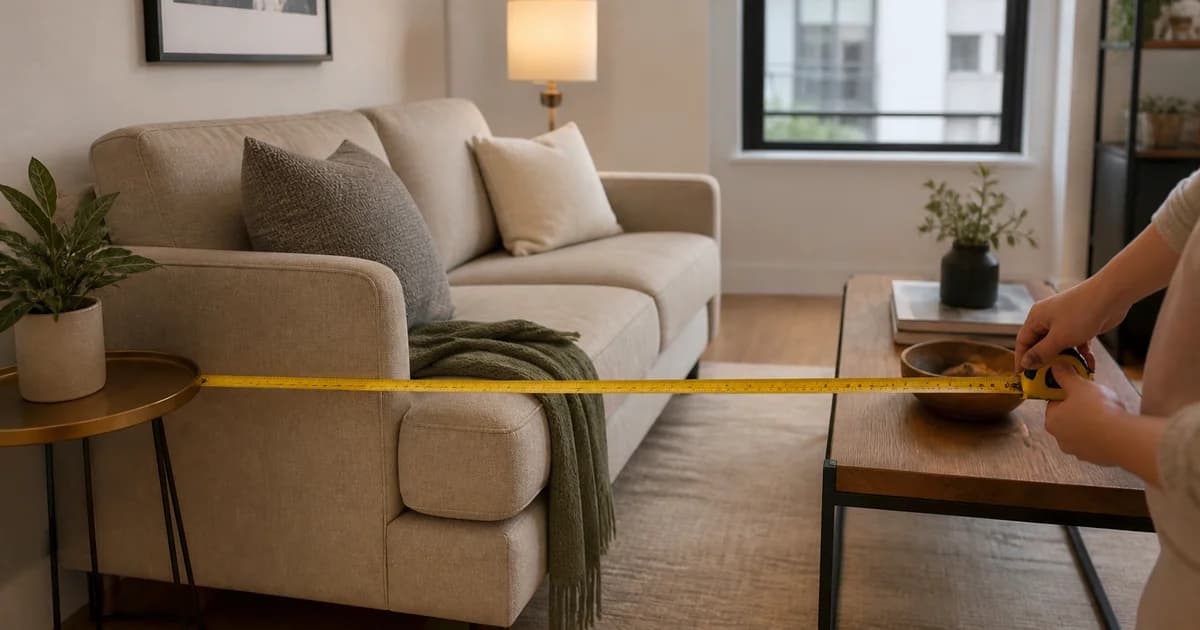
Consider the dimensions, door swing, window position and fixed features. A desk needs workable depth and access; a guest-room concept needs realistic furniture clearance.
Avoid assigning several incompatible uses to the same small room simply because they sound attractive in a listing. A convincing concept should withstand a basic discussion of how someone would move through the space.
Show a meaningful alternative
Pixoate Virtual Staging AI can create room-purpose concepts from a suitable original photo. Choose a restrained arrangement and review the architecture and furniture scale.
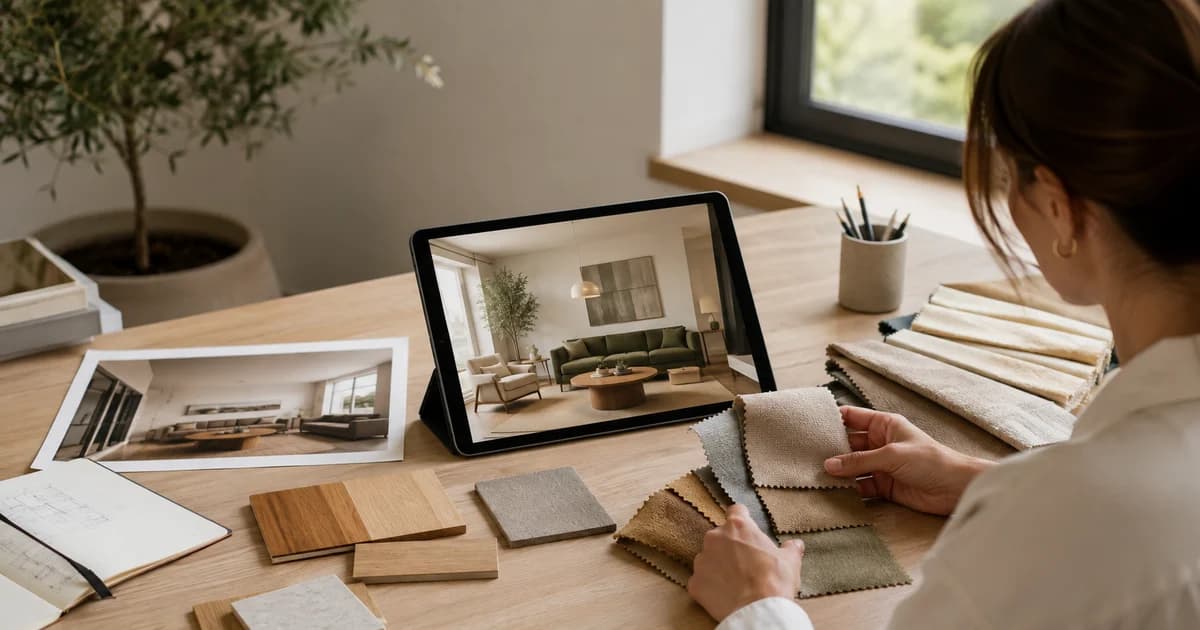
If two uses are plausible, Collage Maker can present labelled alternatives. For example, a workspace concept and a reading-room concept can make the decision concrete without suggesting that both arrangements exist simultaneously.
Keep the original image available. The concept describes a possible use; the original shows the existing room.
Let the image open a useful conversation
A prospective buyer might notice the window beside the proposed desk or ask whether a particular chair would fit. Those are more specific questions than whether the room is “a bit small.”
Answer them with verified property information and actual measurements. The staging image cannot establish exact fit or replace a floor plan.
Keep the purpose modest and believable
Oversized furniture and dramatic styling may make the image impressive while making the room less understandable. Select a concept that communicates a credible use for the actual space.
Label generated furnishing clearly and check the requirements of the listing destination. If the room is marketed as unfurnished, make the supplied inventory unmistakable.
The overlooked room does not need a fantasy identity. It needs a useful possibility that a viewer can assess. Explore that possibility with Pixoate Virtual Staging AI, keeping the real room's boundaries central to the story.