Virtual Staging for Empty-Room Listings: A Review Checklist
Create virtual furniture concepts for empty-room listing photos. Review architecture, scale and disclosure before using staged images in property marketing.
An empty room can be surprisingly difficult to explain in a property listing. Without a bed or sofa, buyers may struggle to judge how the space could be used. The room is real; the missing context is the problem.
Pixoate's virtual staging AI for empty-room listing photos creates furniture concepts from an uploaded property image. It can help a US real estate agent or UK estate agent illustrate a room's potential, as long as the original condition remains clear and the staging is disclosed appropriately.
Choose the room that needs an explanation
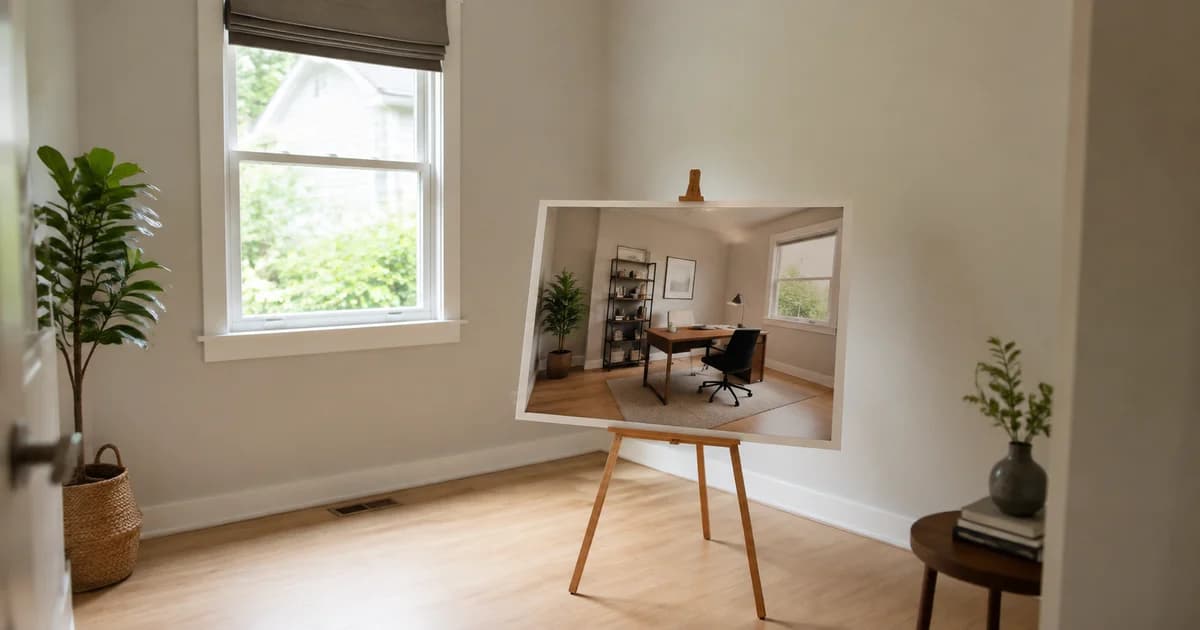
Start with a room whose purpose is hard to read: an empty living area, a spare bedroom or an awkward corner that could hold a desk. Do not assume every listing photo needs virtual furniture.
Use a sharp original taken from a natural viewing position. Extreme wide-angle distortion can already make a room difficult to judge. Adding furniture to that image does not turn it into a measured floor plan.
Before uploading, remove personal information from your working copy when it is not relevant to the listing, and confirm that you are authorised to edit and use the photograph.
How to virtually stage an empty room
- Open Pixoate Virtual Staging AI and upload the empty-room photo.
- Choose a suitable room direction, such as living room, bedroom, home office or dining room.
- Review the style instructions. Ask for proportionate furniture and preservation of existing walls, windows, doors and fixed features.
- Generate the concept and compare it carefully with the original.
- Keep only a result that communicates a plausible use of the space. Save it with a filename that distinguishes the staged image from the original.
A useful instruction is: “Stage this empty room as a modest living room with proportionate furniture and neutral decor. Preserve the existing windows, doors, radiators, flooring and camera perspective.” Instructions guide the model; they do not guarantee that every architectural detail will remain unchanged.
Review the features buyers could reasonably rely on
Look closely at room boundaries, ceiling height, door openings and window placement. Check that a sofa has not blocked access, a rug has not hidden a defect, and a new light fitting does not imply that an installation exists.
Compare each view of the same room. Independent generations can invent different furniture or layouts. Choose a consistent concept or explain the views as alternatives rather than presenting them as one furnished property.
The tool supports Premium batch staging for multiple photos. Review a representative result first, then inspect every final image before it enters a listing.
Disclose the staging where people see the image
Keep an unaltered photograph available and use a clear description such as “Virtually staged; furniture shown is illustrative.” Check the requirements of your listing platform, brokerage and applicable local rules before publication. A short label is not a substitute for meeting those requirements.
The National Association of REALTORS' reporting on enhanced listing photos discusses disclosure and original-image requirements that differ across jurisdictions and listing services. Do not assume one national caption covers every US listing. UK agents should likewise verify the requirements that apply to their marketing.
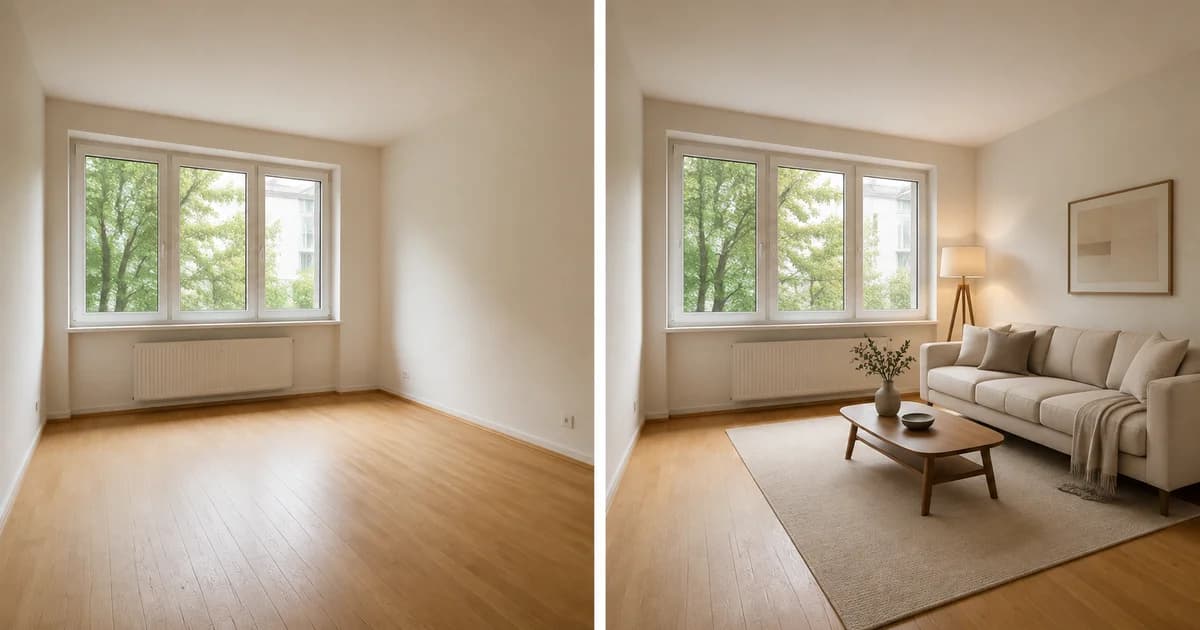
For an explanatory presentation, a before-and-after room photo collage can keep the original and concept together. Preserve the separate original files for platforms that require individual images.
Questions to settle before publishing
Will virtual staging make the property sell faster?
This guide does not promise a sales uplift or shorter listing period. The practical benefit is showing a possible room use more clearly. Price, condition, location and the rest of the listing still matter.
Does a generated bed prove that size will fit?
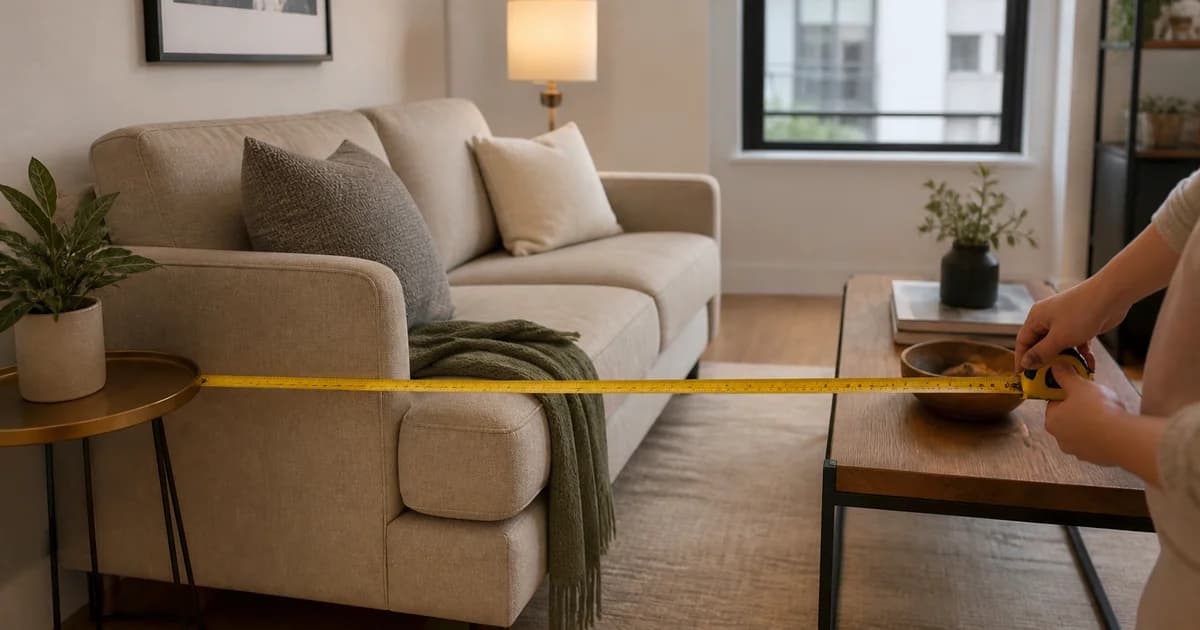
No. Measure the room and actual furniture. AI staging is a visual concept, not a dimensional guarantee.
Can staging hide damage or unwanted permanent features?
Reject results that misrepresent the property. Use accurate photographs to show its current condition.
Choose one hard-to-read room and create a disclosed virtual staging concept. A helpful listing lets buyers understand both the space that exists and the furnishing idea being suggested.