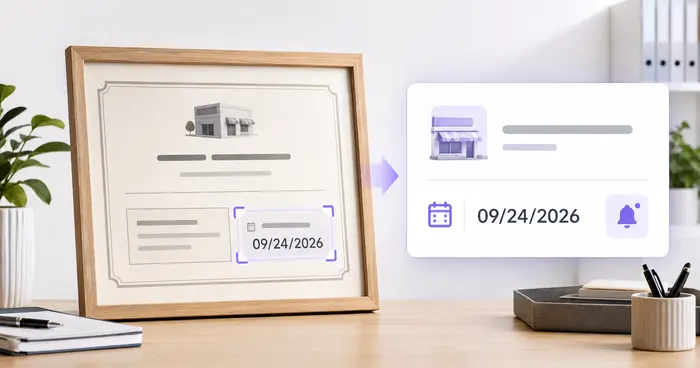
Physical tags stay isolated
A service date attached to one extinguisher is invisible to the office and difficult to compare across locations.
Administrative tracker only. It does not perform, certify, replace, or document a required inspection or maintenance procedure.
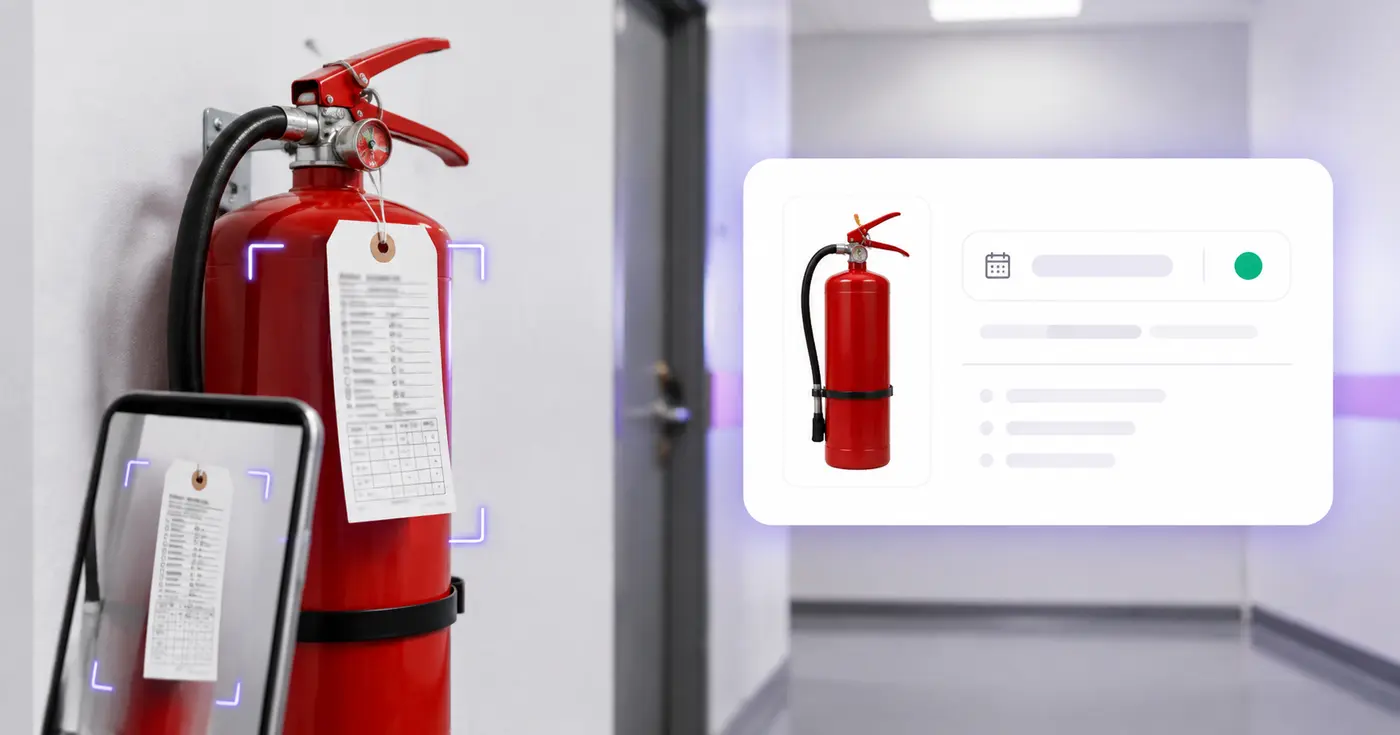
Inspection tags hang in hallways, kitchens, shops, and vehicles—while the follow-up date lives in nobody's calendar. Photograph each tag, verify the record, and create one service watchlist.
The Fire Extinguisher Inspection Tracker reads the details on an extinguisher's service tag and label and places the location, extinguisher ID, serial number, type, size, last inspection, next service and service company in an editable row. Photograph each tag, check the dates, then save a service watchlist with optional email reminders. It is an administrative tracker and does not perform or certify an inspection.
Capture the service tag, the unit identifier and the type or class marking, with enough context to place the unit. One unit per photo works well, and up to 25 photos go through in one run. Punched, handwritten, faded or reflective tags are the hardest to read, so tilt the camera to avoid glare and check every cell against the tag. The tool takes image files only.
Next Service Date is the required cell and the date reminders are based on. Use the date your qualified service provider or governing program has set and that you have checked on the tag, not a date worked out for you. Dates must be real calendar days written YYYY-MM-DD, so a tag that punches only a month and year needs a full date typed in. Last Inspection Date is a separate cell.
Reminders are offered at 90, 60, 30, 14, 7, 3 and 1 days before the date, with 30 and 7 preselected. They go to the verified email address on your account when the Product updates & account emails setting is on. Saved records lists units with the nearest service date first and counts what is overdue or due in the next 30 days, and Download saved register (CSV) gives a sheet you can filter by location.
The tracker records and reminds. It does not inspect an extinguisher, check pressure, placement or damage, or decide whether you meet a fire code. Required inspections and maintenance still have to be carried out and documented by qualified people. Dated supplies in the same building belong in an expiration and lot code list, and photos from a walk-through can become a captioned PDF report.
The real problem
The evidence is distributed across physical units. Without a simple register, teams discover a missing or outdated tag during an inspection, insurance request, or emergency-preparedness review.
A service date attached to one extinguisher is invisible to the office and difficult to compare across locations.
Workplace rules, fire codes, equipment type, local authorities, and service procedures can impose different duties.
Software cannot check access, pressure, damage, tampering, placement, or any other physical condition.
How Pixoate helps
Pixoate extracts common tag and label fields, keeps every value editable, and lets a signed-in owner schedule reminders against a date they verified. The app never marks an extinguisher compliant or inspected.
Capture the service marks, unit identifier, type or class, and enough context to identify the location.
Confirm the last inspection date, next service date, extinguisher details, and service company against your records.
Export CSV or save the row and select reminders from 90 days to 1 day before the verified date.
Maintain a location-based administrative list across offices, shops, warehouses, and common areas.
Collect service-tag details across front-of-house, kitchens, stockrooms, and leased units.
Track the extinguishers carried in trucks, trailers, equipment, and temporary work areas.
No. It only transcribes and tracks user-verified information. Required visual inspections and maintenance must be performed and documented by the appropriate qualified people.
For covered US workplaces, OSHA requires monthly visual inspections and annual maintenance checks, while other service intervals and local requirements can also apply. Confirm your exact obligations.
No. The app does not inspect physical condition, placement, accessibility, pressure, seals, agent, maintenance work, documentation, or local code compliance.
Use the next service date that your qualified provider or governing program has established and that you have verified. Do not let OCR infer a compliance deadline.
The register includes location, extinguisher ID, serial number, type or class, size or capacity, last inspection, next service, service company, and notes.
Yes. Add up to 25 images, ideally one unit or tag per image. Review every row because punched, handwritten, faded, or reflective tags can be difficult for OCR.
Use the Location cell, for example warehouse bay 3, and keep every unit in the one register. Download saved register (CSV) and filter by location in your spreadsheet. The tool has no separate folder for each building, so the location text is what tells the sites apart.
The Next Service Date cell stays empty and the record cannot be saved until you enter one. Take the date from your service provider's schedule or your own program, enter it as YYYY-MM-DD, then save. Do not guess a date from the last inspection.
Yes. Notes is a plain text cell in the row and in the CSV, so you can record a move, a replacement or an access problem next to the dates. It does not record a pass or fail result, because the tool does not perform inspections.
No. The tracker takes image files only, so a PDF is not accepted. Take a photo of each tag, or turn a PDF page into a picture with PDF to Images and upload that. Each picture should show one unit or one tag.
Open Saved records, choose the bin icon on that unit and confirm Delete. Deleting the record also ends its reminders. Download the saved register first if you want a copy of the history.
It keeps a service watchlist: location, unit ID, last inspection date, next service date, service company and notes. It does not record the result or sign-off of a monthly inspection, so keep those inspection records in the way your program requires.
Business licenses and permits renew on their own cycles, so track license and permit expirations too, and the service company's insurance can be logged with its certificate expiration. Facilities teams on the same walk-through can record electric, gas and water meter readings.
Tools for common next steps after Fire Extinguisher Inspection Tracker.
OCR & Data Extraction
Extract product dates and lot codes from label photos, build an editable watchlist and schedule optional reminders.
Try it nowOCR & Data Extraction
Extract license and permit details from documents, verify jurisdictions and dates, and schedule renewal reminders.
Try it nowOCR & Data Extraction
Turn equipment-label photos into an editable asset list with serial numbers, models, manufacturers, tags and CSV export.
Try it nowEvery photo crosses the slash untouched and comes out the other side finished.