
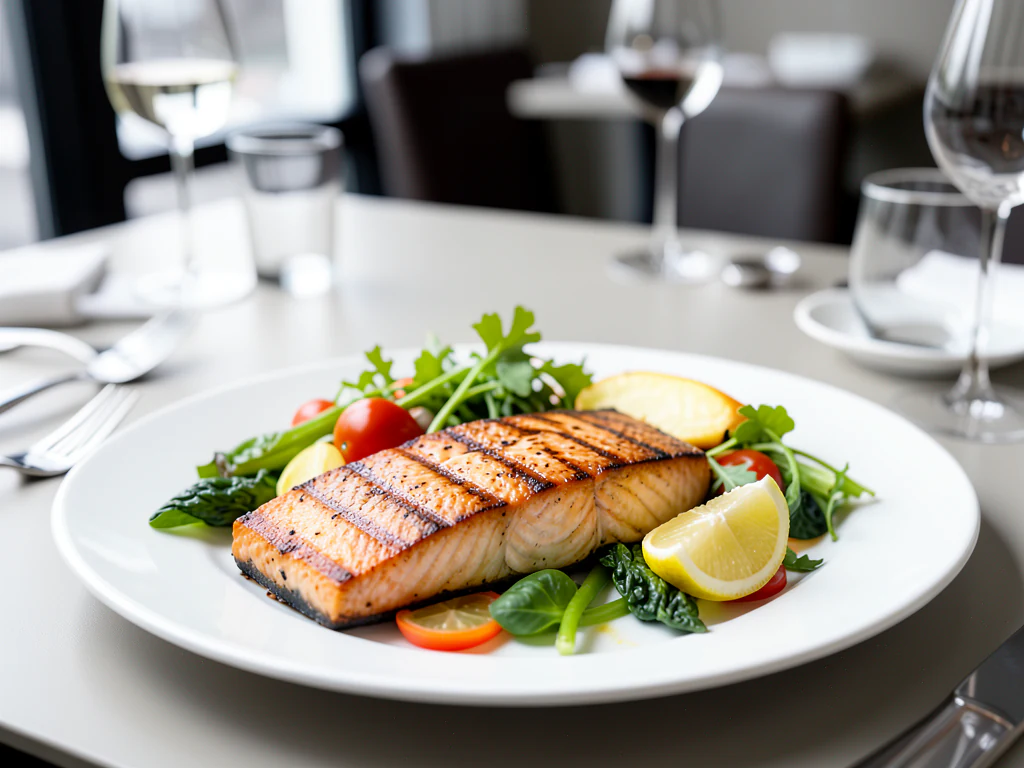
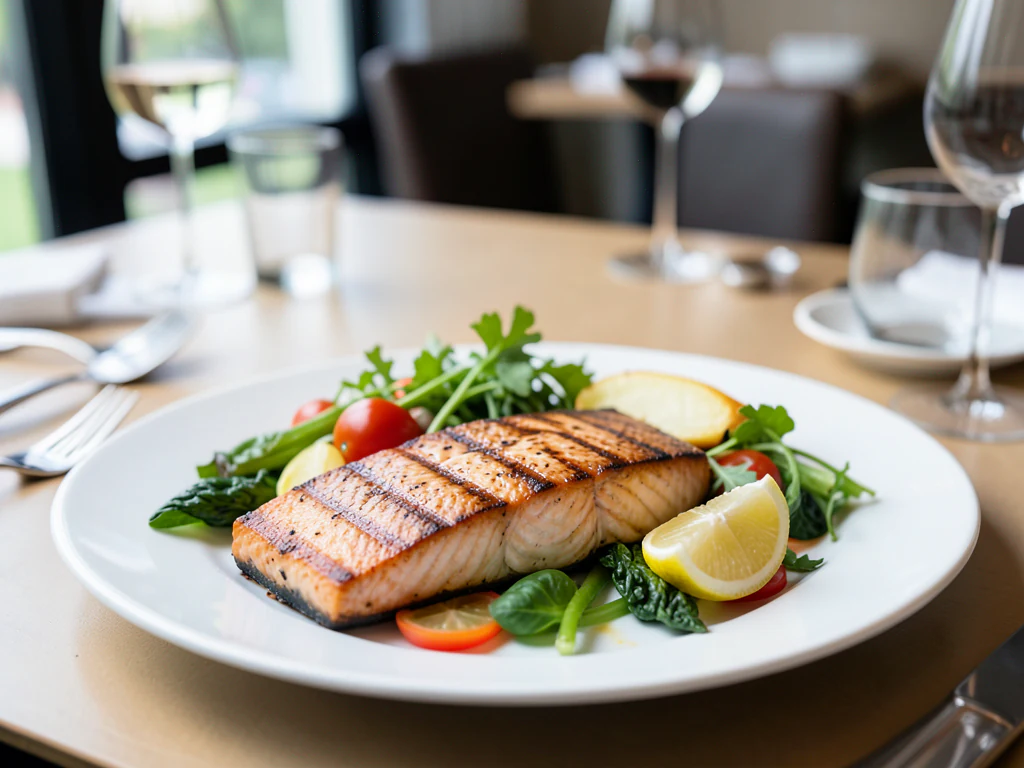
Menu Photo Generator
Generative output can vary; review the full result before publishing
A menu is a layout problem before it is a photography one: images must sit in a grid, share a visual weight, and read at a few centimeters across. This direction produces the clean, uncluttered dish presentation that a menu layout can actually use, while asking the AI to keep the plate as shot.
- Prepared Menu Photo Generator direction
- Editable prompt
- Source-detail review required
Choose a source image for Menu Photo Generator
JPG, PNG, WebP, HEIC, and other supported formats. Free up to 20 MB; Premium and higher up to 50 MB for this tool.
Producing a matching set of dish photos for one menu layout
A printed card or a QR menu is a grid, and a grid exposes every mismatch: one dish on marble, the next on wood, a third under yellow light. Settle the slot shape in your layout first, because this page has no shape picker and the result follows your framing. Then shoot every dish from the same height and distance, choose one look such as Bright marble, and reuse that exact prompt for the whole menu rather than trying a new one per dish.
Premium batch mode runs up to 60 dish photos with one prompt (200 on Pro) and returns a ZIP, which suits a full seasonal change. Open every file afterward; a batch applies the same direction, but each plate is still generated on its own. Print also needs pixels: free results come at web size, so take the original resolution with Premium or a credit before sending the menu to a printer.
Only add words to an image if your layout calls for it, and then place the dish name and price on the photo as a final step. Tables ordering by phone need a way in, so make a QR code that opens the online menu. Whatever the format, the portion in the picture should be the portion that arrives.
Menu photo generator: make dish photos that fit a printed or digital menu
This menu photo generator takes a photo of each dish you serve and builds a clean surface and backdrop around it, so a set of pictures can sit in a printed card, a QR menu or an ordering screen. You choose one look for the whole menu, compare each plate with its original and download PNG files. It prepares pictures. It does not lay out the menu.
Make menu photos in 5 steps
Decide the picture slot in your layout first, because the result keeps the shape of the photo you upload. Crop the dish photo to that shape, then run it through the page.
- Crop the dish photo to the slot shape, with the plate centered and a little margin.
- Upload it and choose one look under Styles.
- Select Generate Product background.
- Check the garnish, the portion and the rim against your original.
- Download the PNG, then use the same look for every other dish.
Pick one look that holds up at menu size
Menu photos are small, so the dish has to read first. Bright marble and Café table give light surroundings that stay open at a few centimeters across. Rustic table and Dark and moody give a darker frame that can print heavier than it looks on screen, so proof one on the paper you will use. Whichever you choose, use it for every dish on the card, and look at two dishes next to each other at the printed size before you commit the whole menu.
Prepare files for print and for screen
Without a paid plan the PNG downloads at web size, which suits a digital menu. For print, Premium or a credit returns the original resolution, up to 2048 px on the long side, which is roughly 7 inches at 300 dpi. A digital or QR menu opens faster with smaller files, so compress the finished photos and keep the PNG results as your masters.
Keep the menu honest about what arrives
A menu photo is a promise about the plate. Show the portion you actually serve, leave out sides that are not included, and compare each result with its original for count, garnish and sauce. The page changes the table and backdrop, not the plate, so a different plate means a different photo. Add dish names and prices as live text in your layout, not on the picture; place a name on an image only when the design needs it.
Set up for Menu Photo Generator
Prepared settings
- Starting point
- Upload one source image
- The page opens on the correct edit workflow; upload is the only required setup step.
- Prepared workflow
- Prepared Menu Photo Generator background direction
- Menu Photo Generator opens with the Menu Photo Generator direction preselected, so there is no need to find the operation manually.
- Output shape
- Same as your upload
- The result keeps the shape of the image you upload.
- Review rule
- Preserve the source subject and verify factual details
- Generated imagery can vary; the final result stays under the user's approval before download.
Best-fit uses
- A consistent image set for a printed or digital menu
- Photography for a menu board or ordering screen
- Refreshing menu images after a seasonal change
Frequently asked questions
- What makes a good menu photo?
- Clarity at small size. Menu images are viewed tiny, often on a screen at arm's length, so one dish filling the frame on a plain surface beats an artfully styled scene. Anything ambiguous at thumbnail size is easy to skip.
- Should menu photos be square or landscape?
- Match the layout you are designing into. The result keeps the shape of the photo you upload, so frame the dish in that ratio when you shoot rather than cropping later — cropping a plated dish tends to cut the plate edge awkwardly. Digital ordering systems often want square; printed menus vary by design.
- How do I keep a whole menu consistent?
- One surface, one light direction, one camera angle and distance for every dish. Consistency is what makes a menu look designed rather than assembled, and it is far more noticeable across a grid than any individual image's quality.
- Do menu images need to show the actual portion?
- Yes. A picture showing more than the plate that arrives is a common source of complaints and, in many markets, can break advertising rules. The AI is asked to keep the dish as shot, so photograph the portion you actually serve and compare the result with it.
- What size should menu photos be for a printed menu?
- Decide the slot first, because the result keeps the shape of your upload. Without a paid plan the PNG downloads at web size, which is too small for large print slots. Premium or a credit returns the original resolution, up to 2048 px on the long side, so check that against the printed size of each picture.
- Can I put dish names and prices on the photos?
- Not on this page, which leaves lettering out. Set names and prices as live text in your menu layout, where they stay sharp and can be changed without generating a photo again.
- Can I use two different looks on one menu?
- One look for the whole card is the safest rule. If you must vary, group by course, with one look for starters and another for mains, so each section reads as a set. Avoid more than two looks on a page, since mixed backdrops make a menu look assembled.
- How do I make photos for a digital or QR menu?
- Crop each dish to the same ratio, generate with one look, then reduce file size with the Image Compressor so the menu opens quickly on a phone connection. Keep the PNG results as your masters and save compressed copies for the menu.
- Can I use the same photos on the website, the printed card and social posts?
- Yes, from one master PNG. Keep the original-resolution file for print, make a compressed copy for the website and the menu screen, and crop a copy to the shape each social placement needs. If a dish would be cut awkwardly by a later crop, frame the photo for the tightest placement before you generate.
- Can I change the plate or add sides the dish did not have?
- The page changes the table and backdrop, not the plate. If you want a different plate, photograph the dish on that plate. Anything in Custom instructions that goes beyond the surface, such as new sides, risks showing food you do not serve.
What you can do with AI Product Scene Generator
Review the main capabilities before you begin.
- Build a scene around your product from a single photo
- Create editorial, ecommerce, and social campaign concepts
- Generate coherent props, surfaces, lighting, and shadows
- Ask the AI to keep the product as photographed
Settings reference
4 settings
Available controls for AI Product Scene Generator.
Workflow
- Single image or Batch imagesPresets
- Process one image, or use Premium Batch images to apply the same automatic recipe to a set and download one ZIP.Options: Single imageBatch images
Scenes
- One-tap presetsPresets
- Pick a ready-made direction with one tap; generation uses the selected preset automatically.Options: Bathroom counterKitchen lifestyleOutdoor lifestyleEditorial podiumSocial ad
- Custom instructions (optional)Text input
- Describe the requested change, relevant materials, lighting, perspective, and details that must remain unchanged.
Selection
- Selection brush sizeSliderRange: 4–160px · Default: 32px
- The subject area is found automatically. This brush appears only if that automatic area could not be found; paint the area to edit, then generate again.
Related tools for Menu Photo Generator
Tools for common next steps after Menu Photo Generator.

Product Photography Studio
AI Product Photos
Generate a background scene around your product. Describe the setting and review the result.
Try it now
Background Studio
Remove Background
Remove a photo background and download a transparent PNG. Review hair and edges before use.
Try it now
Background Studio
Background Changer
Replace a background with a photo, color, gradient or library design. Choose from 21,000+ backgrounds.
Try it nowWatch each transformation land
Every photo crosses the slash untouched and comes out the other side finished.























