
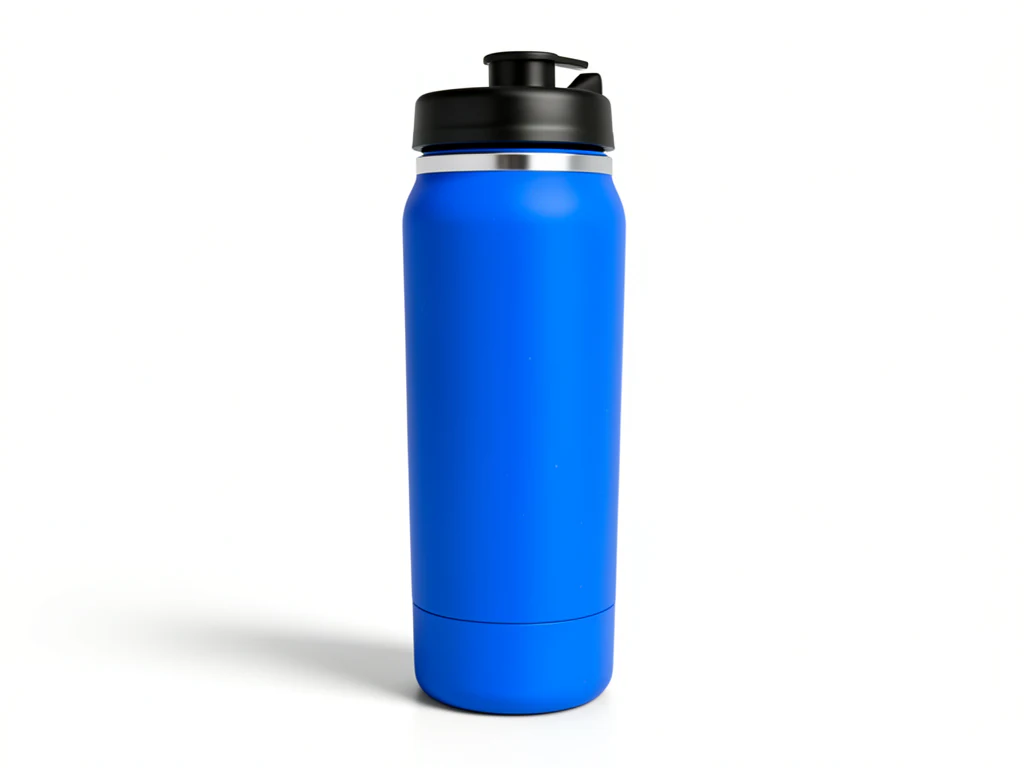

Amazon Listing Studio
Generative output can vary; review the full result before publishing
A listing is judged as a set, not as one photo. When the main image is bright and the next five are a jumble of angles, backdrops and color temperatures, the whole page reads as unfinished. This direction applies a single presentation across a range so a shopper swiping through sees one catalog, and each image is still reviewed on its own before it goes up.
- Prepared Amazon Listing Studio direction
- Editable prompt
- Source-detail review required
Generative output can vary; review the full result before publishing
Choose a source image for Amazon Listing Studio
JPG, PNG, WebP, HEIC, and other supported formats. Free up to 20 MB; Premium and higher up to 50 MB for this tool.
Building one consistent image set across an Amazon catalog
This studio is for the seller with many products, not one. Pick a single look, Plain white for main images or Warm surface for a secondary slot, and apply it to every product instead of writing a fresh prompt each time. Premium runs up to 60 photos in one batch and Pro up to 200, returned together as a ZIP of PNG files; on the free plan you work one photo at a time.
Consistency starts before the upload. Each result keeps the shape and framing of its source, so shoot the whole range from the same distance and camera height on the same table, ideally in one session. Mixed supplier photos at different crops still look mixed after the backdrop changes, so crop every source to one shape first.
A batch saves production time, not review time. Open each result at full size and compare it with its source: the label, the cap or closure, small printed text and the edge where product meets backdrop. The In use at home look puts a room around the item, which suits a secondary image only. Then check each file against Amazon's size and background rules before uploading.
Prepare Amazon product photos as one consistent listing image set
This Amazon listing studio rebuilds the backdrop around your own product photos so a listing's images read as one set instead of a mix. You upload photos you took, choose a plain or lightly styled look, and the page returns a PNG for each. It prepares images; it does not submit them to Amazon, write listing copy or confirm that an image meets current marketplace rules.
Create a main image for an Amazon listing
A main image is a clean picture of the item alone on a plain background. For a product photo for Amazon, start with the sharpest photo you have and frame the product large, because the page asks the AI to keep the size and position it had in your shot. If a supplier photo has too much empty space, crop it closer before you upload.
- Upload a sharp photo of the product with the whole item in frame.
- Under Styles, choose Plain white for a main-image candidate.
- Select Generate Product background.
- Open the result at full size and compare the label, closure and edges with your photo.
- Download the PNG and check it against current Amazon requirements for your category.
Choose between plain white, light gray, warm surface and in use at home
Plain white asks for a pure-white background with even, shadowless light, the product centered and generous empty margin. Light gray swaps in a soft gray backdrop with a faint contact shadow, which helps white or very pale products that would vanish on white. Warm surface sets the item on a neutral tabletop in soft daylight, and In use at home places it in a simple, tidy home setting with window light. The first is the main-image candidate and the others suit secondary slots. For a single main image rather than a set, the Amazon product photography page opens on that one job.
Check size and background before you upload
Listing rules cover more than the backdrop. Marketplaces also set minimum dimensions so shoppers can zoom, and a result that downloads at web size without a paid plan can fall below them, so unlock the original resolution with Premium or a credit before you upload. Then run each file through the Listing Image Checker, which measures an image against the published rules for Amazon, Walmart, eBay, Etsy, Shopify and Google Shopping.
Handle shiny packaging and small print
Shiny packaging tends to keep the reflections it had when you photographed it, so shoot beside a window with a white card nearby and keep dark objects out of view. On supplement bottles, boxes and anything with fine print, read every line of text on the result against the original, and regenerate or reshoot if a word changed. A plain image with a correct label is safer than a styled one with a changed word.
Set up for Amazon Listing Studio
Prepared settings
- Starting point
- Upload one source image
- The page opens on the correct edit workflow; upload is the only required setup step.
- Prepared workflow
- Prepared Amazon Listing Studio background direction
- Amazon Listing Studio opens with the Amazon Listing Studio direction preselected, so there is no need to find the operation manually.
- Output shape
- Same as your upload
- The result keeps the shape of the image you upload.
- Review rule
- Preserve the source subject and verify factual details
- Generated imagery can vary; the final result stays under the user's approval before download.
Best-fit uses
- Bringing an inherited catalog onto one visual standard
- Preparing a full image set for a new ASIN launch
- Refreshing a category that has drifted across several suppliers
Frequently asked questions
- How many images should an Amazon listing have?
- Amazon allows several per listing and sellers generally use all of them — a clean main image plus angles, scale, detail and context shots. The exact allowance varies by category and changes over time, so check Seller Central. What holds regardless is that a complete, consistent set answers more of a shopper's questions than two good photos.
- How do I keep a whole range looking consistent?
- Apply the same direction to every product rather than tuning each one. Consistency comes from a shared backdrop, light angle and framing. The backdrop is what this studio holds steady; the AI is asked to keep the angle and position of each product as you shot it, so photograph every item the same way. Per-product tweaking is what causes a catalog to drift in the first place.
- Can I process a whole product range at once?
- Yes, with Premium batch processing — batch is the natural fit for a catalog, and applying one approved direction across the range is what keeps a set coherent. Review every output individually before publishing; a batch run makes images faster to produce, not safer to skip checking.
- Are generated listing images allowed on Amazon?
- Amazon sets its own policy on image sourcing and it evolves, so confirm the current position before publishing. The durable rule is accuracy: the image must represent what the buyer receives. The studio asks the AI to keep the real product and build only its surroundings, but the whole frame is re-rendered, so check each result against the product you ship.
- Is this one of the Amazon product photography services?
- It is a tool you run yourself on photos you already have, not a photography service. It rebuilds the backdrop around each product photo; it does not send a photographer, shoot new angles or write listing copy. For new shots, such as packaging contents or unusual angles, a photographer is the right choice.
- Can I use the same images on Etsy, eBay and Shopify?
- The same prepared image can work on several stores, but each marketplace has its own rules for main images, background and size, so check them for every channel. Etsy, eBay and Shopify each have a listing studio of their own on this site, with a brief written for that store.
- Can I make A+ content or infographic images with it?
- The studio covers the photo, not the layout: it rebuilds the setting around a product photo. You can add short text afterward with Add Text to Image, while comparison charts, feature callouts and lifestyle collages are layout work for the Photo Editor.
- What if a white product disappears on the white background?
- Choose Light gray, which sets the item against a soft gray backdrop with a faint contact shadow, then zoom in on the outline. If the edge still looks thin or ragged, photograph the product against a darker plain surface so the outline is clear, and generate again.
What you can do with AI Product Photos
Review the main capabilities before you begin.
- Turn plain snapshots into studio-style product shots
- Drop products onto curated gradients and backgrounds
- Add a natural shadow for a realistic look
- Create listing-ready images for your store
- Upgrade e-commerce photos without a studio
Settings reference
4 settings
Available controls for AI Product Photos.
Workflow
- Single image or Batch imagesPresets
- Process one image, or use Premium Batch images to apply the same automatic recipe to a set and download one ZIP.Options: Single imageBatch images
Styles
- One-tap presetsPresets
- Pick a ready-made direction with one tap; generation uses the selected preset automatically.Options: White studioLifestylePremium podiumCatalog set
- Custom instructions (optional)Text input
- Describe the requested change, relevant materials, lighting, perspective, and details that must remain unchanged.
Selection
- Selection brush sizeSliderRange: 4–160px · Default: 32px
- The subject area is found automatically. This brush appears only if that automatic area could not be found; paint the area to edit, then generate again.
Related tools for Amazon Listing Studio
Tools for common next steps after Amazon Listing Studio.

Background Studio
Remove Background
Remove a photo background and download a transparent PNG. Review hair and edges before use.
Try it now
Background Studio
White Background Maker
Replace a photo background with white for product listings.
Try it now
Product Photography Studio
Listing Image Checker
Check a product image against the listed marketplace requirements. Review any flagged issues before uploading.
Try it nowHow AI Product Photos helps you get it done
Real problems it solves every day — for businesses, creators, and everyday tasks. Find the use case that fits you and start.
Consistent Marketplace Catalogs
Give every product the same clean gradient or white studio background with a matching shadow, so Amazon, Shopify and Etsy listing grids look uniform and premium.
Social & Ad Creative
Place products on gradients sized for Instagram, Pinterest and paid-ad layouts, then review the composite before export.
Guides for this tool
- Do Better Product Photos Increase Sales? What Online Stores Should MeasureCan better product photos increase sales? Learn what to measure, what can distort results and where Pixoate helps improve images worth comparing.
- How to Create AI Lifestyle Product Photos Without a Studio PhotoshootCreate AI lifestyle product photos with Pixoate. Explore settings for small business campaigns and review product shape, colour and scale before use.
Watch each transformation land
Every photo crosses the slash untouched and comes out the other side finished.























