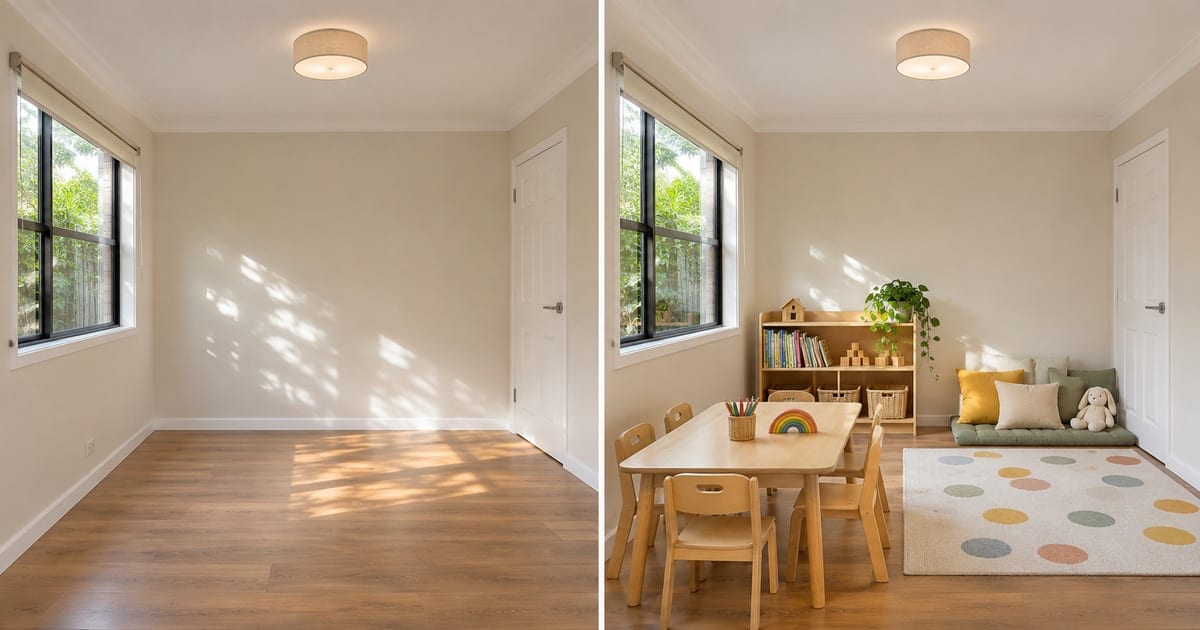
Empty Room to Kindergarten Room Converter
Generative output can vary; review the full result before publishing
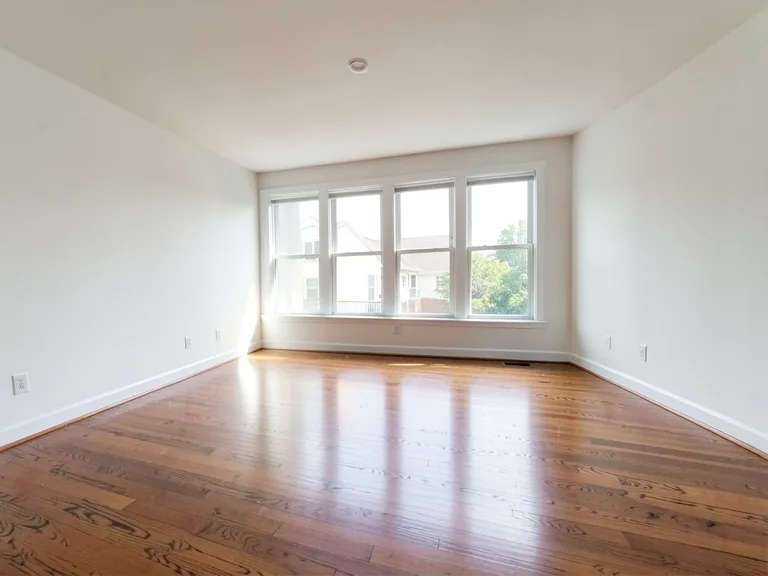
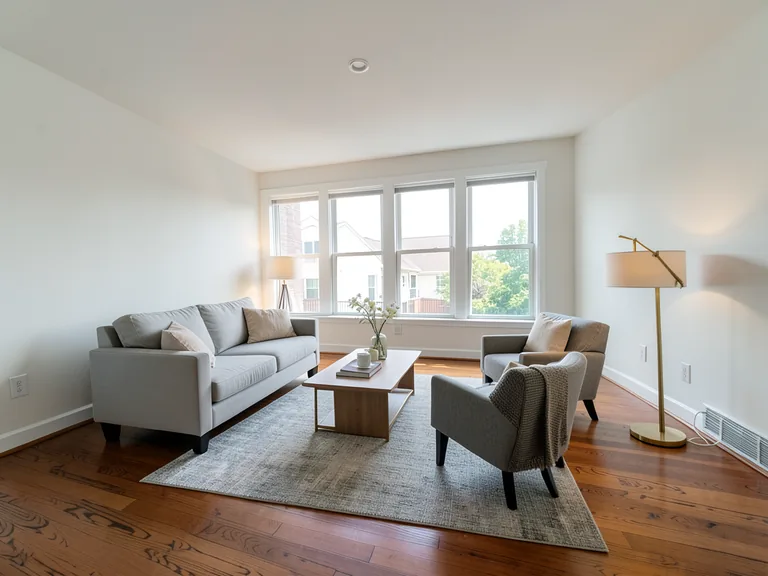
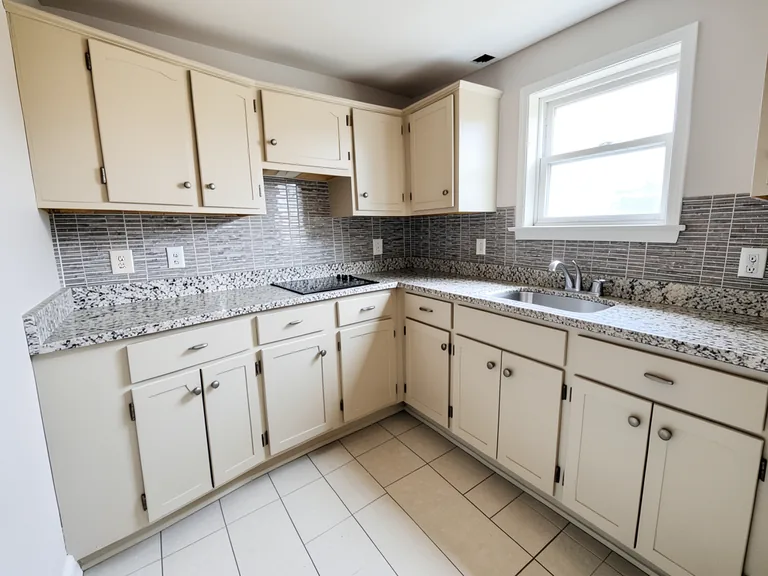
Setting up a kindergarten room at home, in a community space or in a rented hall means deciding on a dozen things at once: where the children sit, where they play, where the bags go. This page converts a photo of the empty room into a kindergarten room, with low tables, play mats, a reading corner and open shelves, so you can share a clear idea with the people helping you.
- Prepared Kindergarten Room direction
- Editable prompt
- Full-result review required
Choose a source image for Kindergarten Room
JPG, PNG, WebP, HEIC, and other supported formats. Free up to 20 MB; Premium and higher up to 50 MB for this tool.
Setting up a children's room that works for play and learning
A kindergarten room needs zones: somewhere to sit and learn, somewhere to play, somewhere to rest and somewhere for the bags. Photograph the empty room from the door and apply the kindergarten look, then add storage, plants and a rug to see the zones form.
Furniture at child height changes how a room feels, so check the scale in the result. Safety rules for children's spaces come from the relevant authority, not a picture. If you are fitting out a commercial premises, see the kindergarten fit-out.
Take the photo from the doorway so the whole floor shows, and mention the number of children in the custom instructions box so the AI sizes the tables to match. Bright colors work best as accents against calm walls.
Set up for Empty Room to Kindergarten Room Converter
Prepared settings
- Starting point
- Upload one source image
- The page opens on the correct edit workflow; upload is the only required setup step.
- Prepared workflow
- Prepared Kindergarten Room staging direction
- Empty Room to Kindergarten Room Converter opens with the Kindergarten Room direction preselected, so there is no need to find the operation manually.
- Output shape
- Same as your upload
- The result keeps the shape of the image you upload.
- Review rule
- Review the complete generated result before use
- Generated imagery can vary; the final result stays under the user's approval before download.
Best-fit uses
- Plan a kindergarten room in a home or community hall
- Decide where the play, reading and rest zones go
- Show parents or a landlord what the room will become
Frequently asked questions
- Is the layout safe for children?
- The picture is a visual concept at plausible scale. Safety, exits, ventilation and fittings need to be checked with the relevant authority and a qualified person before the room is used.
- Can I try different themes?
- Yes. Generate a calm neutral version and a bright playful version on the same photo, and use the add-on buttons for plants, wall art and rugs to compare them.
- What should I review in a Kindergarten Room result?
- Inspect faces, hands, object geometry, small details, perspective, readable marks, and any claim implied by the scene. Regenerate or reduce the requested change when something is inaccurate.
- What rights checks apply to a Kindergarten Room client project?
- Use only source material and references you have rights to, follow the destination platform rules, and obtain any required person or property permissions. Generated output still needs a human accuracy and rights review.
What you can do with AI Room Staging
Review the main capabilities before you begin.
- Plan complete-room furniture placement automatically
- Restyle living rooms, bedrooms, offices, and dining rooms
- Preserve fixed architecture and camera perspective
- Process property sets in Premium batch mode
Settings reference
5 settings
Available controls for AI Room Staging.
Workflow
- Single image or Batch imagesPresets
- Process one image, or use Premium Batch images to apply the same automatic recipe to a set and download one ZIP.Options: Single imageBatch images
Styles
- One-tap presetsPresets
- Pick a ready-made direction with one tap; generation uses the selected preset automatically.Options: Modern living roomScandinavianLuxury interiorHome officeBedroomDining roomBohemianIndustrialMid-century modernFarmhouseCoastalKids' room
- Custom instructions (optional)Text input
- Describe the requested change, relevant materials, lighting, perspective, and details that must remain unchanged.
Selection
- Selection brush sizeSliderRange: 4–160px · Default: 32px
- Automatic selection is the default. Open Refine area manually and set this brush width only when the image needs a tighter edit boundary.
Output
- Ask AI to preserve subject identity and product detailsOn / Off
- Adds an explicit instruction to retain the main subject, shape, branding, labels, and readable text unless the request changes them.
Related tools for Empty Room to Kindergarten Room Converter
Tools for common next steps after Empty Room to Kindergarten Room Converter.
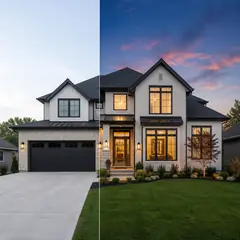
Virtual Staging & Property
AI Real Estate Photo Editor
Edit real-estate photos with AI: add furniture or a TV, paint walls, remove clutter, replace skies, improve landscaping, and create twilight exteriors.
Try it now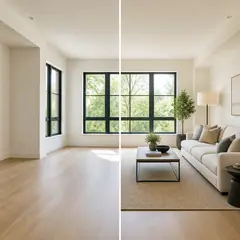
Virtual Staging & Property
Virtual Staging AI
Virtually stage empty rooms with AI furniture for real-estate listings. Create living room, bedroom, office, dining, and luxury concepts.
Try it now
Photo Enhancement
AI Photo Enhancer
Adjust noise, sharpness, color and scale in one enhancement workflow, then compare the result with the original.
Try it nowGuides for this tool
- How to Create Furnishing Proposals for Interior Design Clients with AICreate AI furnishing proposals for interior design clients with Pixoate. Compare room concepts and assemble clear presentation PDFs for discussion.
- Beautifully Staged, Believably Sized: Why Virtual Furniture Must Fit the RoomVirtual furniture needs believable proportions. Explore room-scale reviews and Pixoate comparisons that keep attractive staging concepts grounded in reality.
Watch each transformation land
Every photo crosses the slash untouched and comes out the other side finished.