


Clarendon Effect - Apply Clarendon filter style
Apply Clarendon filter style. Review the effect in the preview before download.
Upload Image
What you can do with the Clarendon Effect effect
Review the available effect capabilities before you begin.
- Apply the Clarendon Effect effect to any photo
- Fine-tune the effect strength to taste
- Preview your photo live as you edit
- Download your edited photo in high quality
- Apply Clarendon Effect to many photos at once
Clarendon Effect
Clarendon Effect
Apply Clarendon filter style
How to Use
Upload a photo, adjust the available settings, review the preview, and download the result.
Effect capabilities
Filter
Apply the effect and review the visual result.
Direct controls
Adjust the effect and review the preview before download.
Security and retention
Server-processed files are handled under our Security policy.
Related tools for Photo Effects
Tools for common next steps after Photo Effects.

Creative & Design
Photo to Cartoon
Turn a photo into classic, storybook, sticker, watercolor, or custom cartoon artwork with editable AI directions.
Try it now
Creative & Design
Pencil Sketch
Convert a photo into a pencil-sketch style image and adjust the shadow depth before download.
Try it now
Photo Editing & Utilities
Black & White Image
Convert an image to black and white. Adjust the intensity and preview the result.
Try it nowAll Photo Effects & Filters
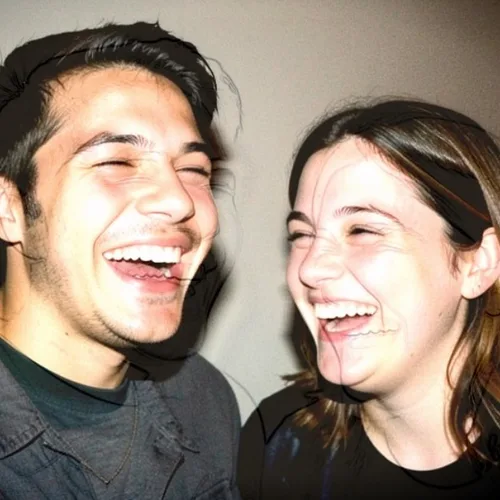
Disposable Direct Flash
Recreate the punchy frontal light and hard shadow of a disposable camera

True Golden-Hour Relight
Simulate warm golden-hour light from the estimated depth of your photo without repainting it

Smart Refocus
Keep one automatically detected main subject sharp with clean depth-aware background blur
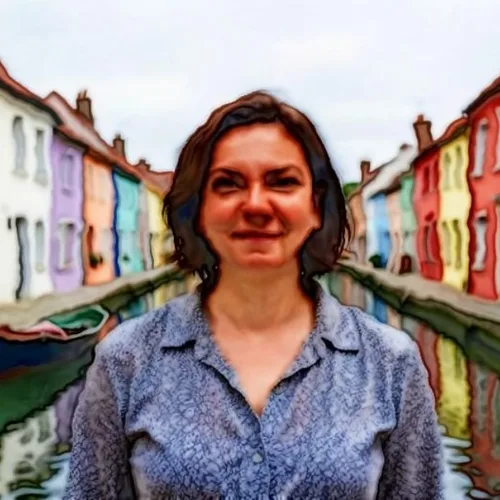
Watercolor
Turn photos into soft, hand-painted watercolor art
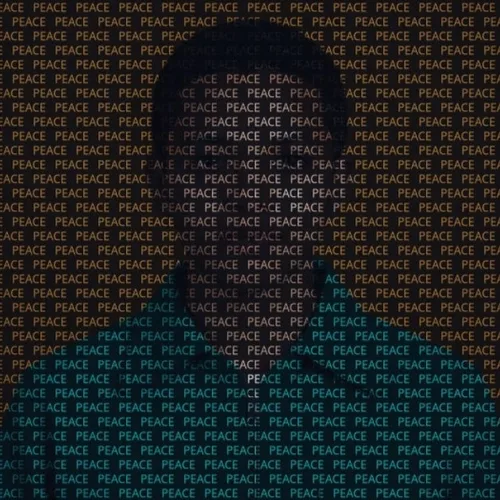
Text Painting
Rebuild a photo from a repeated word or name whose glyph color and opacity follow the original image
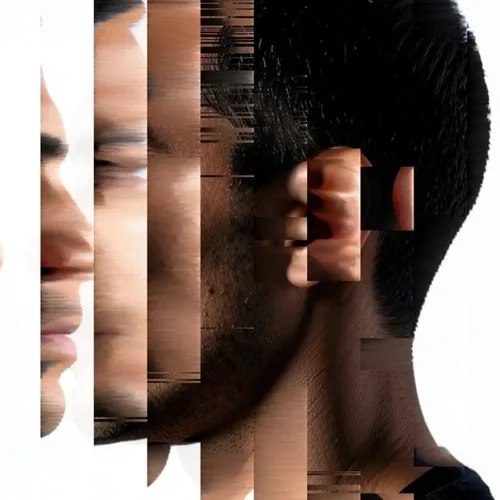
Pixel Sorting
Sort controlled pixel runs into sleek directional color streams
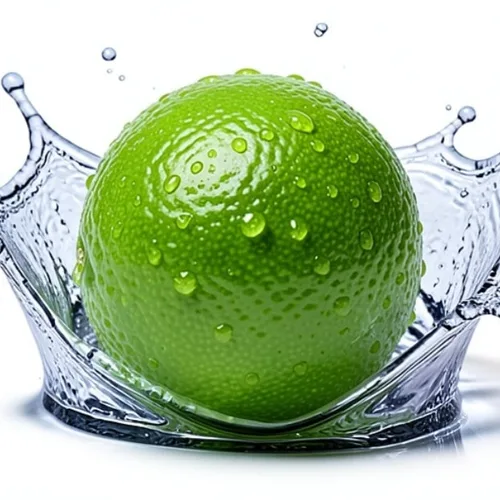
Product Splash Freeze
Surround a product with a studio-quality frozen liquid splash
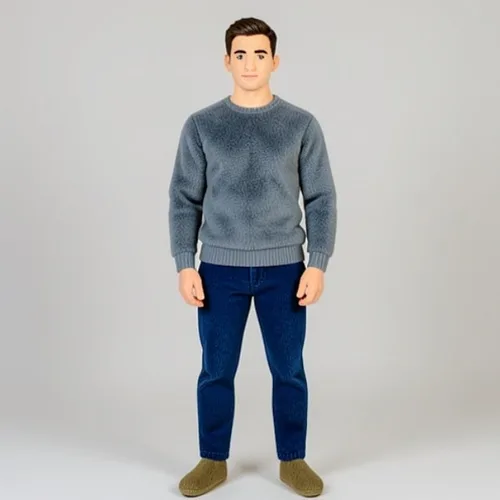
Plush-Toy Transform
Turn a person, pet, or object into a recognizable plush collectible
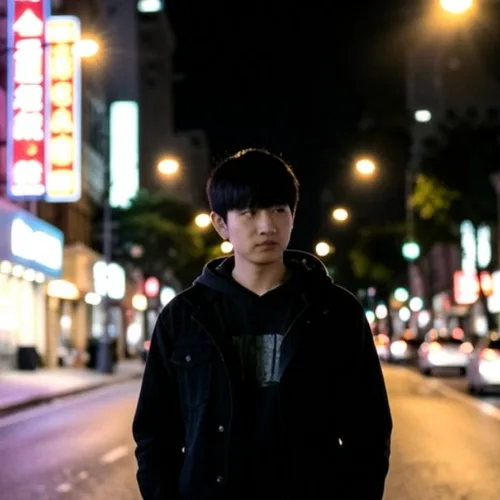
35mm Halation
Add authentic red-orange bloom around the brightest highlights
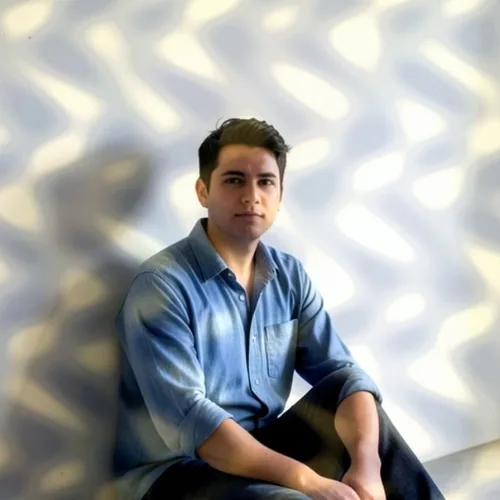
Dappled Sunlight
Cast broken leaf-filtered sunlight naturally across the photograph
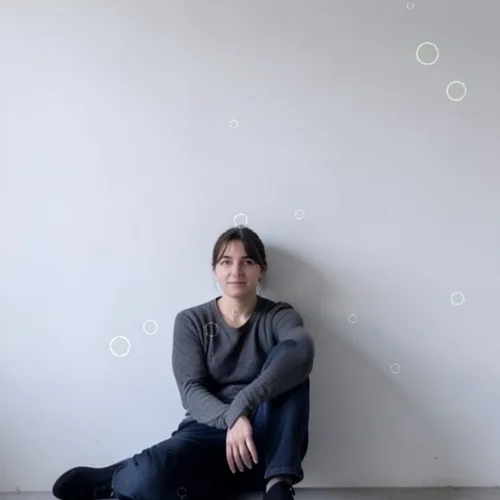
Rainy Window Refraction
Place refractive droplets and streaking rain between camera and subject
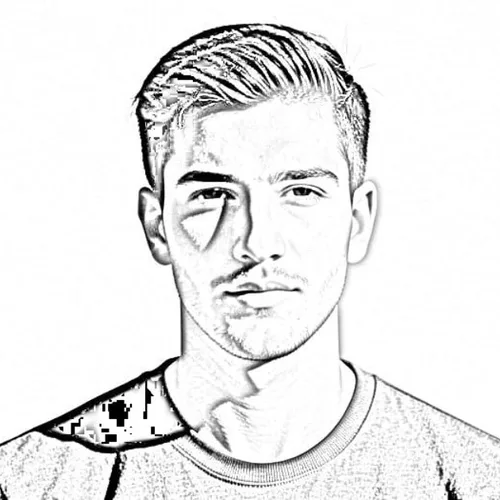
Pencil Sketch
Convert photos into detailed graphite pencil drawings

Tilt-Shift Diorama
Turn elevated streets and landscapes into miniature scenes with a clean depth-assisted focus band

Wigglegram 3D
Create a clean eight-frame depth loop where nearer and farther parts move by different amounts
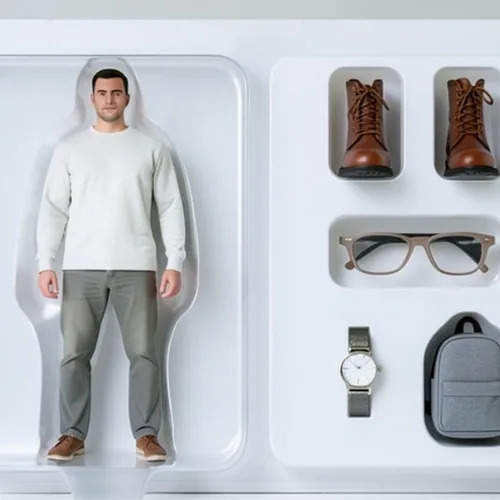
Action-Figure Packaging
Create a collectible action figure displayed in editable retail packaging
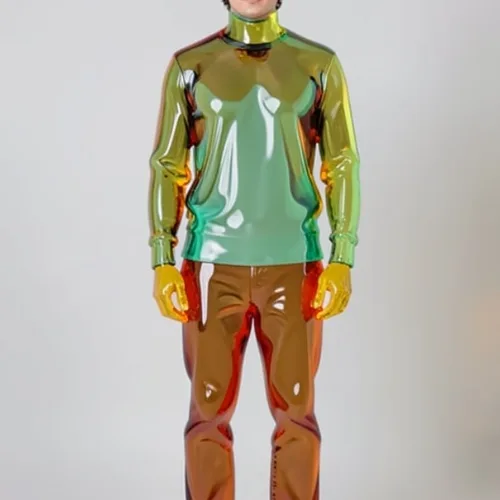
Gummy-Glass Subject
Transform the subject into translucent colored glass or gummy material
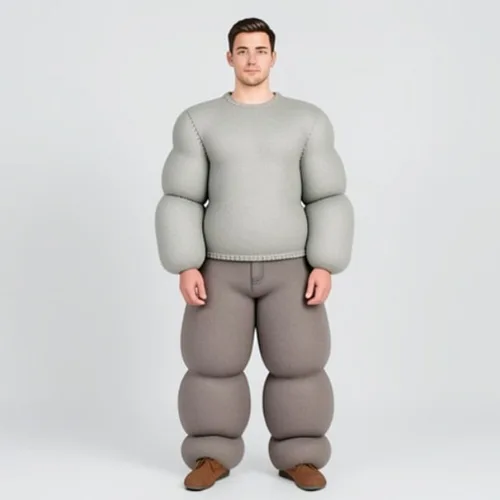
Inflatable Puffy Subject
Inflate the subject into soft rounded volumes with realistic seams
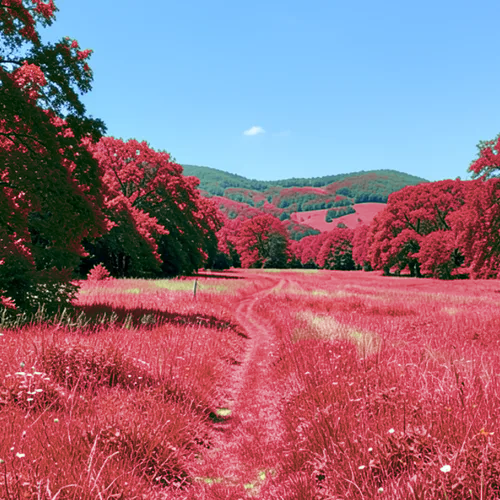
Infrared Aerochrome
Transform vegetation into vivid infrared reds while protecting other subjects

Ink Wash AI
Reduce the photograph to expressive ink, tonal washes, and negative space

Indian Cartoon AI
Create original Indian visual storytelling with lively shapes, color, and character
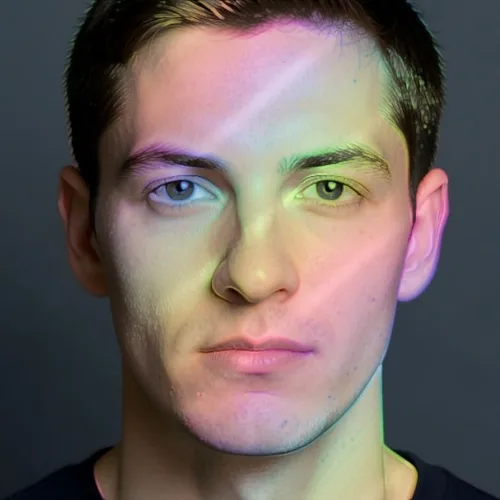
Holographic Foil Print
Overlay selected forms with angle-shifting diffraction colors
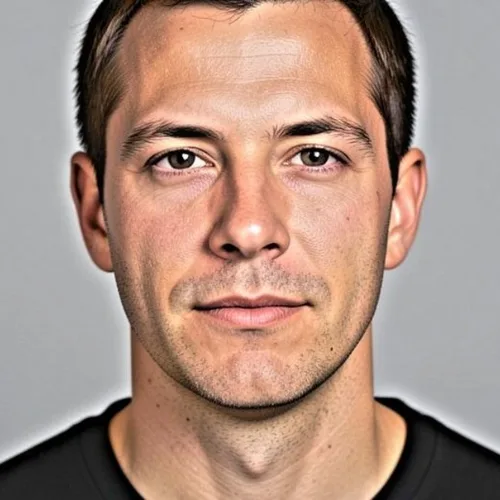
HDR Effect
High dynamic range with enhanced contrast and saturation
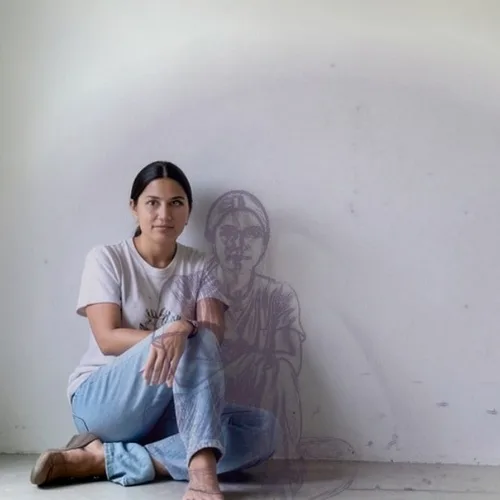
Graphic Cast Shadow
Project a bold editorial shadow from the photographed subject
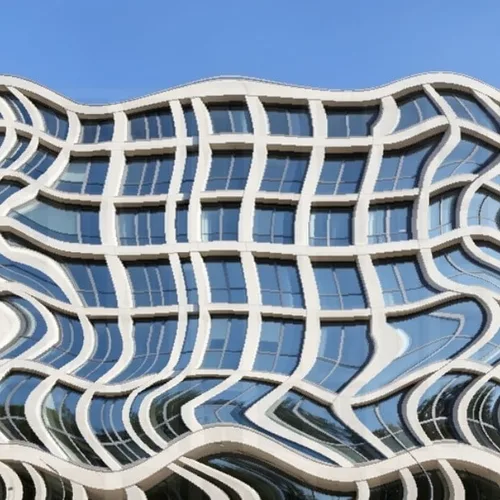
Elastic Reality Warp
Bend the scene dramatically while protecting faces, text, and logos
See the featured effects in motion
The strongest effect picks lead this belt before the rest of the catalog.





















