Real Estate & Rental Listing Photo Tools
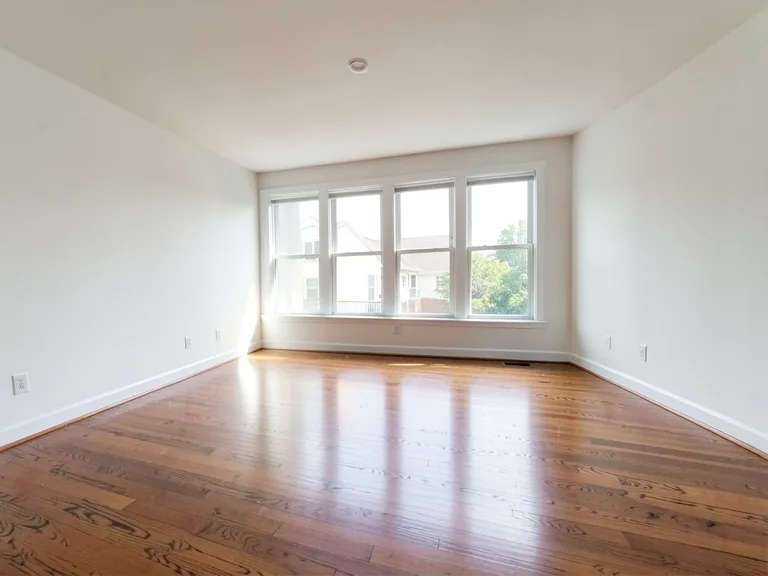
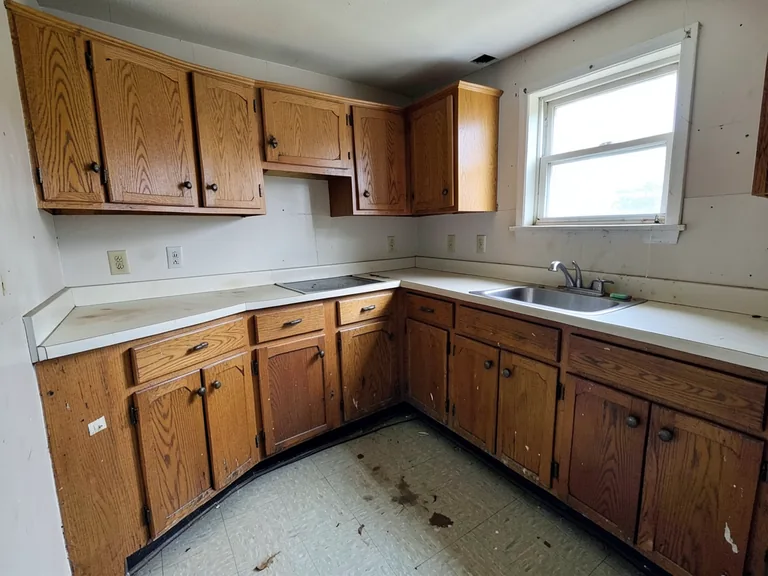
Get listing and vacation-rental photos ready: stage rooms, clear clutter, turn day shots into dusk and polish every photo.
Real Estate & Rentals tools
AI Real Estate Photo Editor
Edit real-estate photos with AI: add furniture or a TV, paint walls, remove clutter, replace skies, improve landscaping, and create twilight exteriors.
Try it nowDay to Dusk AI
Turn a daylight exterior into a warm twilight concept with lit windows and a dusk sky.
Try it nowAirbnb Virtual Staging
Stage an empty or sparse short-term rental to show its potential, clearly disclosed, while keeping fixed architecture as photographed.
Try it nowAirbnb Photo Optimizer
Improve light and presentation in short-term rental photos, without adding amenities or changing the space guests arrive to.
Try it nowVacation Rental Photo Editor
Polish vacation rental photos while keeping the rooms, layout and amenities exactly as guests will find them on arrival.
Try it nowRental Listing Photo Enhancer
Brighten and clean up long-term rental listing photos while keeping the property, its condition and fixtures accurate and truthful.
Try it nowBrowse every ready-made page
AI Real Estate Photo Editor8 pages
By use case
- Declutter Room Real Estate Photo Editor
- Remove Furniture Real Estate Photo Editor
- Day to Dusk Real Estate Photo Editor
- Landscaping Real Estate Photo Editor
- Renovation Preview Real Estate Photo Editor
- Sky Replacement Real Estate Photo Editor
- Lighting Enhancement Real Estate Photo Editor
- Listing Photo Cleanup Real Estate Photo Editor
Airbnb Photo Optimizer22 pages
By room
By use case
More in Virtual Staging & Room Visualizers
Real estate and rental listing photo tools for agents, owners and hosts
A listing photo has one job: make someone want to see the place. These tools help you prepare photos for a sale, a rental or a vacation-rental page by furnishing bare rooms, clearing clutter, turning a daytime exterior into a dusk shot and polishing the whole set. Each result is a concept that you review against the original before you publish.
Edit a listing photo for sale or rent
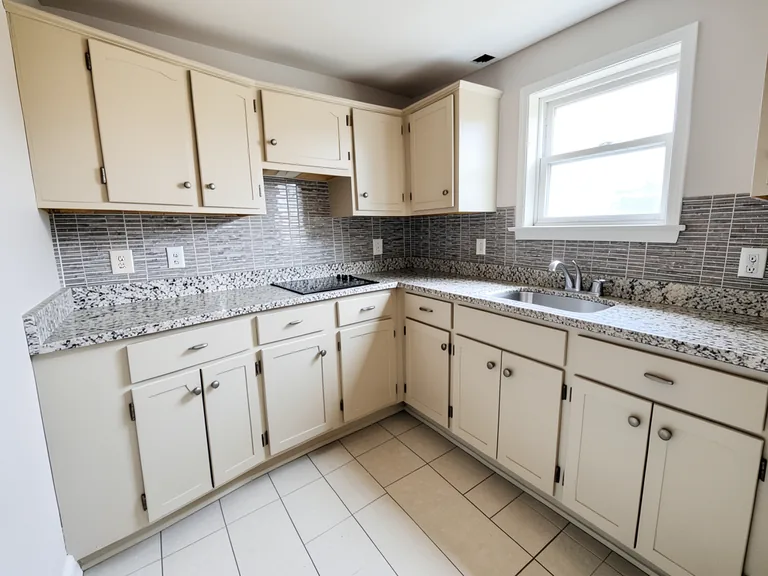
The Real Estate Photo Editor groups the jobs agents repeat most: clearing a room, removing furniture, replacing a gray sky, brightening interior light, adding landscaping and previewing a small renovation. Open the task that matches the photo in front of you, and it starts with a prepared direction you can adjust.
Turn a daytime exterior into a dusk photo
Day to Dusk re-lights an exterior photo with the warm glow of evening while the property itself stays as photographed. It suits listings where the daytime shot looks flat. Compare it with the original and keep whichever version shows the property more honestly.
Stage a vacation rental or a spare room
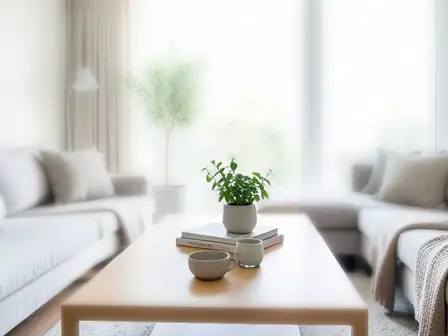
Airbnb Virtual Staging furnishes rooms in an interior style that suits a short-stay guest, and the Vacation Rental Photo Editor handles the wider job of tidying rental photos. Guests book what they see, so show amenities that are really there and label staged images clearly.
Get a full set of rental photos consistent
The Airbnb Photo Optimizer has ready-made pages for each room, each style and each photo role, such as a listing cover, an amenity highlight or a small space. The Rental Listing Photo Enhancer improves light and presentation while keeping the rental truthful, so the gallery reads as one place.
- Start with the cover photo and choose the page that matches it.
- Work through each room with the same style.
- Compare every result with its original.
- Order the gallery so the strongest rooms come first.
Edit photos in the order buyers see them
Buyers scroll quickly, so the first photo carries the most weight. Start with the exterior or the best room, fix the sky or the light, and then work inward through the living spaces. Clearing a cluttered corner in the first three images often does more for a listing than perfecting the fifth bathroom shot.
Stay truthful so the listing earns trust
Edits should improve presentation, not hide what a visitor will find. Remove personal clutter and fix poor light, but leave out changes that alter size, condition or location, such as deleting a power line or adding a view. Staged furniture should be labeled, and the original photos should be ready for anyone who asks to see the room as it is.
Listing photo checks
- The edited photo matches the property that will be shown.
- Staged rooms are labeled as virtually staged.
- Sky and lighting changes look natural.
- The original photos are kept for viewings and disputes.
Frequently asked questions
- Can I use edited photos in a property listing?
- Often yes, as long as they do not mislead. Many listing platforms and local rules require staged or altered images to be labeled. Check the rules where you publish and keep the original photos available.
- What can the Real Estate Photo Editor change?
- It covers clearing rooms, removing furniture, replacing the sky, improving interior lighting, adding landscaping and previewing renovations. It is built for focused edits, so name the one change you want per image.
- Will day to dusk change the house itself?
- The edit is meant to change the light and sky, not the building. Compare the dusk image with the original and check windows, rooflines and signs before you publish.
- Is there a tool just for vacation rentals?
- Yes. Airbnb Virtual Staging furnishes rooms for short stays, the Vacation Rental Photo Editor tidies and improves rental photos, and the Airbnb Photo Optimizer has pages for each room, style and photo role.
- Should a rental photo show amenities the property does not have?
- No. Guests judge a booking by the photos, so show amenities that exist and keep staged furniture clearly separate from fixtures. Accurate photos lead to better reviews and fewer disputes.
- Can I fix a gray sky in an exterior photo?
- Yes. The Real Estate Photo Editor includes a sky replacement task. Pick a sky that matches the light on the building, so shadows and reflections still make sense.
- How do I keep a whole gallery consistent?
- Use the same style for every interior and the same lighting direction for every exterior. The Premium batch option on the staging tools can apply one style to a queue of room photos.
- What if the result changes something it should not?
- Generate again with a shorter instruction that names what to keep, such as the window and the door. If a detail keeps drifting, crop the photo tighter around the area you want to change.
Watch each transformation land
Every photo crosses the slash untouched and comes out the other side finished.