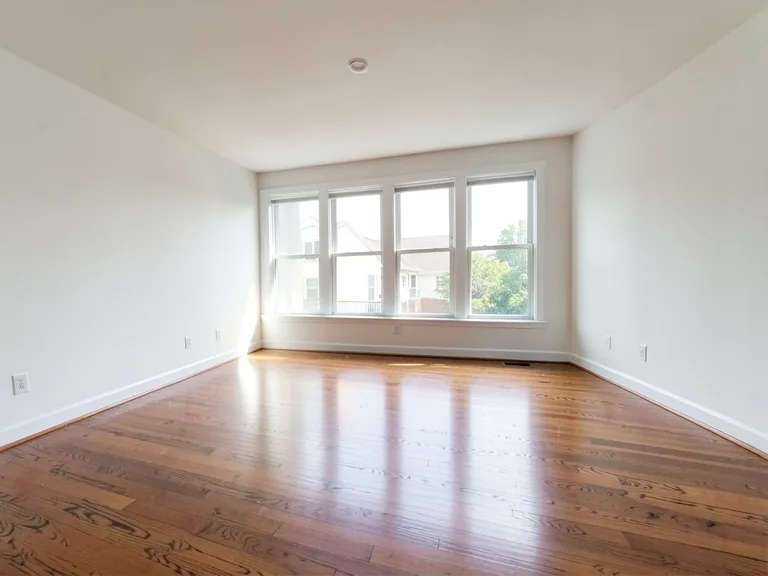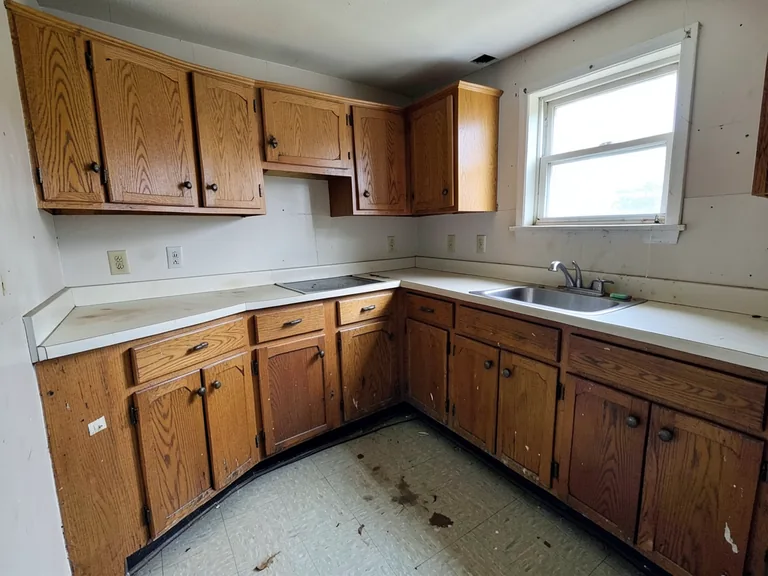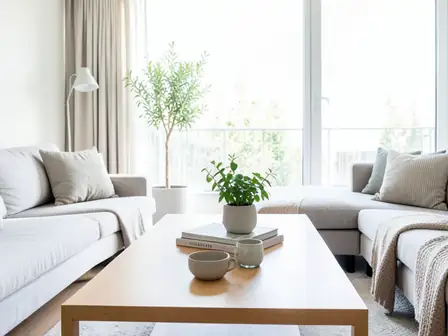
Furniture Visualizer Tools
Preview sofas, chairs and full furniture layouts in a photo of your own room.
Furniture Visualizers tools
AI Furniture Visualizer
Place furniture into a photo of your own room at believable scale while keeping the walls, windows and floor exactly as photographed.
Try it nowSofa Visualizer
See how a sofa might look and sit in your own living room photo, with believable scale, perspective and a contact shadow on the floor.
Try it nowChair Visualizer
Place a dining, desk or accent chair into a photo of your own room to check proportion, style and spacing at believable scale before you buy.
Try it nowPut Furniture in a Room
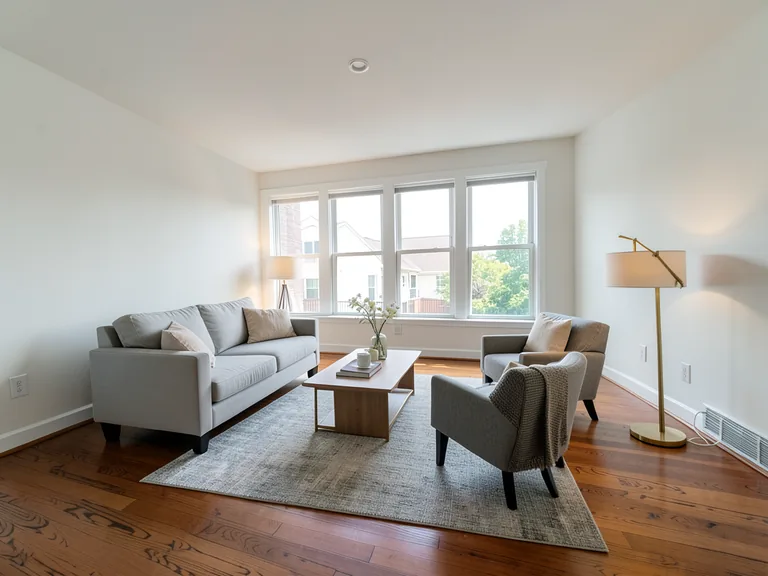
Fill an empty or sparse room with a coherent furniture layout at believable scale while keeping the room's structure unchanged.
Try it nowBrowse every ready-made page
AI Furniture Visualizer33 pages
By furniture type
- Sofa Furniture Visualizer
- Sectional Furniture Visualizer
- Chair Furniture Visualizer
- Dining Table Furniture Visualizer
- Coffee Table Furniture Visualizer
- Bed Furniture Visualizer
- Wardrobe Furniture Visualizer
- Dresser Furniture Visualizer
- Desk Furniture Visualizer
- Bookshelf Furniture Visualizer
- TV Unit Furniture Visualizer
- Cabinet Furniture Visualizer
- Rug Furniture Visualizer
- Lamp Furniture Visualizer
- Outdoor Furniture Furniture Visualizer
By room
By style
- Modern Furniture Visualizer
- Minimalist Furniture Visualizer
- Scandinavian Furniture Visualizer
- Farmhouse Furniture Visualizer
- Luxury Furniture Visualizer
- Industrial Furniture Visualizer
- Coastal Furniture Visualizer
- Bohemian Furniture Visualizer
- Mid-Century Modern Furniture Visualizer
- Traditional Furniture Visualizer
More in Virtual Staging & Room Visualizers
Furniture visualizer: see sofas, beds and layouts in your own room
Buying furniture from a catalog photo is a gamble. These tools place furniture in a photo of your own room at a believable scale, so you can compare a sofa shape, a bed size or a whole layout before you order or move anything. Choose a piece, a room or a style, then check the result against the real space.
Try a single piece of furniture
The Sofa Visualizer and the Chair Visualizer are focused on one piece. Describe the shape, the color and the fabric you are considering, and see how it sits against the wall and the floor. Because the room stays as photographed, you can judge proportions against the windows and doors.
Furnish a whole room
Put Furniture in a Room adds a coherent layout rather than a single item, with buttons for common pieces such as a sofa, a bed or a dining table. The Furniture Visualizer goes further, with pages for each piece, each room and each style, so you can start closer to what you need.
Compare two or three options
Generate the same room with different pieces and keep the results side by side. Changing one thing at a time, such as the sofa color while the layout stays, makes the differences easy to see. Save the images you like and use them when you talk to a seller or a designer.
- Upload a photo with the full floor area in view.
- Choose the piece or the style you want to test.
- Add details such as color or material in the instruction.
- Generate, then change one detail and generate again.
Check scale before you buy
A preview helps with shape and style, but it cannot measure your room. Take real measurements of the space and the piece, and leave room for walking paths and open doors. Treat the image as a guide to taste, and the tape measure as the final word.
Match the style of the room
Furniture looks right when it suits the room around it. Choose from ready-made styles such as Scandinavian, farmhouse, industrial or mid-century modern, and try the same piece in two of them. A sofa that looks heavy in one style can feel light in another, which is exactly what a preview is for.
Plan the walking path around the piece
People move through a room, so leave space to pass. A preview can suggest a layout, but it cannot test whether a door swings open or a chair can be pulled out. Mark the floor with tape at the real size of the piece and walk around it before you decide.
Before you order furniture
- Measure the wall and the floor space.
- Check the piece fits through the door.
- Leave a clear walking path.
- Compare fabric and color with a physical sample.
Frequently asked questions
- Can I add my own sofa to the photo?
- You describe the sofa in words, with its shape, color and fabric, and the tool generates a matching piece. It does not copy a specific product, so use the preview for style and proportion rather than for an exact match.
- Is the furniture shown at the right size?
- The tools aim for believable scale and perspective, but they cannot know your exact measurements. Measure the room and the piece yourself before you buy, and treat the image as a guide.
- Can I try outdoor furniture on a patio?
- Yes. The Furniture Visualizer has pages for outdoor furniture and for patios, and the same photo-based approach applies. Include the floor area of the patio in the picture.
- Which tool should I use for a whole living room?
- Put Furniture in a Room suits a full layout, and the Furniture Visualizer has a page for living rooms. For a single piece, the Sofa Visualizer or Chair Visualizer is quicker to steer.
- Can I keep the furniture I already own?
- Name the pieces to keep in the instruction and describe only what you want added. If old items keep appearing or disappearing, clear the room first and place everything again.
- How do I compare styles quickly?
- Open the page for each style, such as Scandinavian, farmhouse or mid-century modern, and use the same photo each time. Keeping the photo constant makes the style the only difference between results.
- Why does the result look different from the product I want?
- The image is generated from your description, not from a product listing. Add the material, the leg style and the color to the instruction to get closer, and compare with a physical sample before buying.
Watch each transformation land
Every photo crosses the slash untouched and comes out the other side finished.