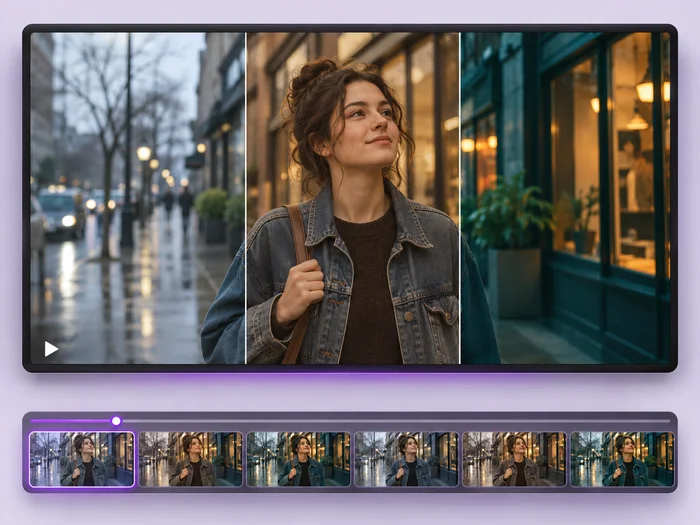
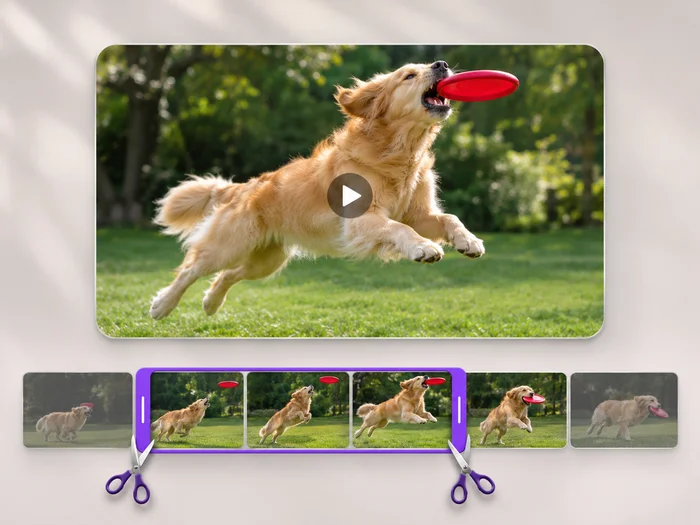
Intros and hooks
Tell viewers what the video is about in the first second, before they turn the sound on.

Illustrative preview
Starts with a large display-font title
Put a bold headline on your video. A large title in a display font is ready on the picture; type your words, place them and export an MP4.
MP4, MOV, WebM · Checking your upload limit…
Files are uploaded for processing. Uploads and finished videos are automatically deleted within 24 hours.
A large title in a bold display font sits on the picture as soon as the video loads. Double-click it to type your own words.
Drag it to the top or the middle of the frame and resize it from the corners. Keep it clear of faces.
Add an Outline color or a Background so the title stands out over bright or busy footage.
Press Add text to video. The title is written into every frame of the downloaded MP4.
Tell viewers what the video is about in the first second, before they turn the sound on.
Label each part of a series with the same font and placement for a consistent look.
Name the occasion, the date or the place on a wedding, party or trip video.
Text shows for the whole exported clip. Export a short opening clip with the title, then join it to the rest with the video merger.
Yes. Pick another font from the Font list; bold display fonts, handwritten scripts and clean sans fonts are all available.
Big enough to read on a phone at a glance. A title that spans about half the width of the frame works well for most clips.
Yes. Press Add text for a second layer, make it smaller and place it under the title.
Every setting is also on the main page: Add Text to Video.
Tools for common next steps after Add Text to Video.
Video Tools
Give a video a new look: color filters, brightness and contrast, blur, speed changes and fade in or out. See every change live before you export.
Try it nowVideo Tools
Make every common edit in one go: cut, crop, rotate, flip, add text and effects, change speed, then resize or compress. Preview it all before you export.
Try it nowVideo Tools
Cut the start, the end or a section from the middle of your video. Preview the exact part you keep, then download an MP4 without a watermark.
Try it nowEvery photo crosses the slash untouched and comes out the other side finished.