Mood and storytelling
Give a memory, a flashback or a music clip a timeless, emotional tone.
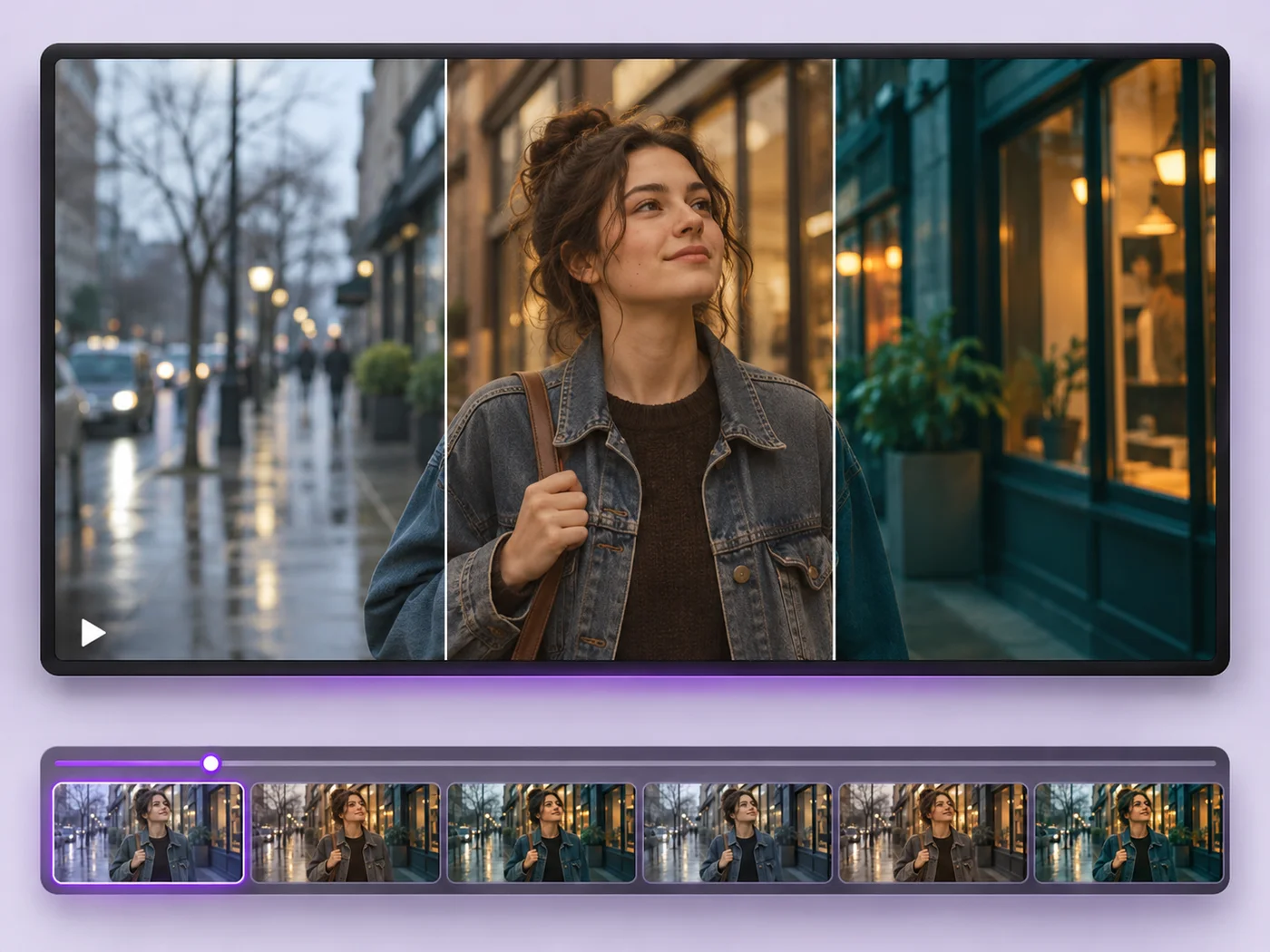
Illustrative preview
Starts with the Black & white effect
Turn a color video into black and white. The filter is already applied in the preview; add contrast or brightness and export an MP4.
MP4, MOV, WebM · Checking your upload limit…
Files are uploaded for processing. Uploads and finished videos are automatically deleted within 24 hours.
Black & white is already chosen under Effect, so the preview plays in grayscale as soon as the clip loads.
Raise Contrast for deep blacks and bright whites, or lift Brightness for a softer, airy feel. Small changes go a long way.
A short Fade in and Fade out gives the clip a classic film opening and ending.
Press Apply effects and download the black and white MP4.
Give a memory, a flashback or a music clip a timeless, emotional tone.
Hide clashing colors from mixed indoor lighting that is hard to correct.
Match a series of clips to a black and white brand style or campaign.
The effect covers the whole exported clip. Export the black and white part separately and join it with the color part using the video merger.
Yes. Pick Sepia or Vintage under Effect for a warm, aged look; the preview updates straight away.
Slightly, but not enough to rely on. Use the video compressor if you need a much smaller file.
Not from the exported file, because the color information is gone. Keep your original video if you may want the color version later.
Every setting is also on the main page: Video Effects.
Tools for common next steps after Video Effects.
Video Tools
Make every common edit in one go: cut, crop, rotate, flip, add text and effects, change speed, then resize or compress. Preview it all before you export.
Try it nowVideo Tools
Write on your video in many fonts, with colors, outlines and backgrounds. Drag the text where you want it and see it on the video before you export.
Try it nowVideo Tools
Cut the start, the end or a section from the middle of your video. Preview the exact part you keep, then download an MP4 without a watermark.
Try it nowEvery photo crosses the slash untouched and comes out the other side finished.