Talking-head clips
Turn a seated interview or a webcam recording into a vertical clip with the speaker filling the screen.
Illustrative preview
Starts with a Vertical 9:16 crop
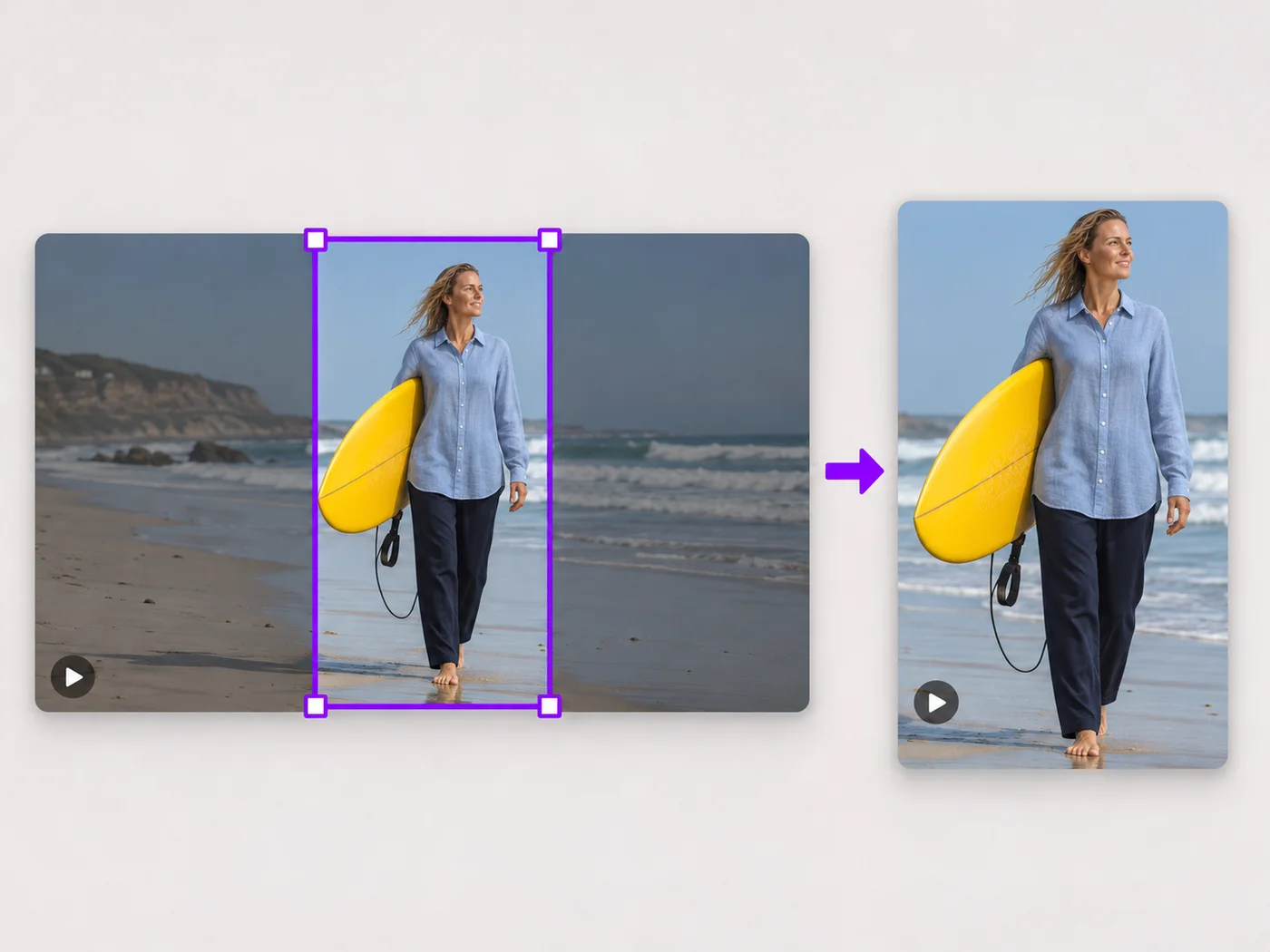
Cut a landscape video down to a full-screen vertical clip. A 9:16 box is set for you; slide it over the action and export an MP4.
MP4, MOV, WebM · Checking your upload limit…
Files are uploaded for processing. Uploads and finished videos are automatically deleted within 24 hours.
A tall 9:16 box appears in the middle of the picture as soon as the video loads, locked to Vertical 9:16 under Shape.
A vertical crop keeps only a slice of a wide scene, so place it on the person speaking or the thing that moves.
The box does not follow movement. If people step in and out, a wider shape or the portrait and landscape converter may suit the clip better.
Trim the clip on the Trim tab, press Crop video and upload the vertical MP4 to Reels, Shorts or Stories.
Turn a seated interview or a webcam recording into a vertical clip with the speaker filling the screen.
Pull a single player, performer or product out of a wide shot for a vertical highlight.
Reuse a landscape video in a Story without the thin strip and empty bars a phone shows by default.
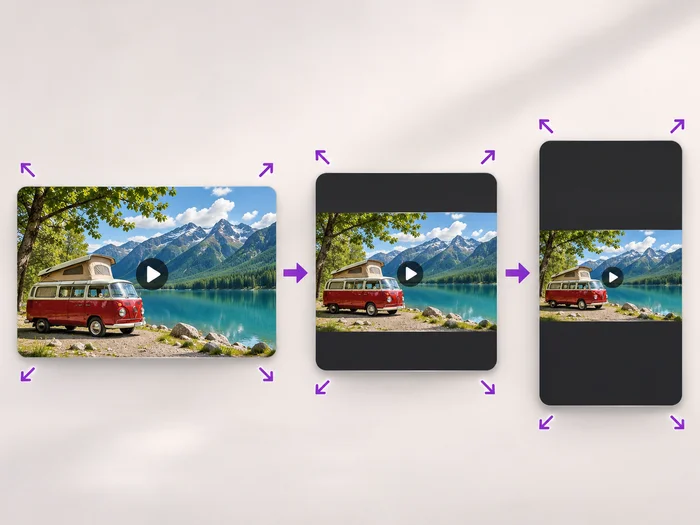
Cropping keeps a tall slice of the picture and removes the sides. The portrait and landscape converter keeps the whole picture and fills the space above and below with a background.
The crop box stays in one place for the whole video. Trim the clip to a stretch where the subject stays put, or keep the whole picture with the portrait and landscape converter.
Yes. All three are designed for full-screen vertical video in a 9:16 shape, so a 9:16 crop fills the phone screen without bars.
Yes. Download the cropped clip and open it in the add text to video tool, or make both changes at once in the online video editor.
Every setting is also on the main page: Crop Video Online.
Tools for common next steps after Video Cropper.
Video Tools
Scale a video down to a smaller size, or set an exact width and height and choose whether to add bars, fill the frame or stretch.
Try it nowVideo Tools
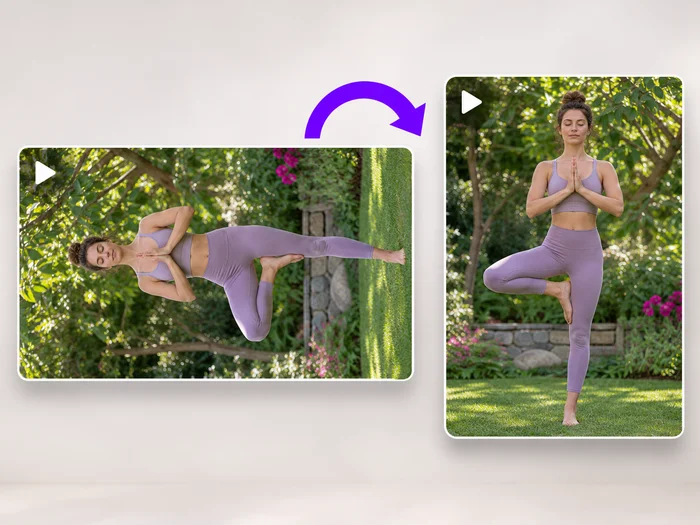
Turn a video 90 degrees left or right, or 180 degrees, so it plays the right way up on every phone and computer.
Try it nowSocial Publishing
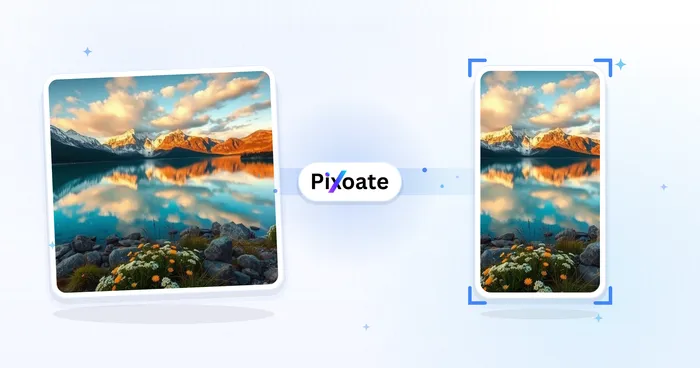
Convert videos between portrait, landscape, square, and custom sizes. Keep the whole frame, crop, add backgrounds, and download MP4 free without a watermark.
Try it nowEvery photo crosses the slash untouched and comes out the other side finished.