Creators
Keep your handle on clips that get reposted, so viewers can find the original account.

Illustrative preview
Starts with a small handle label
Put your name, handle or website on a video so it stays credited when shared. A small text label is ready; type it, place it and export.
MP4, MOV, WebM · Checking your upload limit…
Files are uploaded for processing. Uploads and finished videos are automatically deleted within 24 hours.
A small @yourname label sits in the corner as soon as the video loads. Double-click it to type your handle, name or website.
Drag the label to a corner where it does not cover the action. Keep it away from the bottom edge, where apps place buttons.
A thin Outline color keeps light text readable on bright scenes without making it loud.
Press Add text to video. The watermark is part of every frame, so it stays when the clip is reposted.
Keep your handle on clips that get reposted, so viewers can find the original account.
Mark preview clips sent to clients before the final delivery.
Put your website or shop name on product videos shared in groups and marketplaces.
This page adds text watermarks. Type your brand name in a font close to your logo, or add an image watermark to a still with the photo tools.
The text is part of every frame, so it cannot be switched off. It could still be cropped or covered, so a corner close to the action is harder to remove.
The text is solid. A thin outline and a small size keep it subtle while staying readable on any background.
The label is drawn onto each frame and the rest of the picture is exported at the size your plan allows, web size on free and Full HD on paid plans.
Every setting is also on the main page: Add Text to Video.
Tools for common next steps after Add Text to Video.
Video Tools
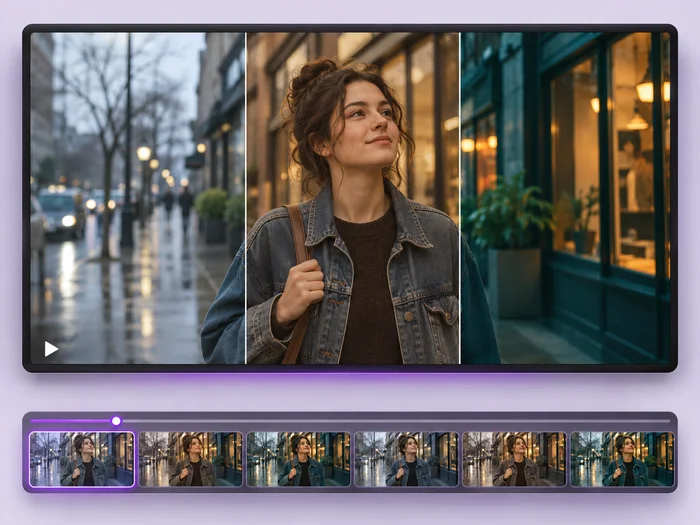
Give a video a new look: color filters, brightness and contrast, blur, speed changes and fade in or out. See every change live before you export.
Try it nowVideo Tools
Make every common edit in one go: cut, crop, rotate, flip, add text and effects, change speed, then resize or compress. Preview it all before you export.
Try it nowVideo Tools
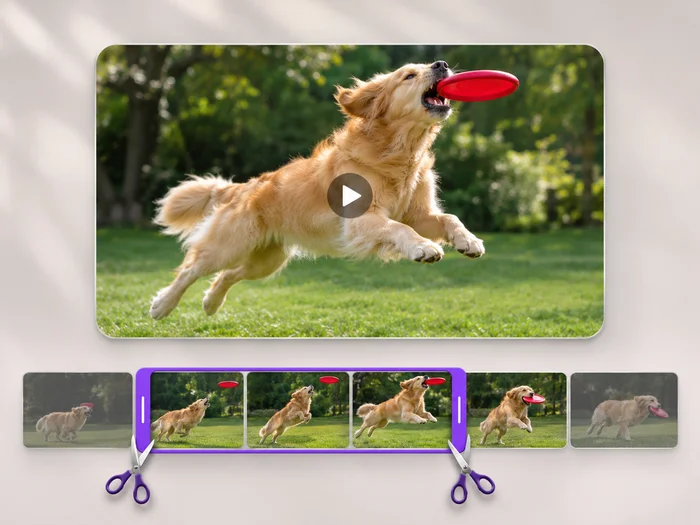
Cut the start, the end or a section from the middle of your video. Preview the exact part you keep, then download an MP4 without a watermark.
Try it nowEvery photo crosses the slash untouched and comes out the other side finished.