
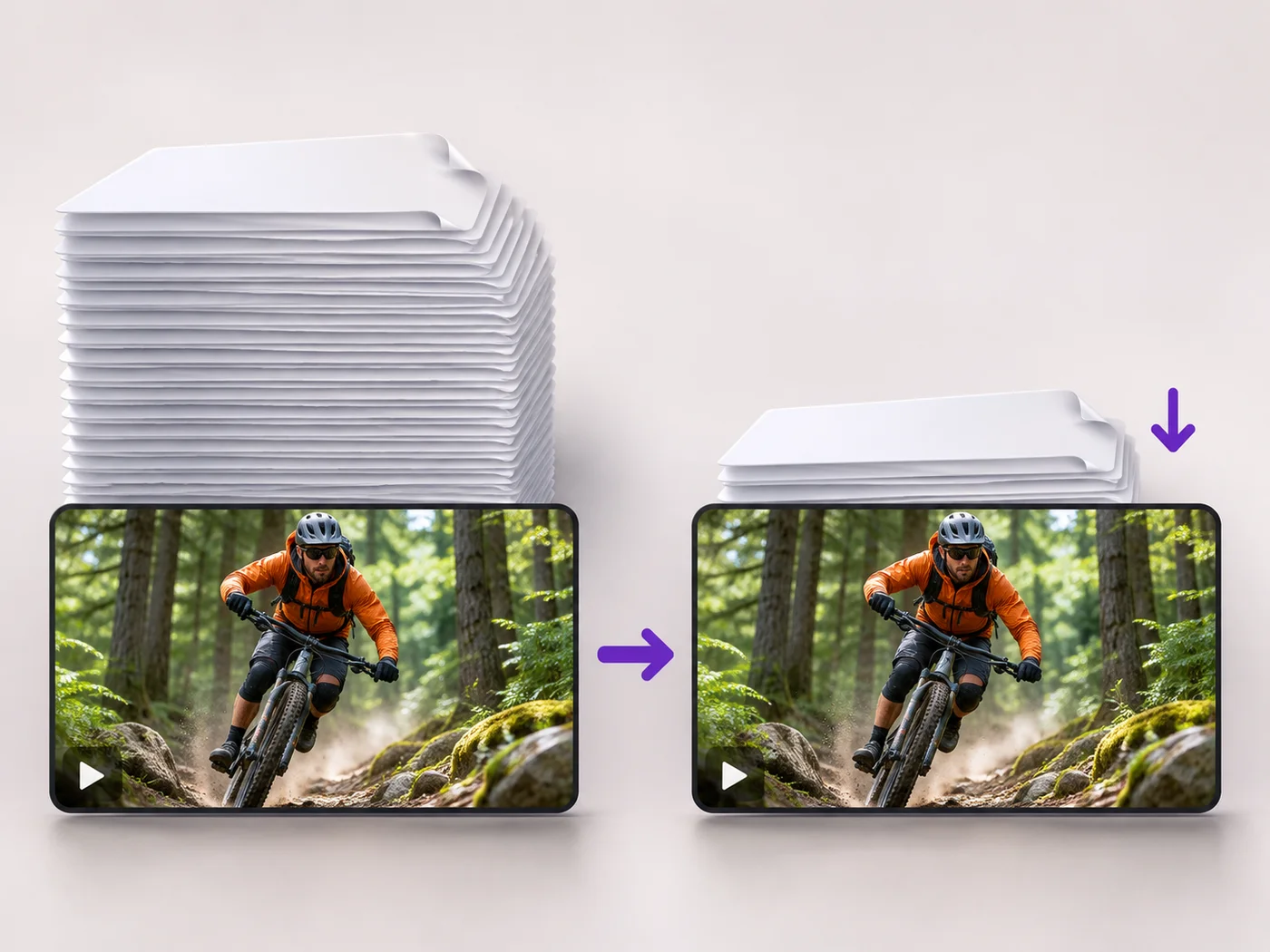
Illustrative preview
Compress Video Online — Reduce Video File Size
MP4, MOV, WebM · Free short clips at web size · No watermark
Make a video file smaller so it fits email, chat and upload limits. Choose how much to shrink it and keep the picture sharp.
- Three levels: smallest file, balanced or best quality
- Lower the resolution too for an even smaller file
- Trim the clip in the same step to save more space
Upload your video
MP4, MOV, WebM · Checking your upload limit…
Files are uploaded for processing. Uploads and finished videos are automatically deleted within 24 hours.
How to compress a video
- Upload the video you want to shrink.
- Choose Smallest file, Balanced or Best quality.
- Tick Also lower the resolution if you need it even smaller.
- Press Compress video and download the smaller MP4.
Smaller videos that still look right
Large phone videos are often too big for email attachments, chat apps and upload forms. Compression keeps the picture and sound while removing detail you will not notice. If a video is already well compressed, you are told so instead of getting a bigger file back.
Compress a video online: reduce MP4 file size for email, chat and uploads
This video compressor makes a large recording small enough to send. Upload an MP4, MOV or WebM, choose Smallest file, Balanced or Best quality, and tick Also lower the resolution when you need the biggest saving. The page shows the original file size first, and after compression the size of the new MP4, so you can see the saving before you share it. Downloads carry no watermark.
Choose a compression level
Balanced is chosen when the page opens and suits most phone videos: much smaller, still sharp. Best quality shrinks the file with almost no visible change, which is right for product demos and anything with fine text. Smallest file gives the largest saving and a softer picture, which is fine for a quick message to friends or a clip that will only be watched on a phone.
- Upload the video you want to shrink.
- Pick Smallest file, Balanced or Best quality under Compression.
- Tick Also lower the resolution if the file must be much smaller.
- Press Compress video and check the new size before downloading.
Compress a video for email or a chat app
Email attachments and many chat apps cap file size well below what a minute of phone video weighs. Combine Smallest file with Also lower the resolution for the biggest drop, and cut what you do not need on the Trim tab in the same step, because a shorter clip shrinks further than any setting can. If the file is still too large after that, send a shorter selection or split the video into two clips.
When a video will not get smaller
Videos that were already compressed by an app or a streaming site have little left to remove. The page warns you when a video is already small for its length, and if the result would not be smaller you are told so rather than given a bigger file. For those clips, cut the parts you do not need first, or change the width and height of the video when a site asks for exact dimensions.
Compression versus resizing
Compression keeps the same picture size and stores it more efficiently; resizing changes how many pixels the picture has. Lowering the resolution here does both at once. If you need a vertical or square format rather than a lighter file, switch a clip between portrait and landscape. To compress after cropping, adding text or effects, use the all-in-one video editor, which has a Compress tab of its own.
Tips for the smallest file
- Trim silent or empty stretches first; length matters more than any setting.
- Remove the sound under the Sound tab if the clip does not need it.
- Play the compressed result on the device your viewers will use.
- Keep the original until you are happy with the compressed copy.
Make the video even easier to share
If the file is still large, take out the sound you do not need, or lower the resolution instead of the quality. Clips shared in chats are often posted as a square for feeds, and a crop box removes empty edges that would otherwise be stored. To shrink a file and edit it in one export, open the browser video editor.
Questions about this tool
How much smaller will my video get?
It depends on the video. Phone recordings usually shrink a lot; videos that were already compressed shrink less. If the result would not be smaller, you are told so and nothing is downloaded.
Will compressing reduce the quality?
Best quality keeps changes almost invisible, Balanced suits most videos, and Smallest file gives the biggest saving with a softer picture. Play the result before you share it.
Is the video compressor free?
Yes, with no watermark. Free exports are short clips at web size; paid plans export longer videos in Full HD and accept larger uploads.
How do I compress a video for email?
Choose Smallest file and tick Also lower the resolution for the biggest saving, then check the file size shown under the finished video.
Can I compress a video without losing quality?
Best quality makes the file smaller with almost no visible change, though any compression removes some detail. For screen recordings and videos with small text, start with Best quality and only move to Balanced if the file is still too large.
Does the compressor change the video format?
The compressed video downloads as an MP4, whichever of MP4, MOV or WebM you uploaded. MP4 plays on phones, computers, email clients and social apps, which is why a MOV from an iPhone often ends up much smaller after compression.
How do I make a video small enough for WhatsApp or Discord?
Choose Smallest file, tick Also lower the resolution and trim the clip to the part you want to send. Check the new size shown under the finished video against the limit of the app before you download.
Is the sound compressed too?
Yes, the audio is stored more efficiently along with the picture and stays in sync. If the clip does not need sound at all, Remove sound under the Sound tab saves a little more space.
Can I compress a long video?
Free exports cover short clips at web size. A paid plan compresses longer videos, accepts larger uploads and keeps Full HD when you want it, which matters for recorded lessons, webinars and family events.
Related tools for Video Compressor
Tools for common next steps after Video Compressor.
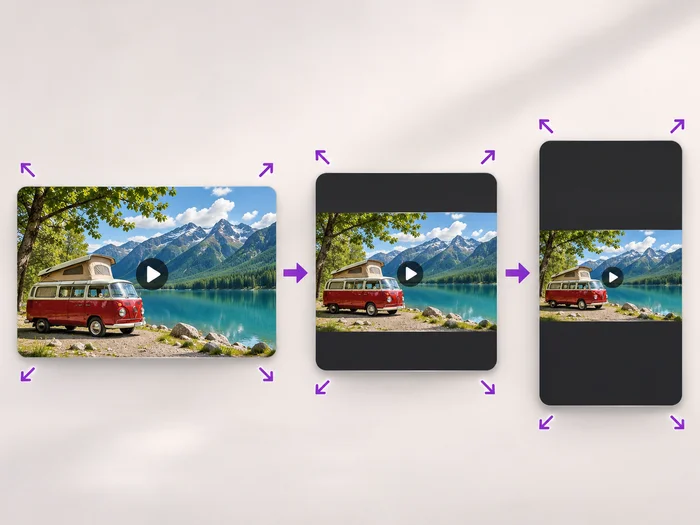
Video Tools
Video Resizer
Scale a video down to a smaller size, or set an exact width and height and choose whether to add bars, fill the frame or stretch.
Try it now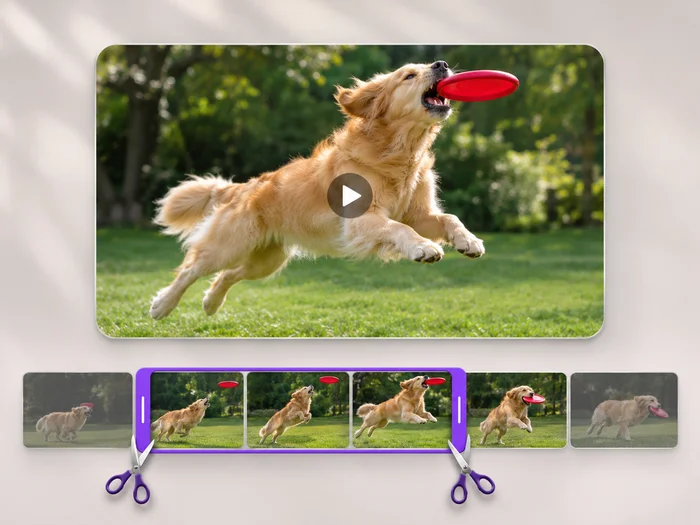
Video Tools
Video Trimmer
Cut the start, the end or a section from the middle of your video. Preview the exact part you keep, then download an MP4 without a watermark.
Try it now
Video Tools
Video Editor
Make every common edit in one go: cut, crop, rotate, flip, add text and effects, change speed, then resize or compress. Preview it all before you export.
Try it nowWatch each transformation land
Every photo crosses the slash untouched and comes out the other side finished.























