Brand and shop posts
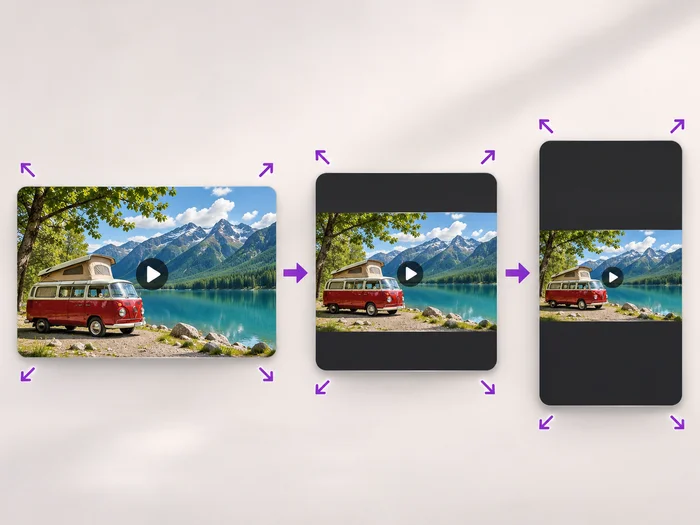
Show a product in a tall feed post that takes more of the screen than a landscape video.
Illustrative preview
Starts with a Portrait 4:5 crop
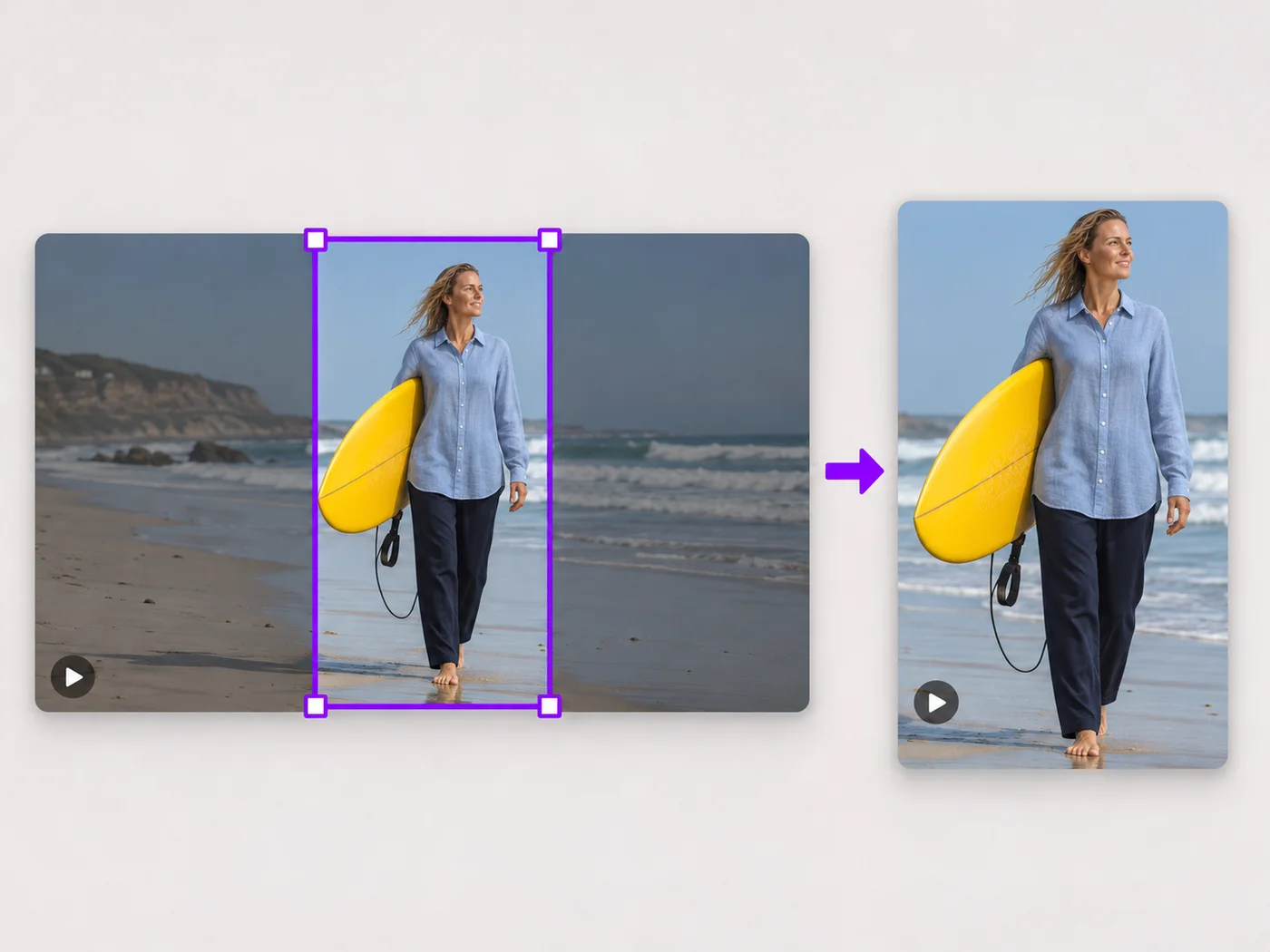
Crop a video to the 4:5 portrait shape that takes up the most space in an Instagram feed. The box is set for you; move it and export an MP4.
MP4, MOV, WebM · Checking your upload limit…
Files are uploaded for processing. Uploads and finished videos are automatically deleted within 24 hours.
A Portrait 4:5 box is set in the middle of the picture as soon as the video loads, ready for a feed post.
Drag the box over the person or product. Leave a little room at the top and bottom, where the app places names and buttons.
Choose Square 1:1 for a classic square post or Vertical 9:16 for Reels and Stories under Shape; the box changes at once.
Press Crop video and upload the MP4 to Instagram as a feed post.
Show a product in a tall feed post that takes more of the screen than a landscape video.
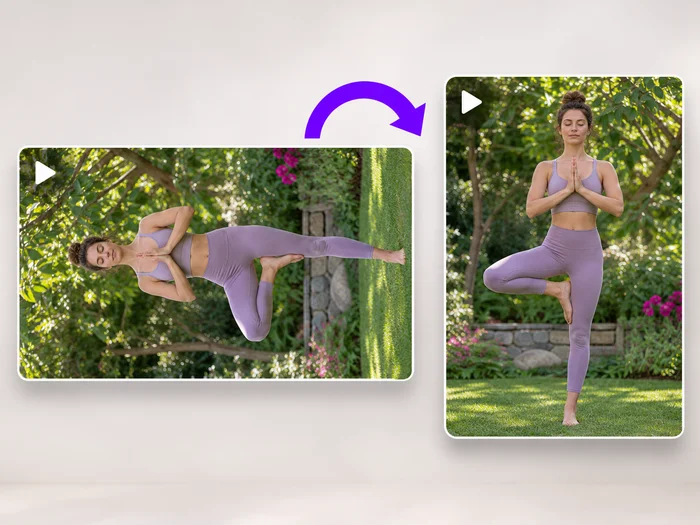
Reuse a landscape clip as a feed post with the creator framed in the center.
Crop a wide event video to the moments that matter in a shape that fills the feed.
A 4:5 portrait video takes up the most room in the feed, a square is the classic look, and 9:16 is meant for Reels and Stories. This page starts on 4:5.
Instagram trims shapes it does not support in the feed. Crop to 4:5 or 1:1 here before posting so the app shows your framing as it is.
Yes. The 4:5 box fits inside a 9:16 video too, removing a strip at the top and bottom. Move it to keep heads and feet in the frame.
The cropper works on one video at a time. Upload the next clip after downloading the first; the 4:5 shape is set again each time.
Every setting is also on the main page: Crop Video Online.
Tools for common next steps after Video Cropper.
Video Tools
Scale a video down to a smaller size, or set an exact width and height and choose whether to add bars, fill the frame or stretch.
Try it nowVideo Tools
Turn a video 90 degrees left or right, or 180 degrees, so it plays the right way up on every phone and computer.
Try it nowSocial Publishing
Convert videos between portrait, landscape, square, and custom sizes. Keep the whole frame, crop, add backgrounds, and download MP4 free without a watermark.
Try it nowEvery photo crosses the slash untouched and comes out the other side finished.