Group chats
Share a clip of a match, a concert or a party without filling everyone's phone storage.
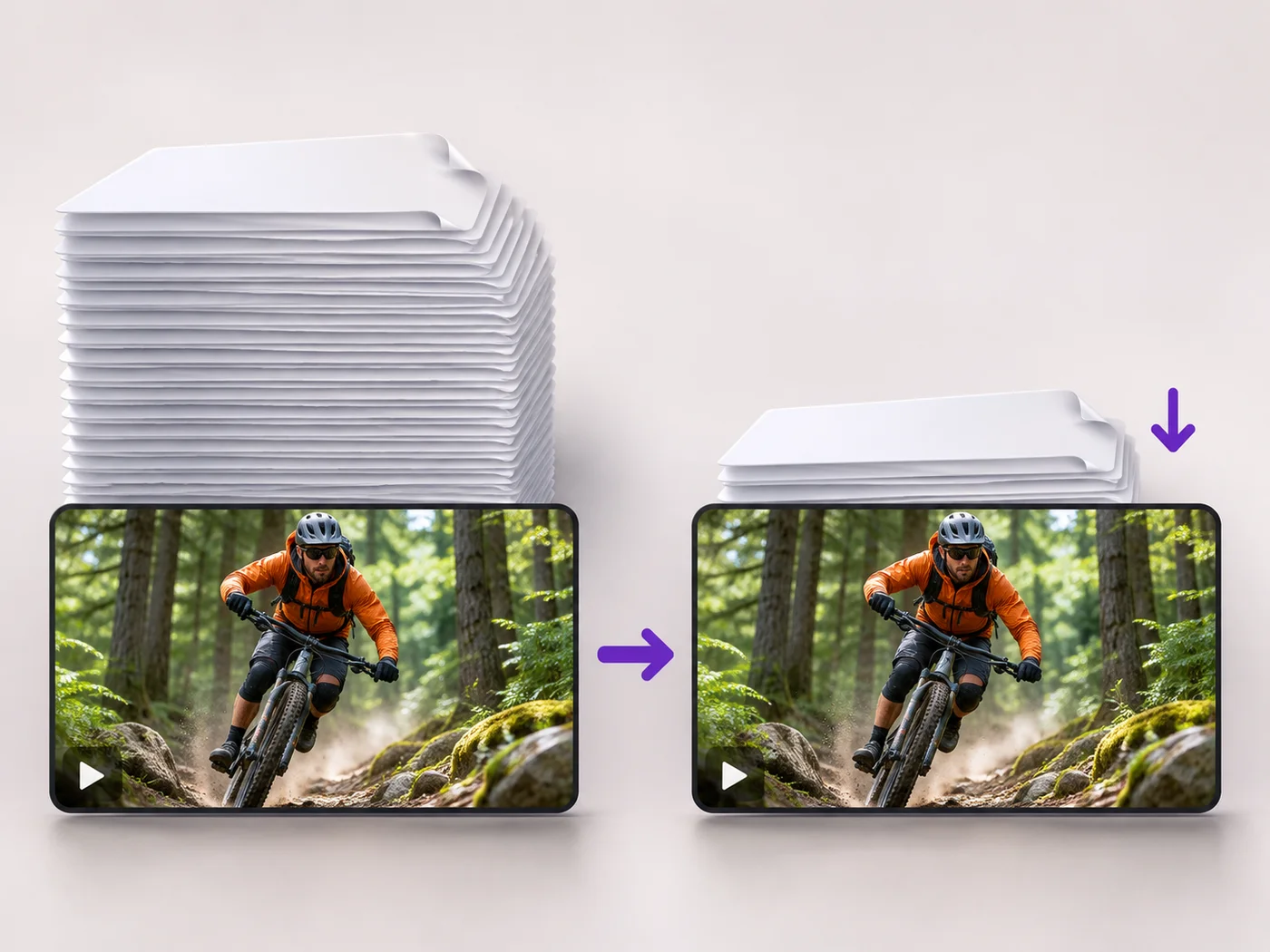
Illustrative preview
Starts on Balanced with a lower resolution
Make a phone video lighter before you send it on WhatsApp or another chat app. Balanced compression and a lower resolution are already chosen.
MP4, MOV, WebM · Checking your upload limit…
Files are uploaded for processing. Uploads and finished videos are automatically deleted within 24 hours.
Pick the video from your gallery. Balanced and Also lower the resolution are already chosen, which suits clips watched on a phone screen.
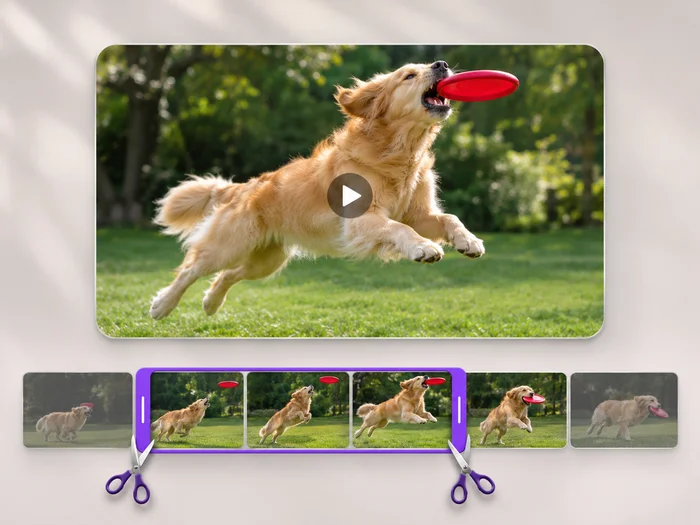
Keep only the seconds you want to share on the Trim tab. A short clip sends faster and uses less of the other person's data.
Press Compress video and check the new size under the result. For a sharper clip, untick Also lower the resolution and compress again.
Download the MP4 to your phone and send it from your gallery. Apps that shrink videos again have less work to do, so the picture keeps more detail.
Share a clip of a match, a concert or a party without filling everyone's phone storage.
Send a video from a weak signal or abroad on limited data, where a full-size file would stall.
Send a quick site walk-round or product demo to a team chat that people open on the move.
Chat apps limit file size and often shrink large videos on their own, which can blur faces and text. Compressing first lets you choose the balance between size and sharpness, and smaller files send faster.
Compression helps, but a long video can still be too large for a chat app. Trim it to the part people need, or send a link to the full video instead.
Yes. The compressed MP4 is a standard video file, so you can send it in any chat app, by text message or by email.
Balanced keeps the picture sharp on a phone screen. If you notice softness, choose Best quality on the Compression list and untick Also lower the resolution.
Every setting is also on the main page: Compress Video Online.
Tools for common next steps after Video Compressor.
Video Tools
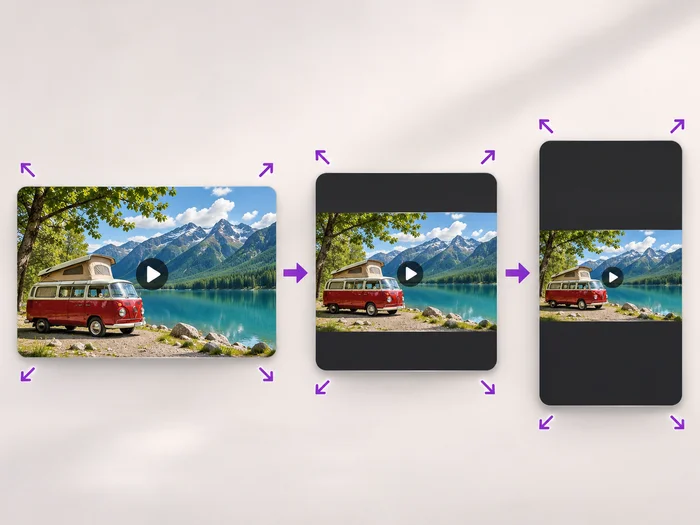
Scale a video down to a smaller size, or set an exact width and height and choose whether to add bars, fill the frame or stretch.
Try it nowVideo Tools
Cut the start, the end or a section from the middle of your video. Preview the exact part you keep, then download an MP4 without a watermark.
Try it nowVideo Tools
Make every common edit in one go: cut, crop, rotate, flip, add text and effects, change speed, then resize or compress. Preview it all before you export.
Try it nowEvery photo crosses the slash untouched and comes out the other side finished.