Job applications and portfolios
Attach a short video introduction or work sample that arrives with the email instead of bouncing back as too large.
Illustrative preview
Starts on Smallest file with a lower resolution
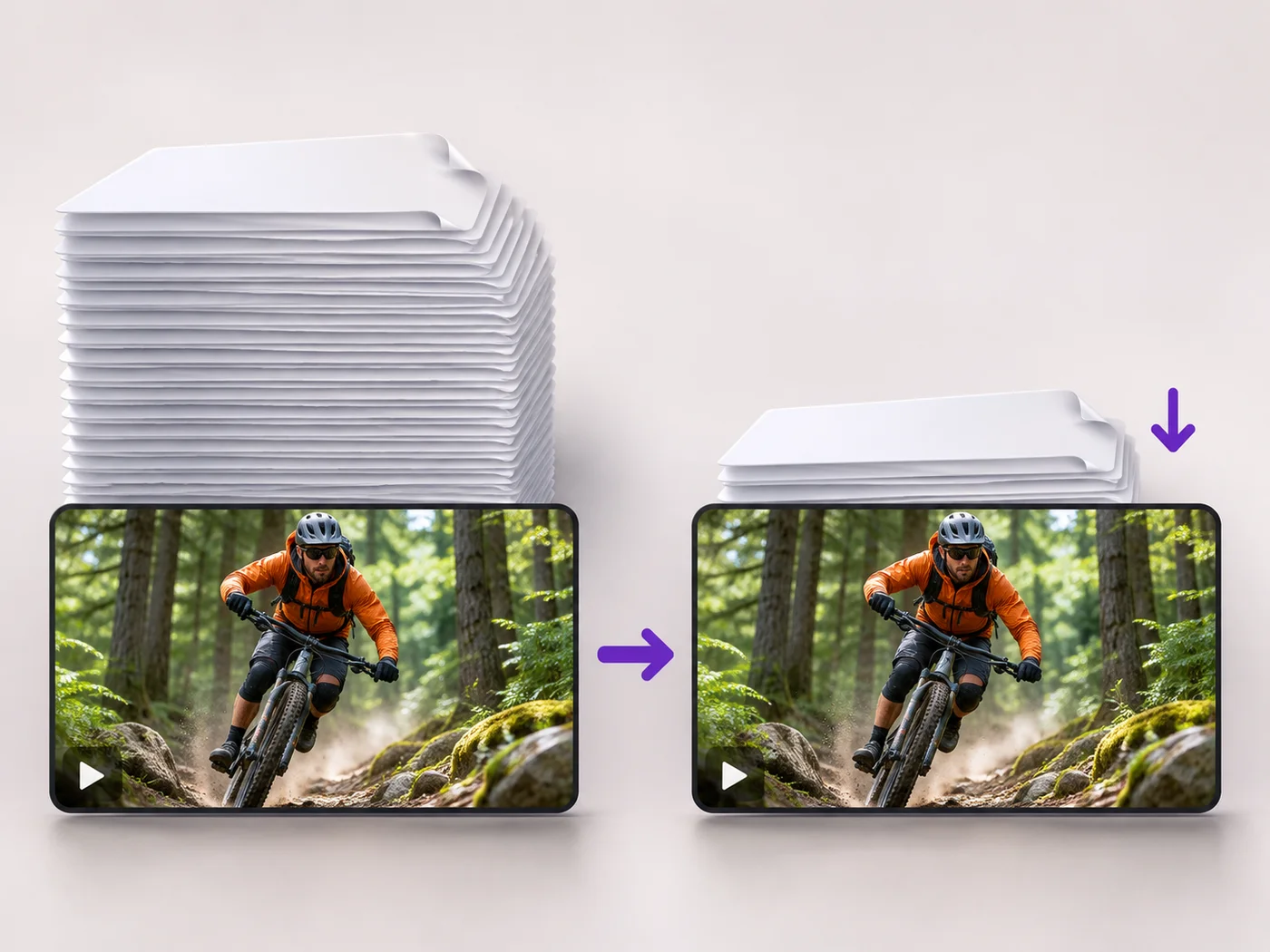
Shrink a video so it fits as an email attachment. Smallest file and a lower resolution are already chosen; check the new size before you download.
MP4, MOV, WebM · Checking your upload limit…
Files are uploaded for processing. Uploads and finished videos are automatically deleted within 24 hours.
The page shows the original file size straight away, so you know how far it has to shrink. Smallest file and Also lower the resolution are already chosen.
Open the Trim tab and keep only the part that matters. Every second you cut makes the attachment smaller than any compression setting can.
Press Compress video. The size of the new MP4 appears under the finished video; compare it with the attachment limit of your email service.
Download the MP4 and attach it. If it is still too large, send a shorter selection or put the video in cloud storage and email the link.
Attach a short video introduction or work sample that arrives with the email instead of bouncing back as too large.
Show a problem with a device or an app in a short clip that a help desk can open straight from the message.
Send a clip of a birthday or a first step to relatives who prefer email to chat apps.
Many email services limit a message to around 20 to 25 MB in total, and some workplaces set lower limits. Check the size shown under the finished video against the limit your service gives.
Length matters most. A long clip stays large even at the smallest setting, so trim it to the essential part, or share a link to the video instead of attaching the file.
The compressed video is an MP4, which plays in the mail apps and built-in players of phones and computers without installing anything.
It is softer on a large monitor but looks fine in an email preview or on a phone, which is where most attachments are watched. Untick Also lower the resolution for a sharper, larger file.
Every setting is also on the main page: Compress Video Online.
Tools for common next steps after Video Compressor.
Video Tools
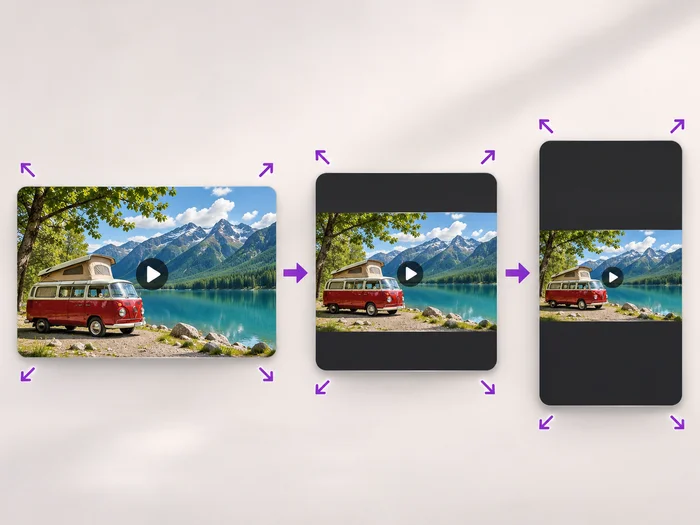
Scale a video down to a smaller size, or set an exact width and height and choose whether to add bars, fill the frame or stretch.
Try it nowVideo Tools
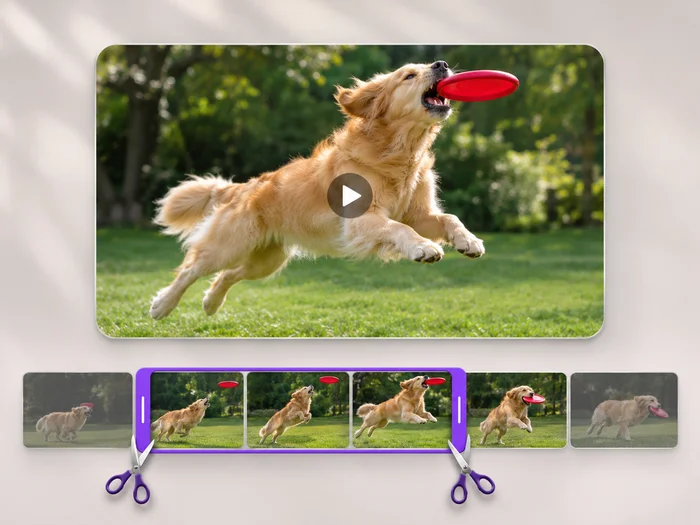
Cut the start, the end or a section from the middle of your video. Preview the exact part you keep, then download an MP4 without a watermark.
Try it nowVideo Tools
Make every common edit in one go: cut, crop, rotate, flip, add text and effects, change speed, then resize or compress. Preview it all before you export.
Try it nowEvery photo crosses the slash untouched and comes out the other side finished.