Website backgrounds and embeds
Serve a lighter video on a web page so it starts playing sooner on mobile connections.
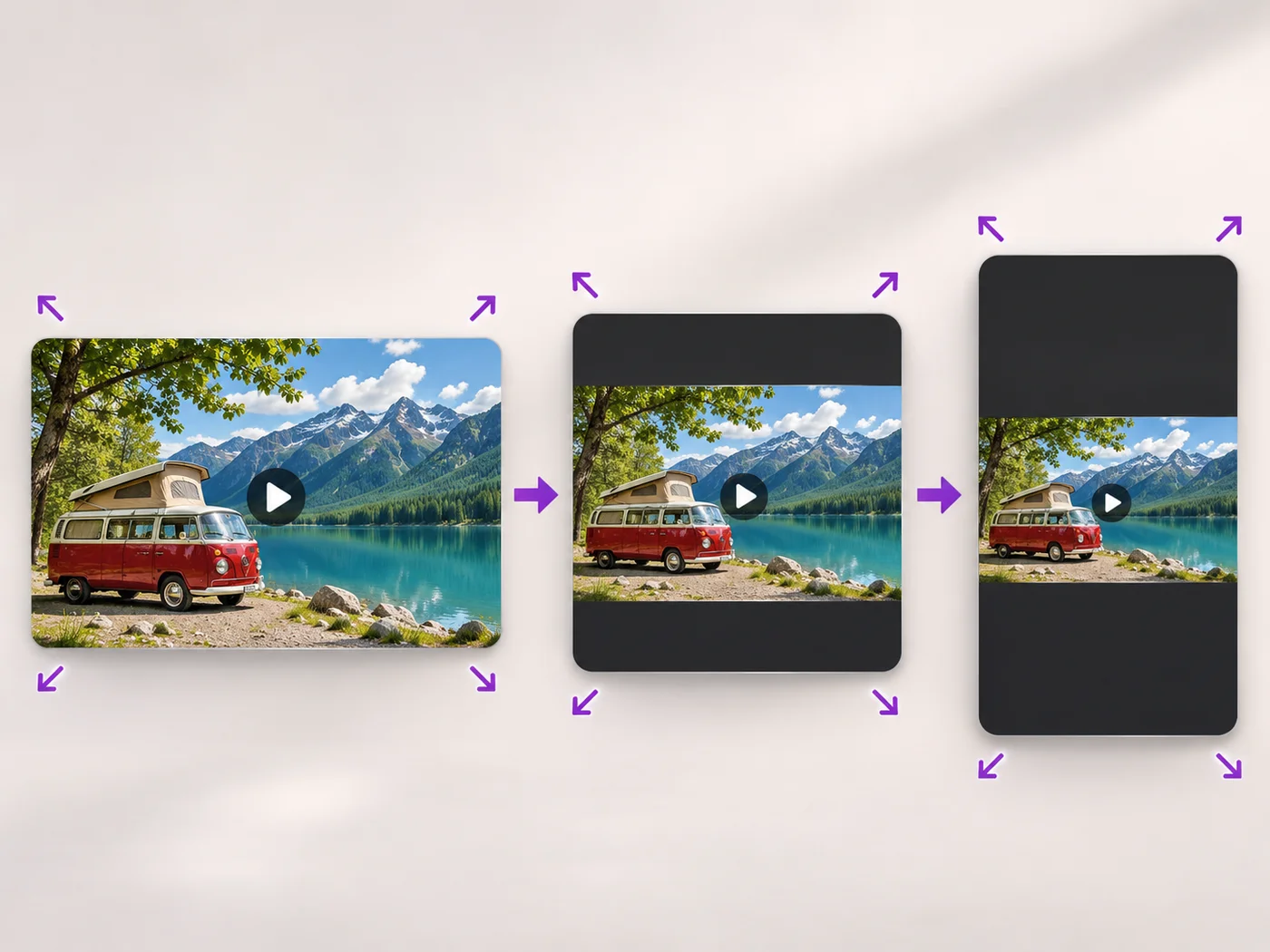
Illustrative preview
Starts on the Small size
Lower the resolution of a video so it loads and uploads faster. The Small size is already chosen and the shape of your video is kept.
MP4, MOV, WebM · Checking your upload limit…
Files are uploaded for processing. Uploads and finished videos are automatically deleted within 24 hours.
Small is already chosen under Output size, a good size for websites, chats and slow connections.
Choose Medium (HD) for a sharper picture or Extra small for the lightest file. Every quick size keeps the shape of your video.
A shorter clip is lighter still; drag the handles on the Trim tab to keep only what you need.
Press Resize video and download the smaller MP4.
Serve a lighter video on a web page so it starts playing sooner on mobile connections.
Send a quick low-resolution draft for review before sharing the full-quality version.
Make a video play smoothly on older phones, tablets or players that struggle with large files.
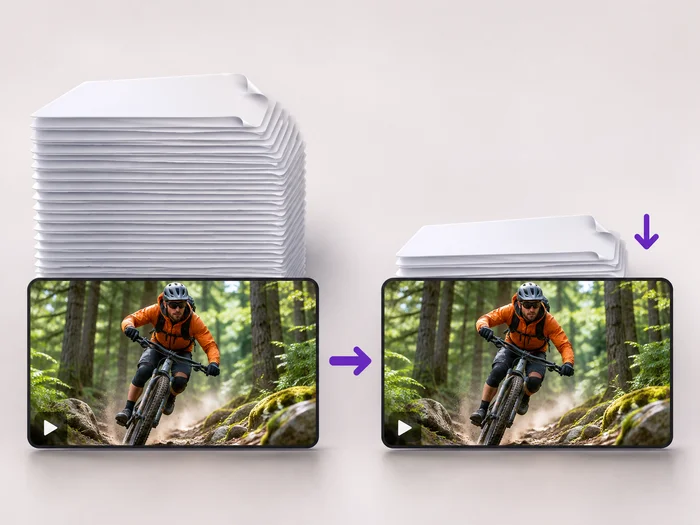
Reducing resolution gives the picture fewer pixels. Compressing keeps the pixels and stores them more efficiently. Both make the file smaller, and the video compressor can do both at once.
On a phone it usually looks fine; on a large monitor it looks softer. Pick the largest size that still meets your file or upload needs.
You can choose a larger size, but upscaling cannot add detail that the original does not have, so the picture stays soft.
The quick sizes keep your video's shape. Only Custom size can change the shape, and then you choose how the picture fits.
Every setting is also on the main page: Resize Video Online.
Tools for common next steps after Video Resizer.
Social Publishing
Convert videos between portrait, landscape, square, and custom sizes. Keep the whole frame, crop, add backgrounds, and download MP4 free without a watermark.
Try it nowVideo Tools
Make a video file smaller so it fits email, chat and upload limits. Choose how much to shrink it and keep the picture sharp.
Try it nowVideo Tools
Drag a box over your video to cut away edges, black bars or anything in the background. Lock it to square, vertical or wide for social posts.
Try it nowEvery photo crosses the slash untouched and comes out the other side finished.