Screen recordings and tutorials
Keep menu labels and code readable while cutting the file size of a long walkthrough.
Illustrative preview
Starts on Best quality at the original resolution
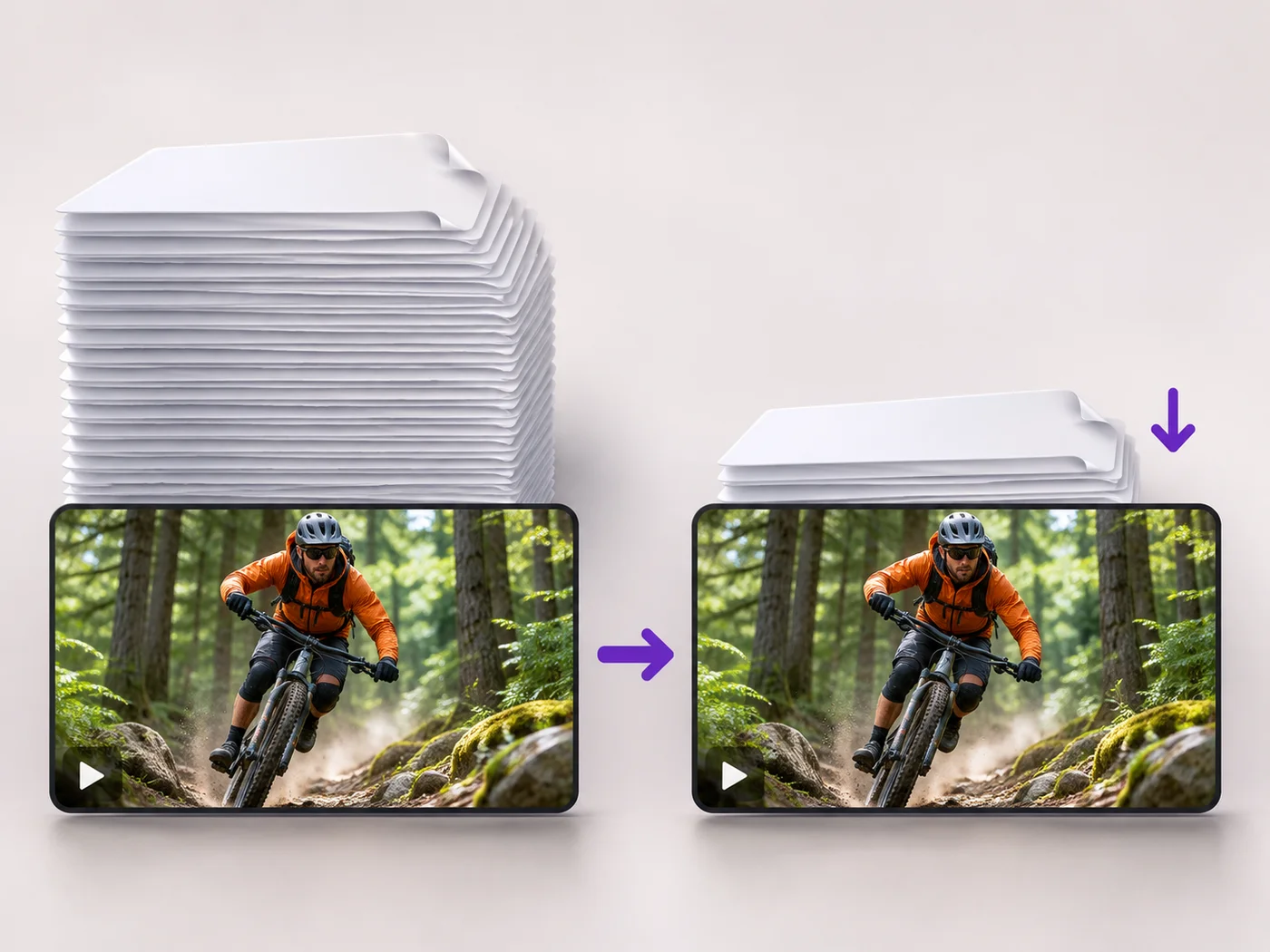
Make a video file smaller with almost no visible change. Best quality is already chosen and the resolution is kept, so text and fine detail stay crisp.
MP4, MOV, WebM · Checking your upload limit…
Files are uploaded for processing. Uploads and finished videos are automatically deleted within 24 hours.
Start from the first-generation recording, not a copy saved from a chat app. Best quality is already chosen and the resolution is left as it is.
Press Compress video. The encoder removes detail the eye does not notice, which is often a large saving on phone and camera recordings.
Play the compressed video next to the original, pausing on text, faces and fast movement. If you cannot tell them apart, keep the smaller one.
If the file is still too large, try Balanced next. It is much smaller and still sharp for most videos.
Keep menu labels and code readable while cutting the file size of a long walkthrough.
Keep texture, color and fine detail that buyers look for, in a file that uploads to a listing.
Store camera footage in less space without a visible drop from the original.
Practical video compression always removes some information. Best quality removes detail that is very hard to see, so the result looks the same as the original in normal viewing.
Videos that were already compressed, such as downloads from streaming sites or chat apps, have little left to remove. The page tells you if the result would not be smaller.
Lowering the resolution saves space but softens the picture on large screens. Keep the original resolution, as this page does, when sharpness matters most.
Free compression covers short clips at web size. Paid plans compress longer recordings and keep Full HD, which suits webinars, lessons and event footage.
Every setting is also on the main page: Compress Video Online.
Tools for common next steps after Video Compressor.
Video Tools
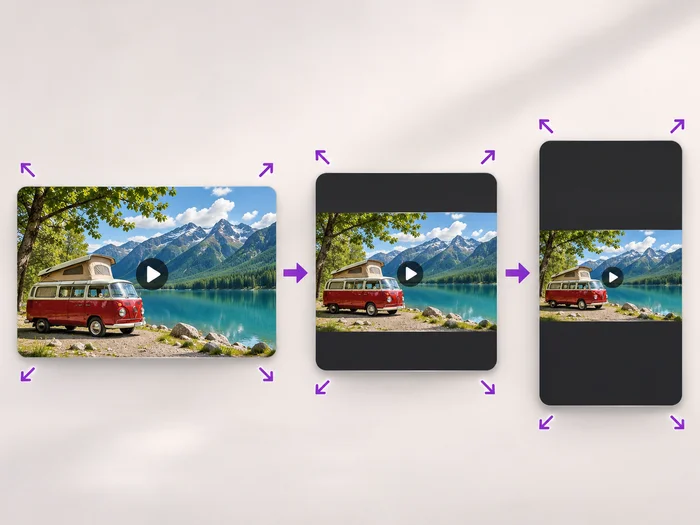
Scale a video down to a smaller size, or set an exact width and height and choose whether to add bars, fill the frame or stretch.
Try it nowVideo Tools
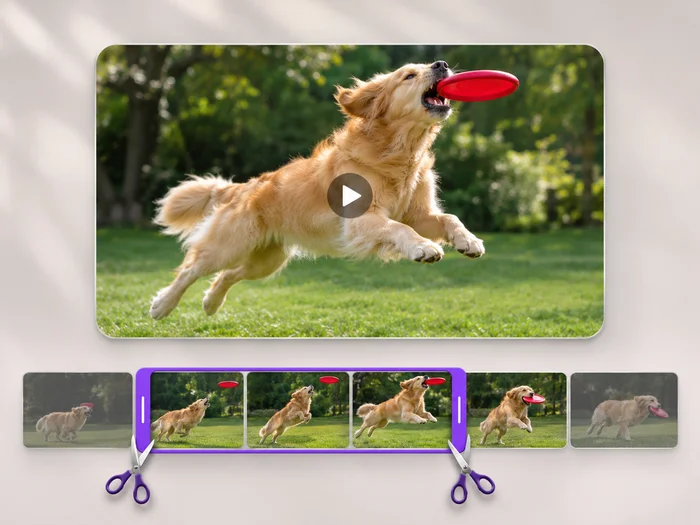
Cut the start, the end or a section from the middle of your video. Preview the exact part you keep, then download an MP4 without a watermark.
Try it nowVideo Tools
Make every common edit in one go: cut, crop, rotate, flip, add text and effects, change speed, then resize or compress. Preview it all before you export.
Try it nowEvery photo crosses the slash untouched and comes out the other side finished.