Reflection effects
Create a mirrored water or glass reflection to layer under the original clip in another editor.
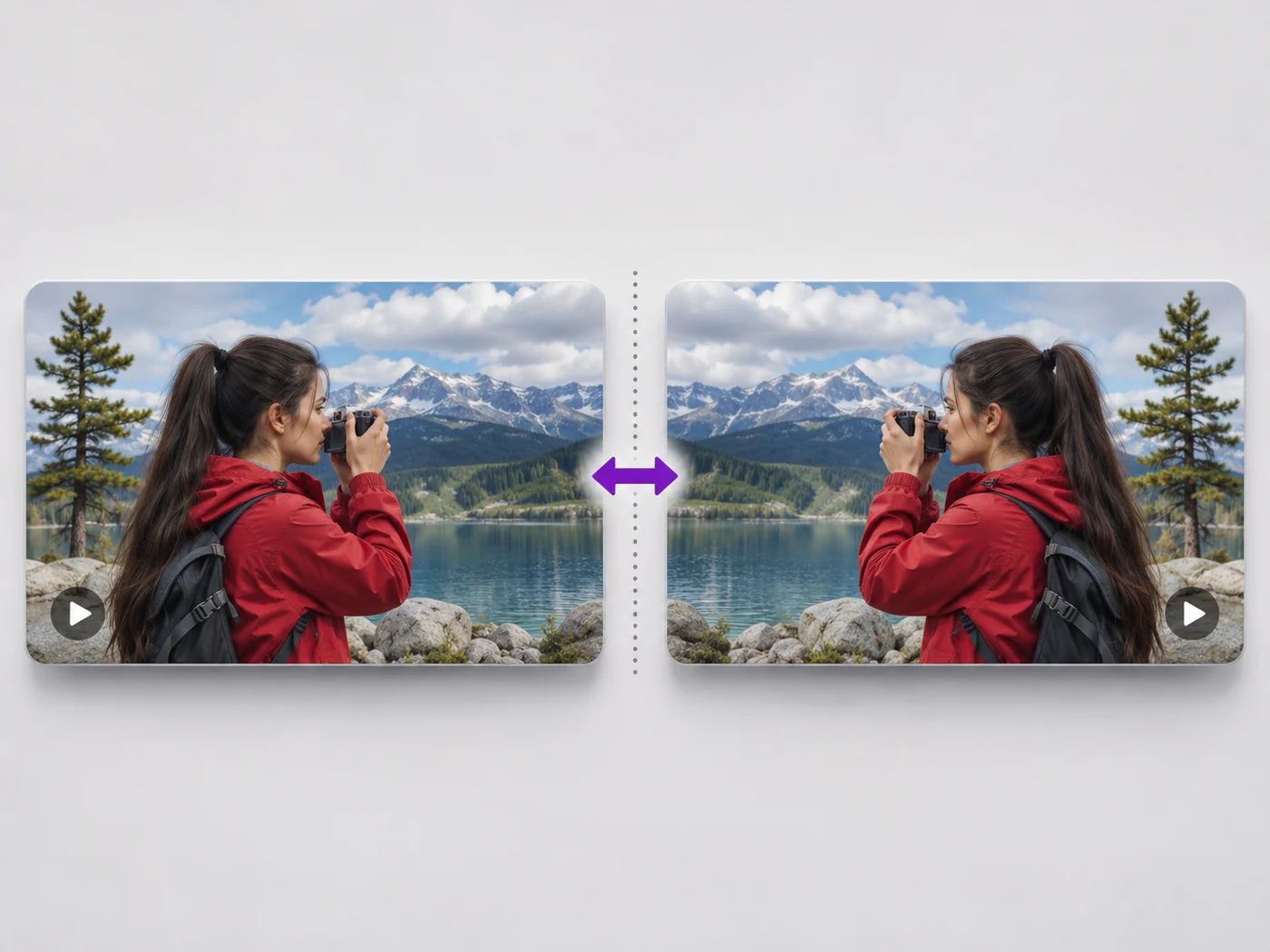
Illustrative preview
Starts with Flip upside down ticked
Flip a video top to bottom, like a reflection in water. Flip upside down is already ticked; add a left-to-right mirror if you need both.
MP4, MOV, WebM · Checking your upload limit…
Files are uploaded for processing. Uploads and finished videos are automatically deleted within 24 hours.
Flip upside down is ticked and Mirror is not, so the preview shows the clip mirrored top to bottom as soon as it loads.
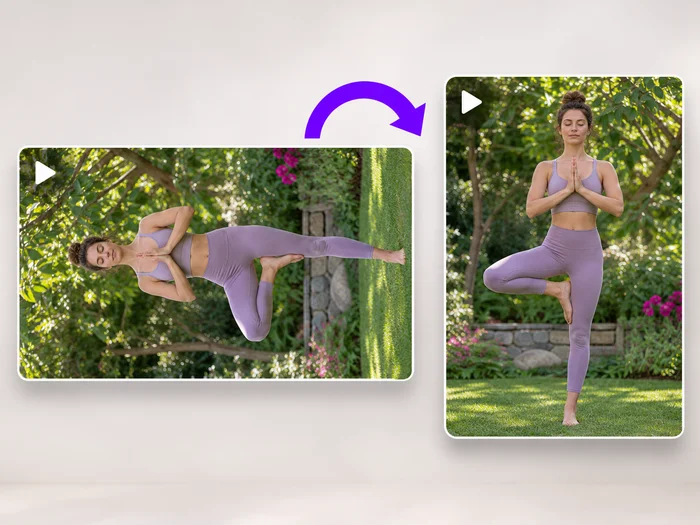
A vertical flip reverses the picture, so writing reads upside down and backwards. If you only want the clip upright again, rotating 180 degrees is usually what you need.
Ticking Mirror as well gives the same picture as a half turn. Untick either box to compare the looks on the preview.
Press Flip video and download the MP4. The sound is unchanged.
Create a mirrored water or glass reflection to layer under the original clip in another editor.
Correct recordings made through a mirror or optical attachment that reversed the picture top to bottom.
Make a flipped copy of a clip for a surprising cut in a music video or a montage.
It swaps the top and bottom of every frame, like a reflection in water. Left and right stay where they were unless you also tick Mirror.
Rotate it. A camera mounted upside down records a turned picture, which a 180 degree rotation fixes while keeping writing readable. A vertical flip would leave writing mirrored.
Yes. Tick both Mirror and Flip upside down. Together they give the same result as turning the video by 180 degrees.
Flipping only changes the picture. The length stays the same unless you trim the clip on the Trim tab before exporting.
Every setting is also on the main page: Flip Video Online.
Tools for common next steps after Video Flipper.
Video Tools
Turn a video 90 degrees left or right, or 180 degrees, so it plays the right way up on every phone and computer.
Try it nowVideo Tools
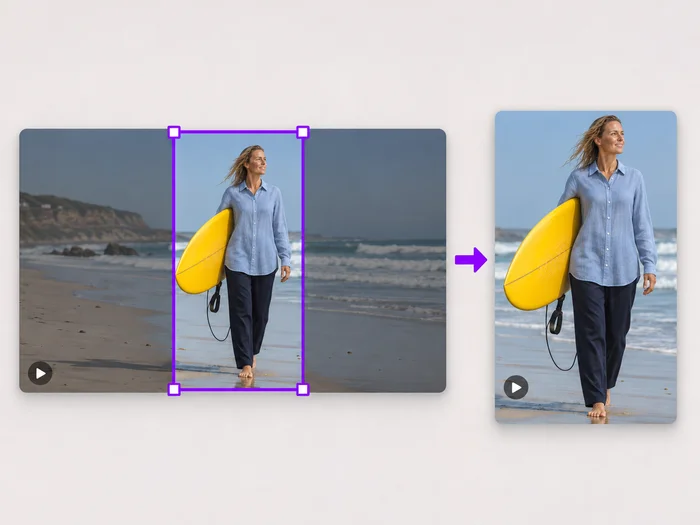
Drag a box over your video to cut away edges, black bars or anything in the background. Lock it to square, vertical or wide for social posts.
Try it nowVideo Tools
Make every common edit in one go: cut, crop, rotate, flip, add text and effects, change speed, then resize or compress. Preview it all before you export.
Try it nowEvery photo crosses the slash untouched and comes out the other side finished.