Action and bike cameras
Fix footage from a camera mounted upside down under handlebars, a helmet or a drone.
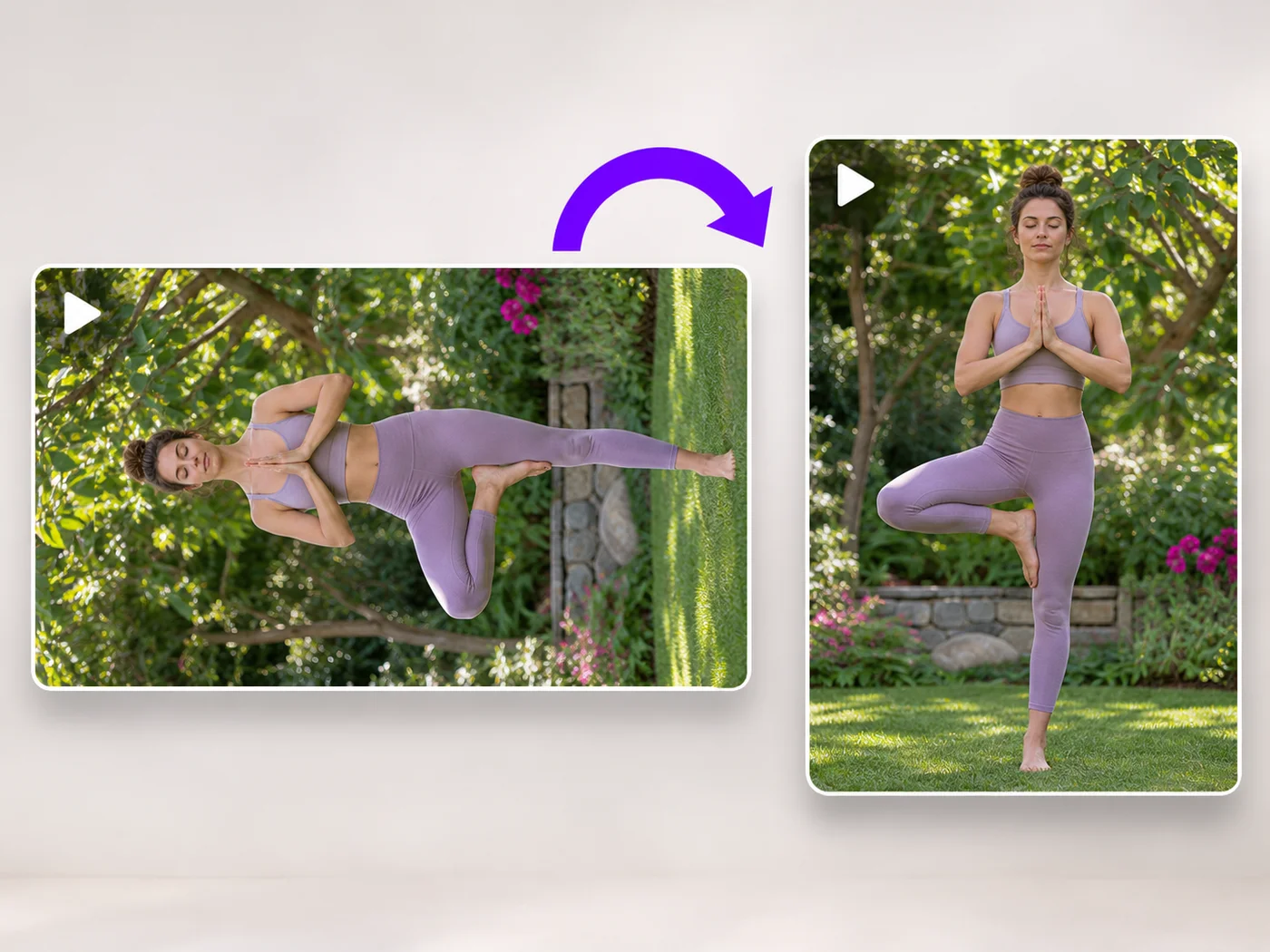
Illustrative preview
Starts with a 180° turn
Turn an upside-down recording the right way up. A half turn is already chosen, so you upload, check the preview and export an MP4.
MP4, MOV, WebM · Checking your upload limit…
Files are uploaded for processing. Uploads and finished videos are automatically deleted within 24 hours.
The Rotation line already reads 180 degrees, so the preview shows the clip the right way up as soon as it loads.
Make sure people are upright and any writing reads normally. If writing is backwards, the clip is mirrored too: open the video flipper afterward.
Cut away the moment someone fumbled the camera on the Trim tab; the turn and the trim are exported together.
Press Rotate video. The MP4 keeps its shape and plays the right way up in every player.
Fix footage from a camera mounted upside down under handlebars, a helmet or a drone.
Turn clips from a camera mounted on a ceiling or a windshield the right way up before sharing them.
Save a clip filmed with the phone held upside down without reshooting it.
They differ. A 180 degree turn keeps writing readable. Flipping upside down mirrors the picture top to bottom, so writing appears reversed and upside down.
The shape stays the same: a landscape video stays landscape and a portrait one stays portrait. Only quarter turns swap width and height.
Make sure you uploaded the downloaded MP4 rather than the original file. The rotation is part of the picture in the new file, so every player shows it the same way.
Yes, as long as it is an MP4, MOV or WebM file. Copy it to your phone or computer first, then upload it here.
Every setting is also on the main page: Rotate Video Online.
Tools for common next steps after Video Rotator.
Video Tools
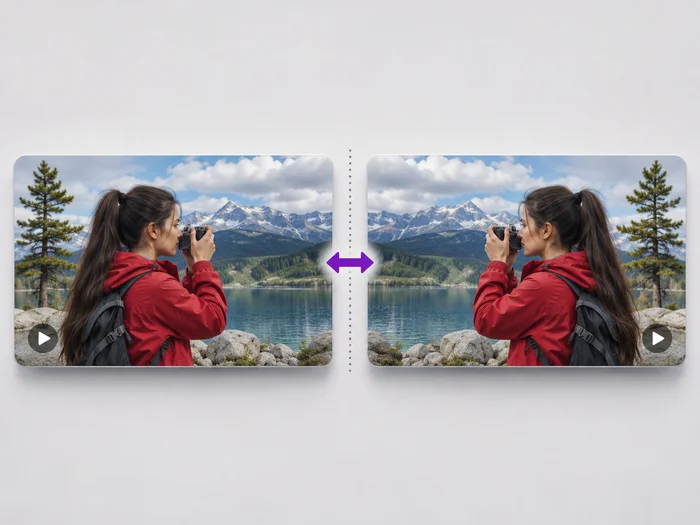
Undo the mirror effect of a front camera, or flip a video upside down. See the flipped video before you download it.
Try it nowVideo Tools
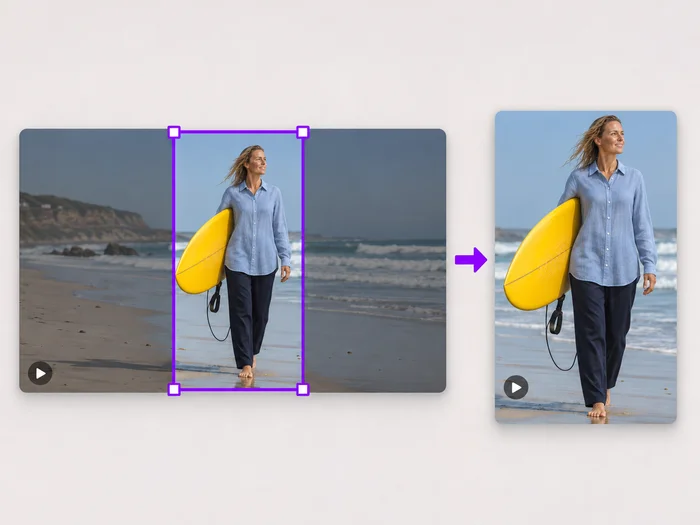
Drag a box over your video to cut away edges, black bars or anything in the background. Lock it to square, vertical or wide for social posts.
Try it nowVideo Tools
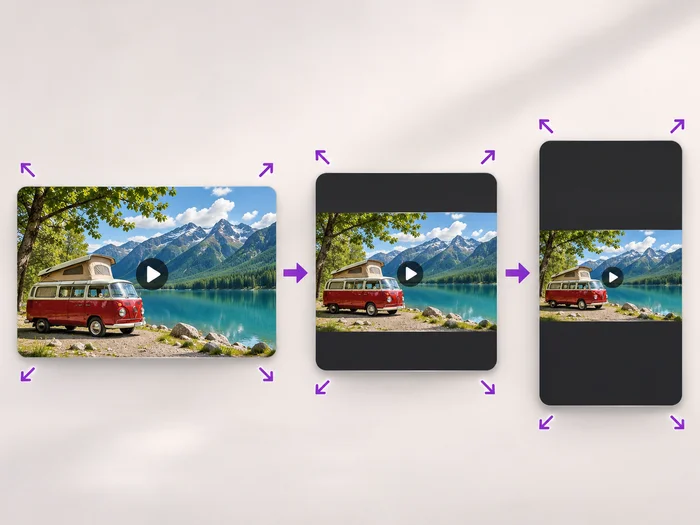
Scale a video down to a smaller size, or set an exact width and height and choose whether to add bars, fill the frame or stretch.
Try it nowEvery photo crosses the slash untouched and comes out the other side finished.