Portrait clips saved sideways
Fix a portrait recording that a phone or app saved lying on its side.
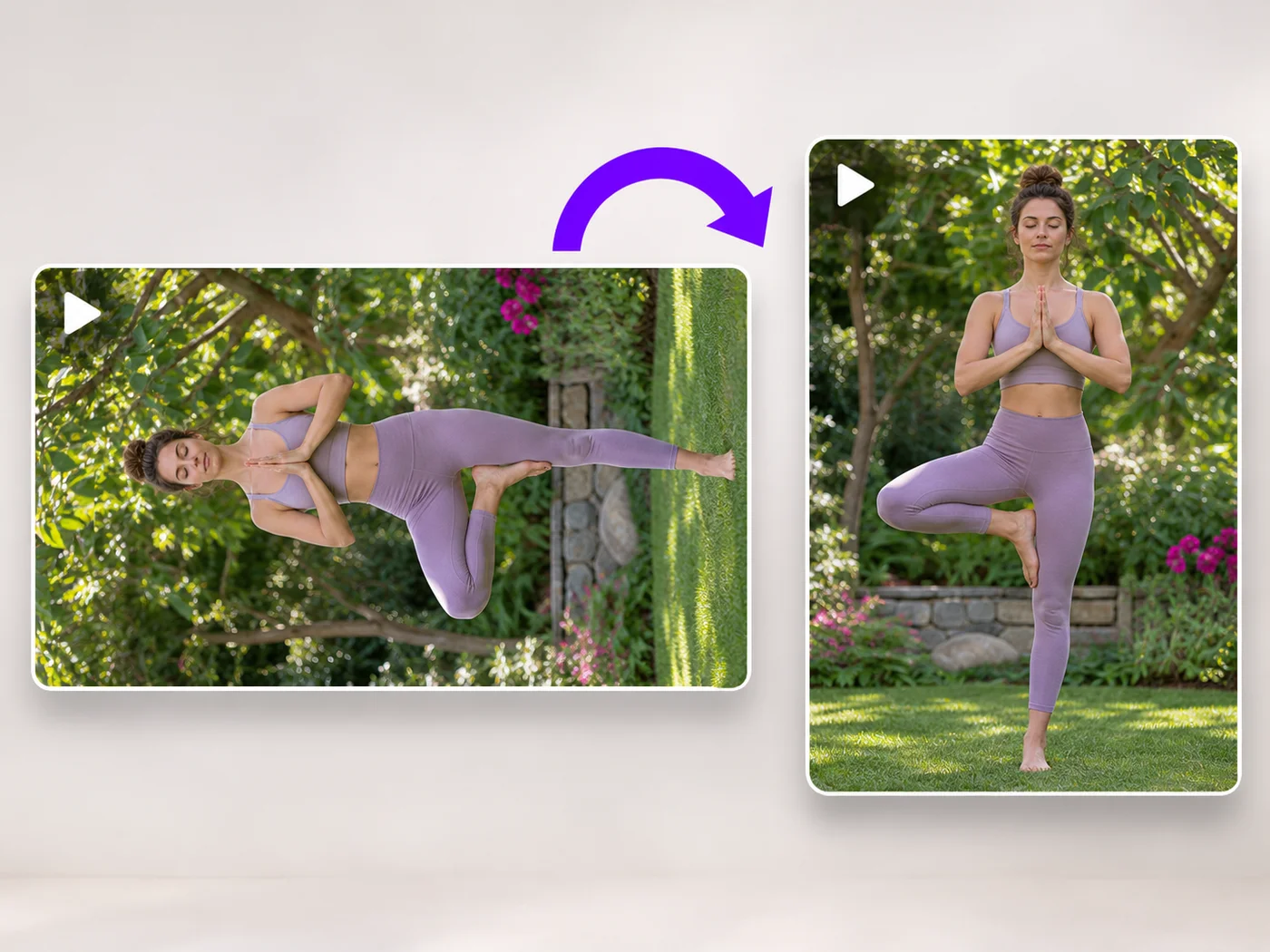
Illustrative preview
Starts with a quarter turn left
Turn a sideways video a quarter turn counterclockwise. The left turn is already chosen, so the preview is upright as soon as it loads.
MP4, MOV, WebM · Checking your upload limit…
Files are uploaded for processing. Uploads and finished videos are automatically deleted within 24 hours.
The page starts with a quarter turn to the left, so a clip lying on its right side stands up straight in the preview.
If the picture is now upside down, the clip was lying the other way: press Turn upside down and it is the right way up.
A quarter turn swaps width and height, so a landscape frame becomes portrait. That is expected and matches how the scene was filmed.
Press Rotate video and download the MP4. It plays upright on phones, computers and websites.
Fix a portrait recording that a phone or app saved lying on its side.
Correct clips whose rotation setting was lost when they were copied or sent between devices.
Stand up a whiteboard or document recording filmed with the camera turned.
Yes. A quarter turn counterclockwise ends in the same position as three quarter turns clockwise, and the Rotation line shows it as 270 degrees.
Look at the top of the scene in the original. If it points to the right, turn left; if it points to the left, turn right. The preview confirms it before you export.
A quarter turn swaps width and height, so a landscape clip becomes portrait. Players show it with bars at the sides when the screen is landscape.
This page rotates and trims. To crop as well, use the online video editor, which rotates, crops and trims in a single export.
Every setting is also on the main page: Rotate Video Online.
Tools for common next steps after Video Rotator.
Video Tools
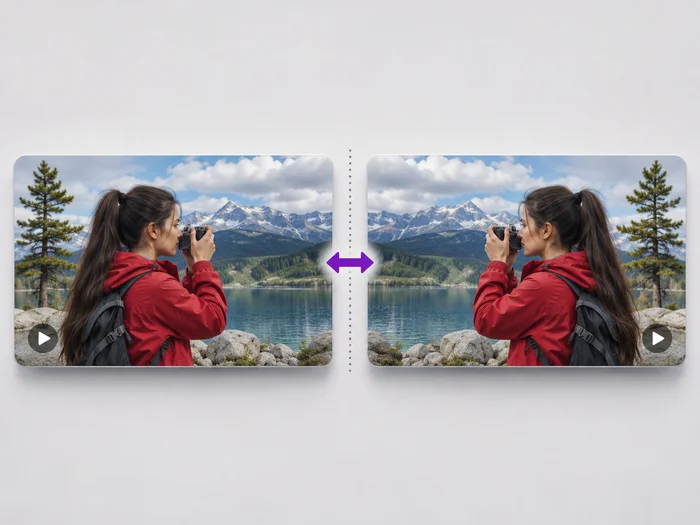
Undo the mirror effect of a front camera, or flip a video upside down. See the flipped video before you download it.
Try it nowVideo Tools
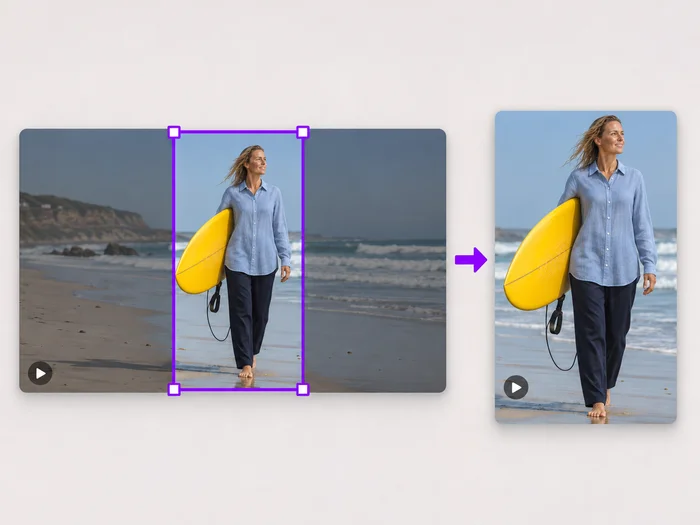
Drag a box over your video to cut away edges, black bars or anything in the background. Lock it to square, vertical or wide for social posts.
Try it nowVideo Tools
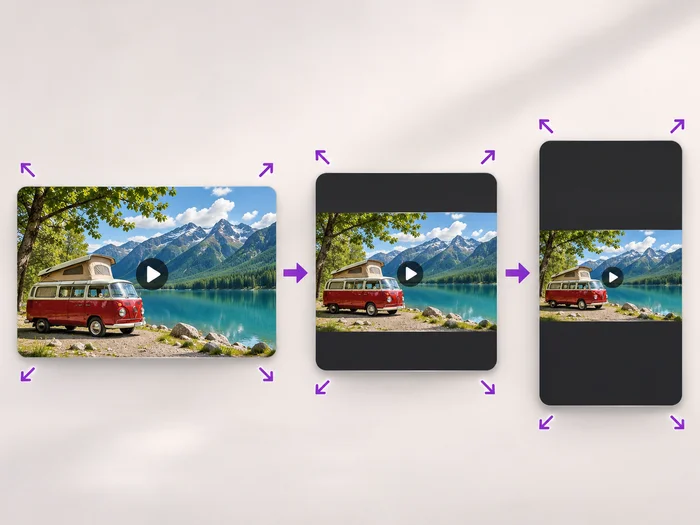
Scale a video down to a smaller size, or set an exact width and height and choose whether to add bars, fill the frame or stretch.
Try it nowEvery photo crosses the slash untouched and comes out the other side finished.