Group shots and wide scenes
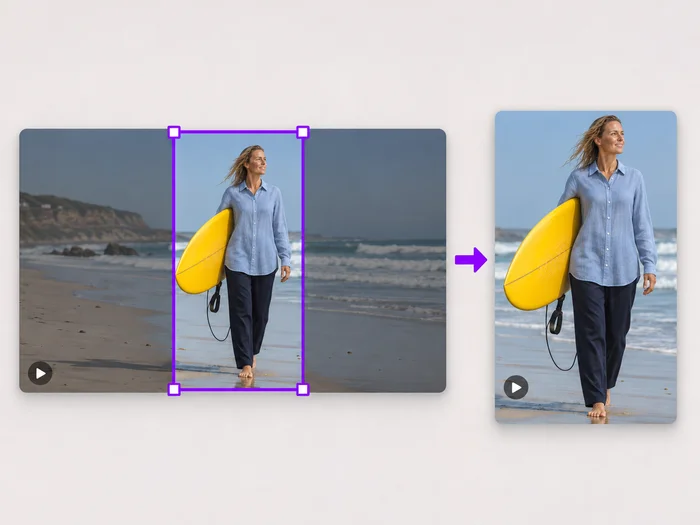
Post a wide video in a square slot without losing the people at either edge.
Illustrative preview
Starts on a square with Keep the whole video
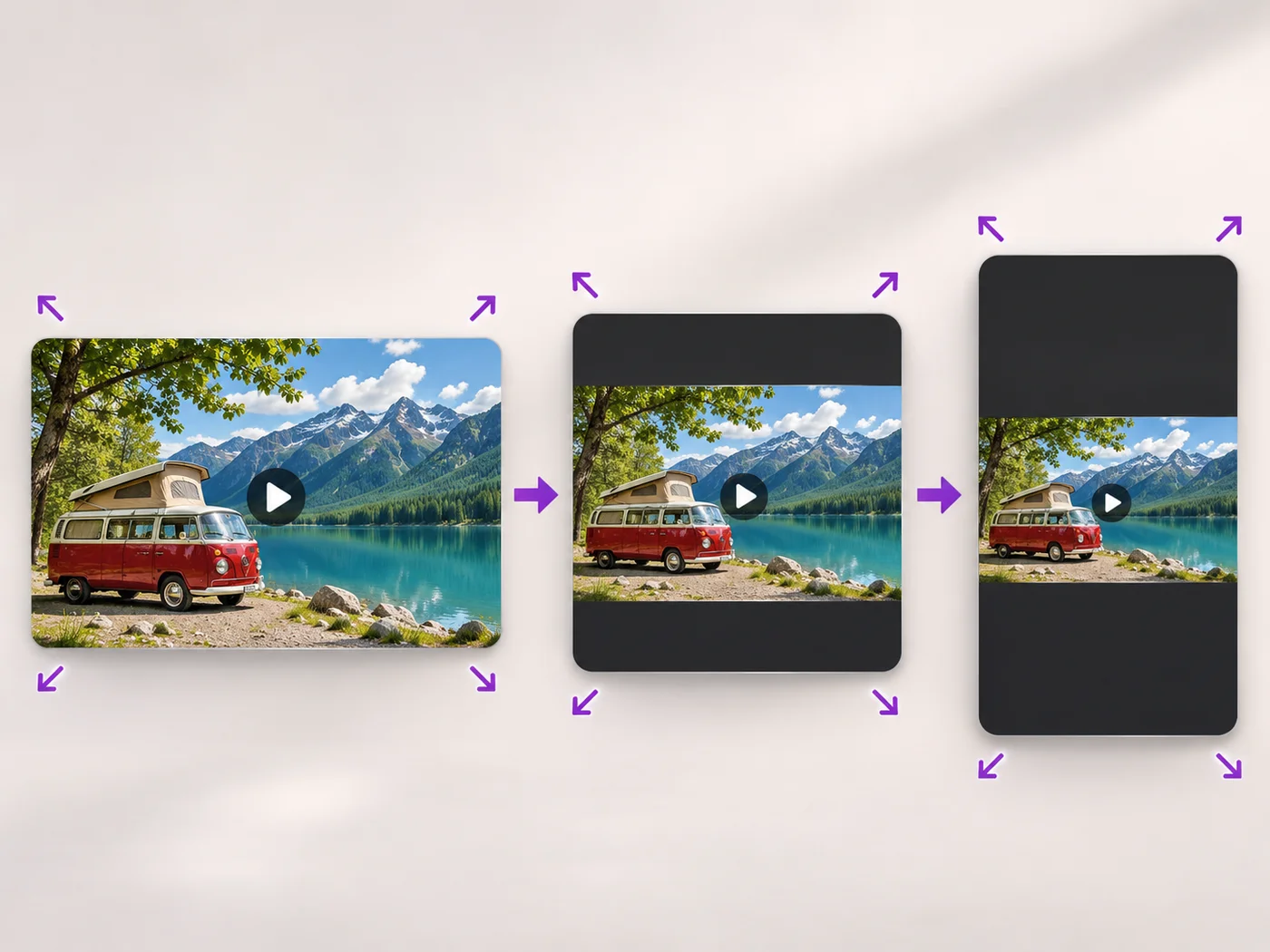
Fit a whole video into a square frame with bars in the color you choose, so nothing is cut off. Square with bars is already set.
MP4, MOV, WebM · Checking your upload limit…
Files are uploaded for processing. Uploads and finished videos are automatically deleted within 24 hours.
A square Custom size with Keep the whole video (add bars) is already chosen, so the full picture will sit inside the square.
Black bars look like a cinema letterbox; white or a brand color can blend with a feed or a page. Choose it under Bar color.
Switch to Fill the frame (crop edges) for a square with no bars. The edges are cut, so check that faces and text stay in.
Press Resize video and download the square MP4.
Post a wide video in a square slot without losing the people at either edge.
Keep every corner of a slide or app screen visible in a square post.
Give mixed landscape and vertical clips the same square size so a grid lines up.
Resizing with bars keeps the entire picture and adds space around it. Cropping keeps only a square part of the picture and removes the rest.
This page adds solid bars. For a blurred, gradient or photo background, use the portrait and landscape video converter, which fills the space with a background of your choice.
Yes. Type any width and height that are equal and even under Custom size. Free exports are at web size and paid plans export up to Full HD.
Yes. The bars are written into the picture, so the downloaded MP4 is square on every site and player.
Every setting is also on the main page: Resize Video Online.
Tools for common next steps after Video Resizer.
Social Publishing
Convert videos between portrait, landscape, square, and custom sizes. Keep the whole frame, crop, add backgrounds, and download MP4 free without a watermark.
Try it nowVideo Tools
Make a video file smaller so it fits email, chat and upload limits. Choose how much to shrink it and keep the picture sharp.
Try it nowVideo Tools
Drag a box over your video to cut away edges, black bars or anything in the background. Lock it to square, vertical or wide for social posts.
Try it nowEvery photo crosses the slash untouched and comes out the other side finished.