Music you cannot use
Strip copyrighted background music from a clip before posting it on a site that would block or mute it.
Illustrative preview
Starts with Remove sound ticked
Take the sound out of a video and keep the picture exactly as it is. Trim the clip in the same step if you like, and download a silent MP4.
MP4, MOV, WebM · Checking your upload limit…
Files are uploaded for processing. Uploads and finished videos are automatically deleted within 24 hours.
Choose the MP4, MOV or WebM whose sound you want gone. Remove sound is already ticked on the Sound tab, so the page is ready to export a silent copy.
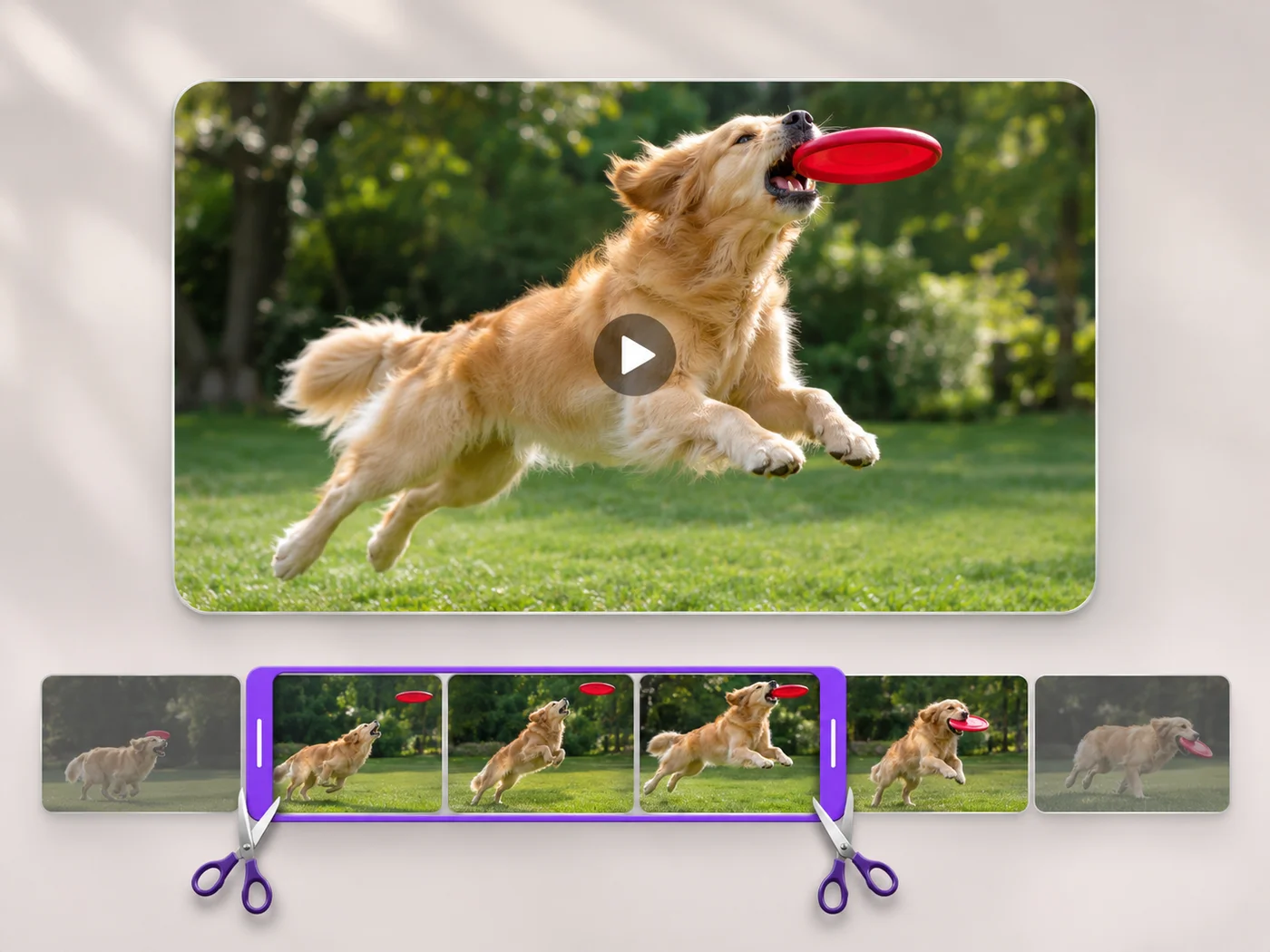
On the Trim tab, drag the handles to keep just the part you want. Muting and trimming happen together in one export.
Press Trim video. The exported MP4 has no sound track at all, so players show it as a silent video rather than one with quiet audio.
Bring the silent clip into the app where you add music or a voice-over, so nothing from the original recording plays underneath.
Strip copyrighted background music from a clip before posting it on a site that would block or mute it.
Remove wind, traffic or a crowded room when the picture tells the story better than the sound.
Share a video of a place or an event without passing on what people nearby were saying.
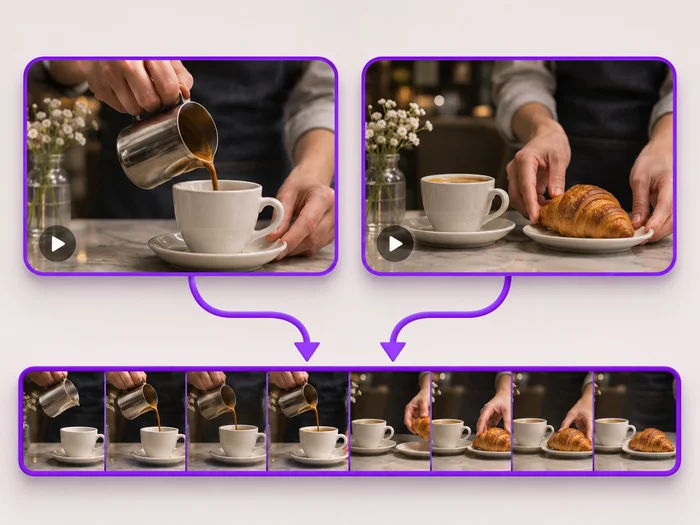
Remove sound covers the whole exported clip. To mute one section, trim and export it silent, export the rest with sound, and join the two with the video merger.
This page keeps the picture and removes the sound. It does not export audio files, so use an audio app if you need the sound on its own.
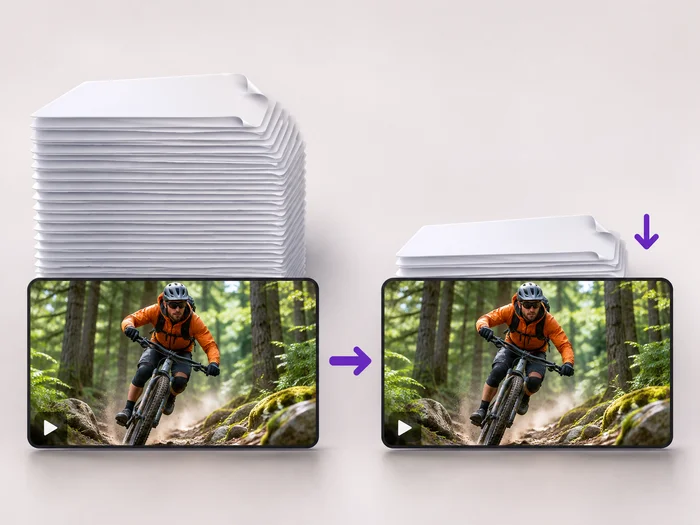
A little, because the sound track is no longer stored. For a much smaller file, compress the silent video afterward with the video compressor.
Yes. Open the page in your phone browser, pick the video from your gallery and press Trim video; the silent MP4 downloads to your phone.
Every setting is also on the main page: Trim Video Online.
Tools for common next steps after Video Trimmer.
Video Tools
Make every common edit in one go: cut, crop, rotate, flip, add text and effects, change speed, then resize or compress. Preview it all before you export.
Try it nowVideo Tools
Make a video file smaller so it fits email, chat and upload limits. Choose how much to shrink it and keep the picture sharp.
Try it nowVideo Tools
Join clips into one MP4 in the order you choose. Clips of different shapes are fitted onto one frame, so nothing is stretched.
Try it nowEvery photo crosses the slash untouched and comes out the other side finished.