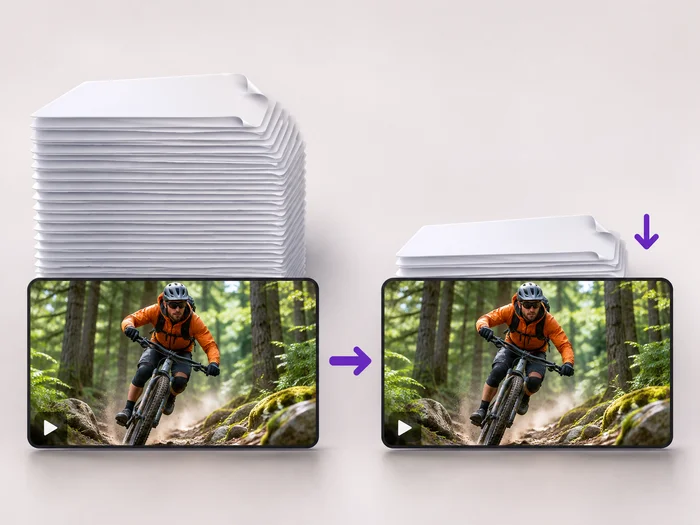
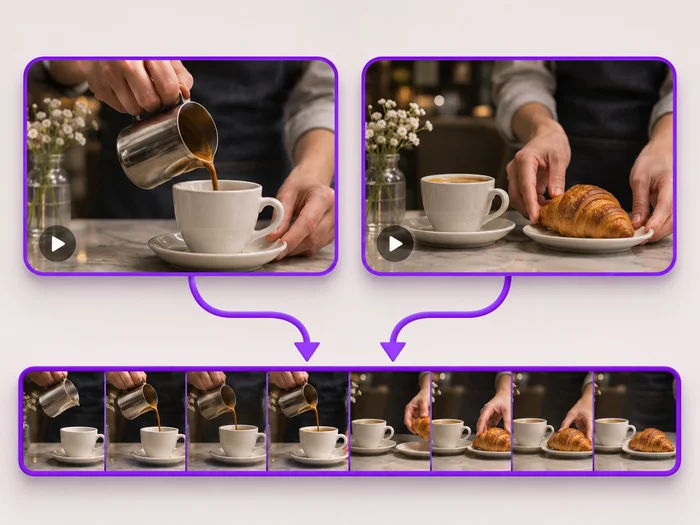
Presentations and lessons
Remove the moment a slide failed to load or a question went off topic, without recording the whole talk again.
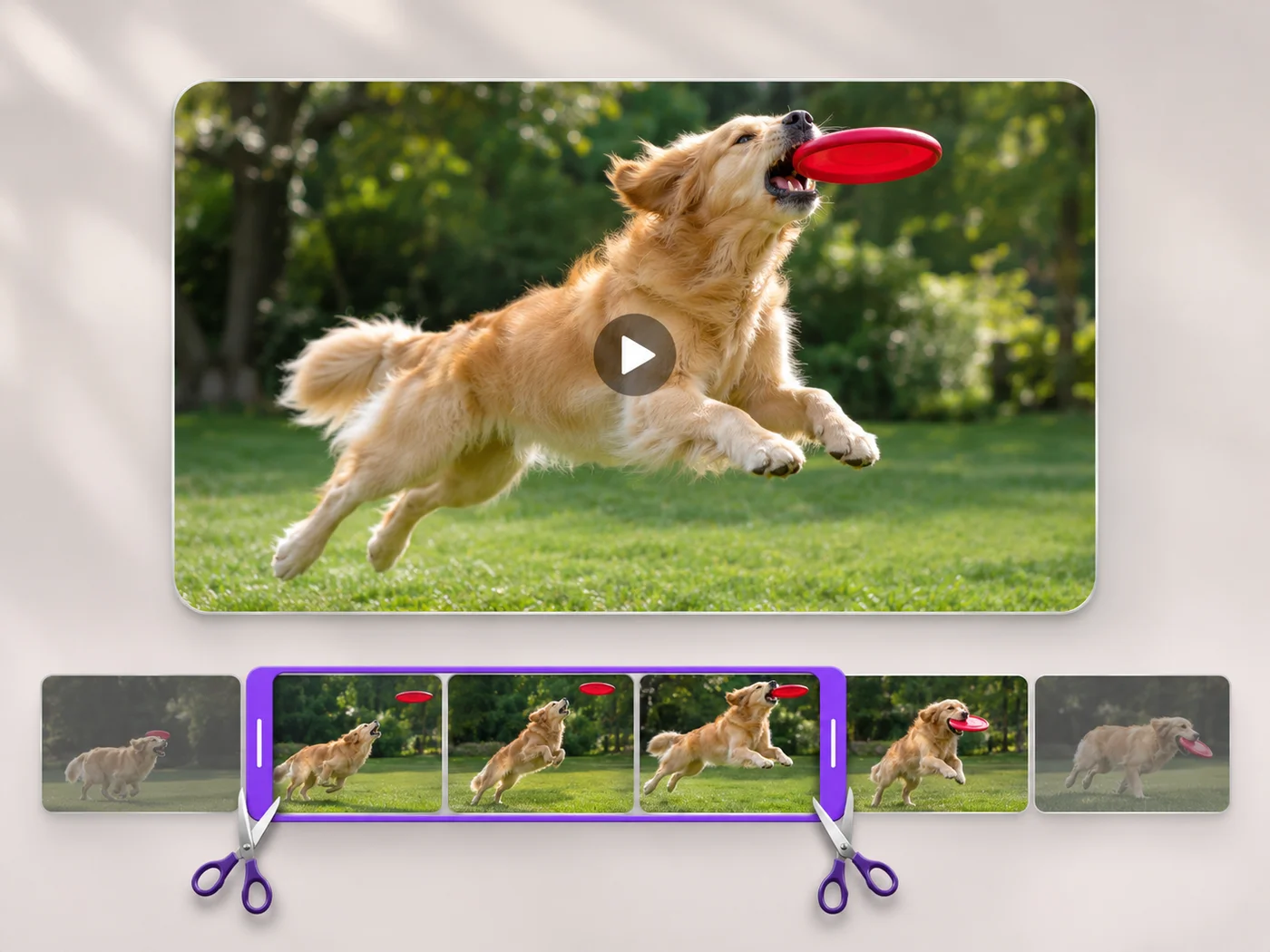
Illustrative preview
Starts on Cut out the selection
Select the section you do not want, cut it out, and the video before and after it is joined into one clip. Download an MP4 with no watermark.
MP4, MOV, WebM · Checking your upload limit…
Files are uploaded for processing. Uploads and finished videos are automatically deleted within 24 hours.
Choose an MP4, MOV or WebM. Cut out the selection is already chosen on the Trim tab, so the part you select is the part that disappears.
Drag the two handles around the cough, wrong slide or ringing phone, or type its start and end in seconds. Play the selection to check its edges.
The exported length under the timeline drops by the length of the selection. If it dropped by far more or less than you expected, the handles are in the wrong place.
Press Trim video. The parts before and after your selection are joined into one MP4 with the sound kept in sync.
Remove the moment a slide failed to load or a question went off topic, without recording the whole talk again.
Drop the shaky stretch where the camera pointed at the floor, and keep the speech or the first dance on either side.
Cut out a password prompt, a notification or a long loading wait from the middle of a walkthrough.
Remove the first part and download the result, then upload that clip and remove the second part. Each export joins what is left into one video.
The two sides are joined with a straight cut, so the picture changes instantly at that point. Choose cut points at a natural pause, such as between sentences, for the smoothest result.
Yes. Switch to Keep the selection and drag the handles to the part you want to keep; everything before and after it is dropped.
The kept parts are exported at the size your plan allows: web size on free, Full HD on paid plans. Nothing else about the picture changes.
Every setting is also on the main page: Trim Video Online.
Tools for common next steps after Video Trimmer.
Video Tools
Make every common edit in one go: cut, crop, rotate, flip, add text and effects, change speed, then resize or compress. Preview it all before you export.
Try it nowVideo Tools
Make a video file smaller so it fits email, chat and upload limits. Choose how much to shrink it and keep the picture sharp.
Try it nowVideo Tools
Join clips into one MP4 in the order you choose. Clips of different shapes are fitted onto one frame, so nothing is stretched.
Try it nowEvery photo crosses the slash untouched and comes out the other side finished.