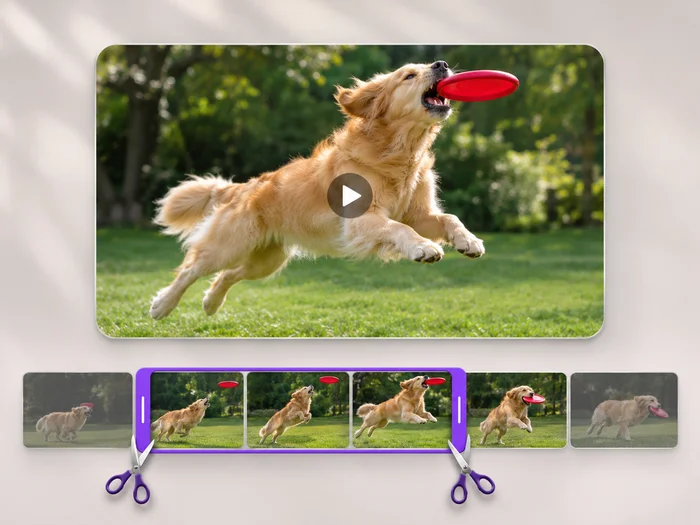
Sports and tricks
Show a swing, a kick or a skateboard trick slowly enough to see the technique.
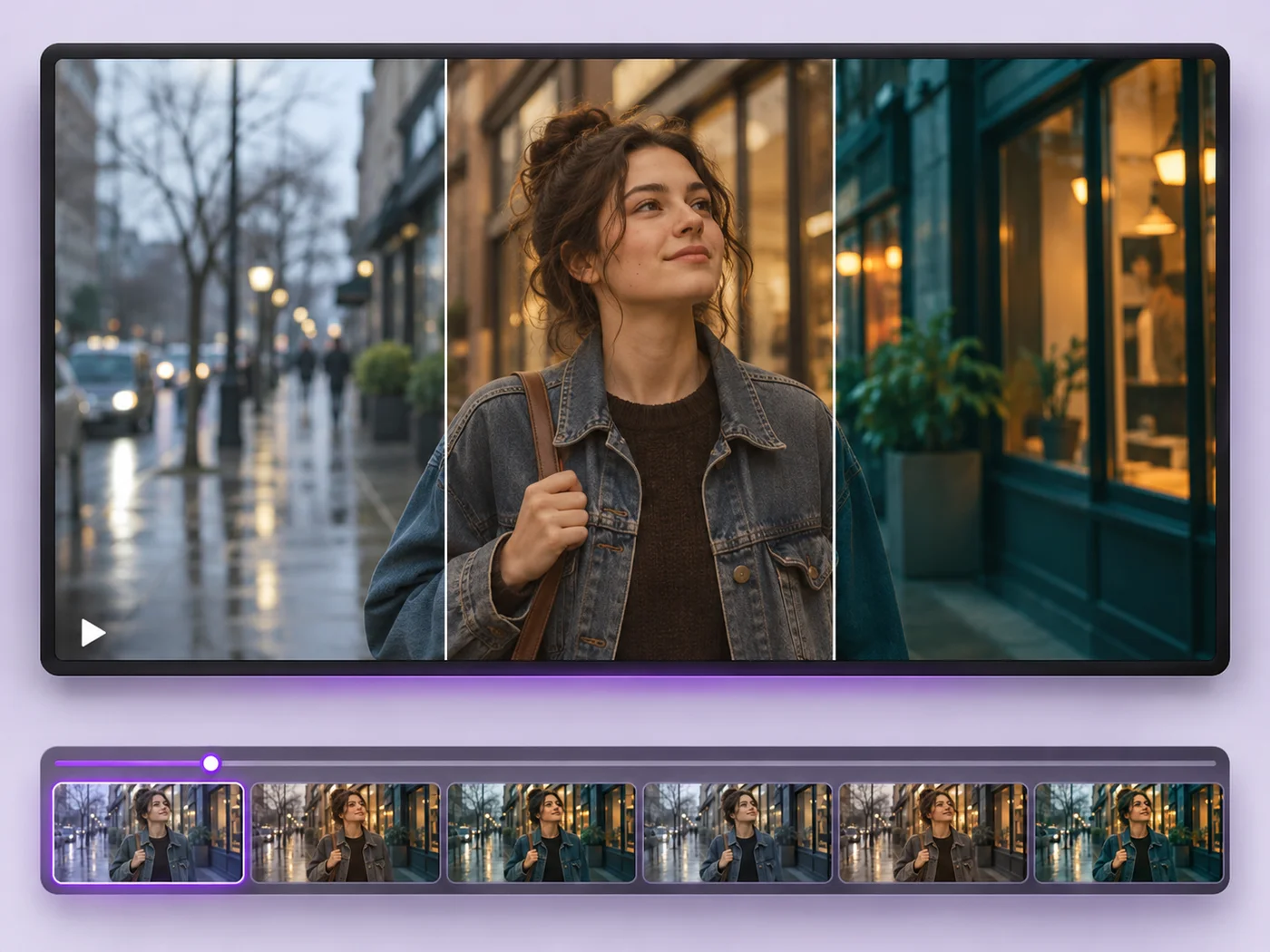
Illustrative preview
Starts at half speed
Slow a video down to half speed so fast moments are easy to follow. Half speed is already chosen; trim the moment and export an MP4.
MP4, MOV, WebM · Checking your upload limit…
Files are uploaded for processing. Uploads and finished videos are automatically deleted within 24 hours.
Speed is already set to half speed, so the preview plays the clip slowed down as soon as it loads.
Slow motion doubles the length, so keep only the jump, the splash or the trick on the Trim tab.
Pick a gentler slow-down from the Speed list if half speed feels too slow for the scene.
Press Apply effects and download the slow motion MP4. The sound is slowed to match, keeping its pitch; remove it on the Sound tab if you plan to add music.
Show a swing, a kick or a skateboard trick slowly enough to see the technique.
Turn a blink-and-miss-it moment into a clip people can actually enjoy.
Give a pour, a splash or an unboxing a smooth, dramatic feel.
Smoothness depends on how the clip was filmed. Videos recorded at a high frame rate, such as a phone slow-mo mode, look smoothest; regular clips show each frame for longer.
The sound slows down with the picture and keeps its pitch, so voices sound drawn out rather than deeper. Tick Remove sound on the Sound tab if you plan to add music instead.
Speed applies to the whole export. Trim the moment, export it in slow motion, and join it with the rest of the clip using the video merger.
Yes. The exported length is the slowed-down length, which is shown under the timeline before you export.
Every setting is also on the main page: Video Effects.
Tools for common next steps after Video Effects.
Video Tools
Make every common edit in one go: cut, crop, rotate, flip, add text and effects, change speed, then resize or compress. Preview it all before you export.
Try it nowVideo Tools
Write on your video in many fonts, with colors, outlines and backgrounds. Drag the text where you want it and see it on the video before you export.
Try it nowVideo Tools
Cut the start, the end or a section from the middle of your video. Preview the exact part you keep, then download an MP4 without a watermark.
Try it nowEvery photo crosses the slash untouched and comes out the other side finished.