Highlight reels
Ease viewers in and out of a short highlight so it does not start or stop with a jolt.
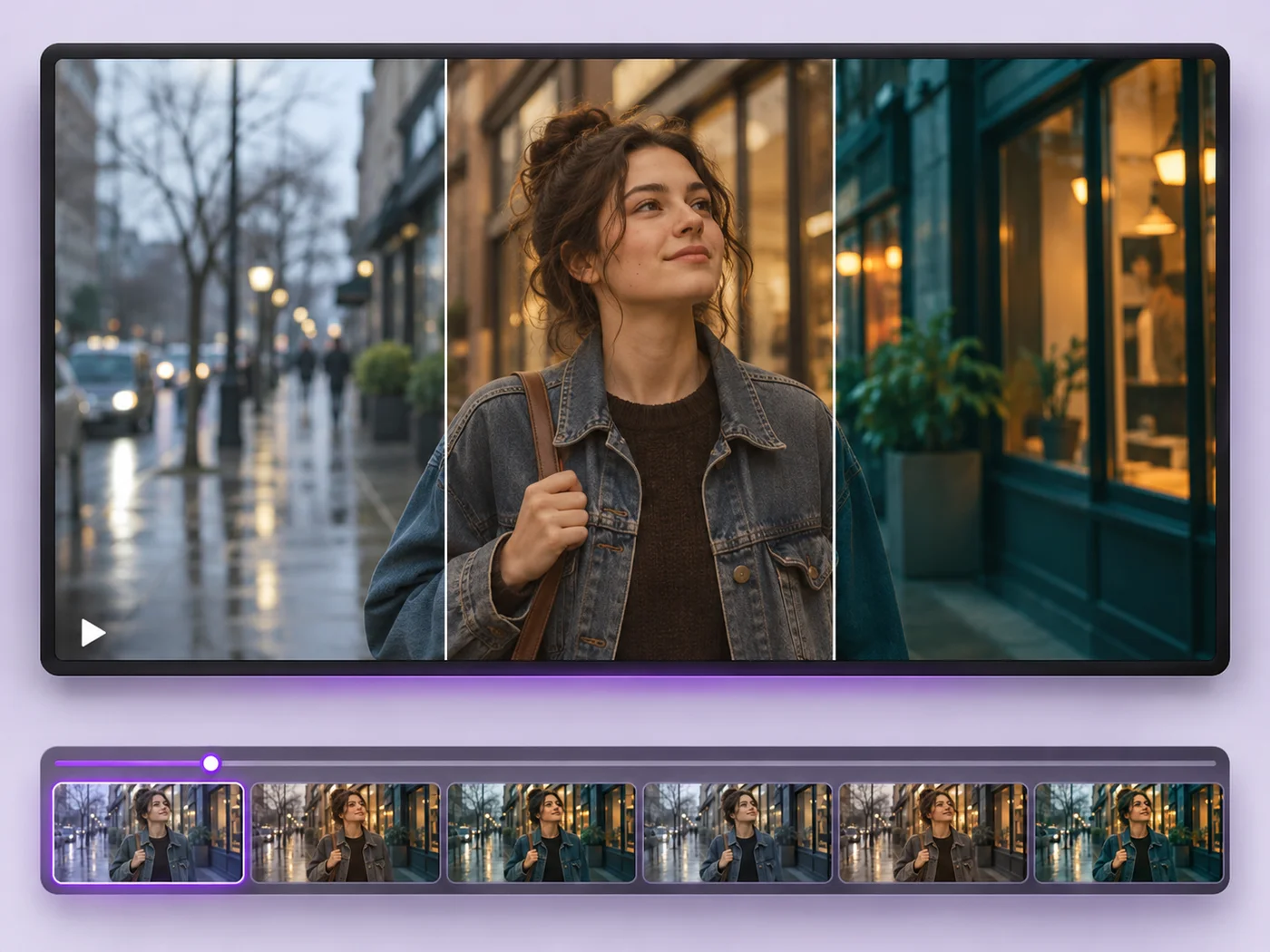
Illustrative preview
Starts with a one-second fade at each end
Fade a video in from black at the start and out to black at the end. A one-second fade on each end is already set; adjust and export.
MP4, MOV, WebM · Checking your upload limit…
Files are uploaded for processing. Uploads and finished videos are automatically deleted within 24 hours.
Fade in (seconds) and Fade out (seconds) are already set to one second, so the preview fades at both ends.
Lengthen a fade for a calm, cinematic feel or shorten it for a quick social clip. Each end has its own slider.
Trim the clip on the Trim tab so the fades land on the real start and end of the moment you keep.
Press Apply effects and download the MP4 with smooth edges.
Ease viewers in and out of a short highlight so it does not start or stop with a jolt.
Add fades to each clip before merging for a gentler change between recordings.
Give a loop-free clip a clear ending that tells viewers the video is over.
Yes. Set the other fade to zero. Each fade has its own slider, so you can use one, both or neither.
Yes. The sound rises from silence during the fade in and drops to silence during the fade out, in step with the picture going to and from black.
Add a fade out to the first clip and a fade in to the second, then join them with the video merger for a dip-to-black between them.
Half a second to one second suits most social clips. Longer fades of two or three seconds feel slower and more cinematic.
Every setting is also on the main page: Video Effects.
Tools for common next steps after Video Effects.
Video Tools
Make every common edit in one go: cut, crop, rotate, flip, add text and effects, change speed, then resize or compress. Preview it all before you export.
Try it nowVideo Tools
Write on your video in many fonts, with colors, outlines and backgrounds. Drag the text where you want it and see it on the video before you export.
Try it nowVideo Tools
Cut the start, the end or a section from the middle of your video. Preview the exact part you keep, then download an MP4 without a watermark.
Try it nowEvery photo crosses the slash untouched and comes out the other side finished.