Cooking and craft tutorials
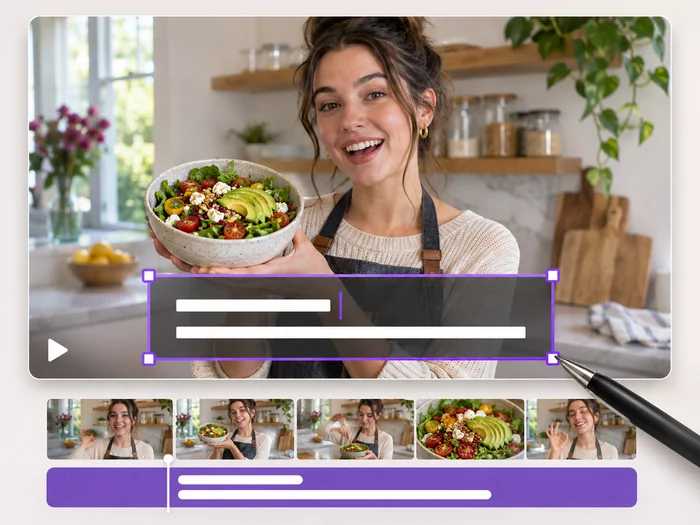
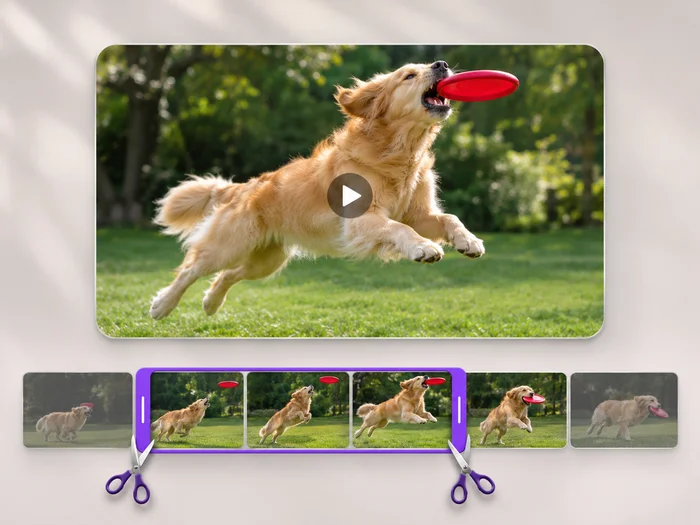
Show a long mixing, painting or building step in a few seconds.
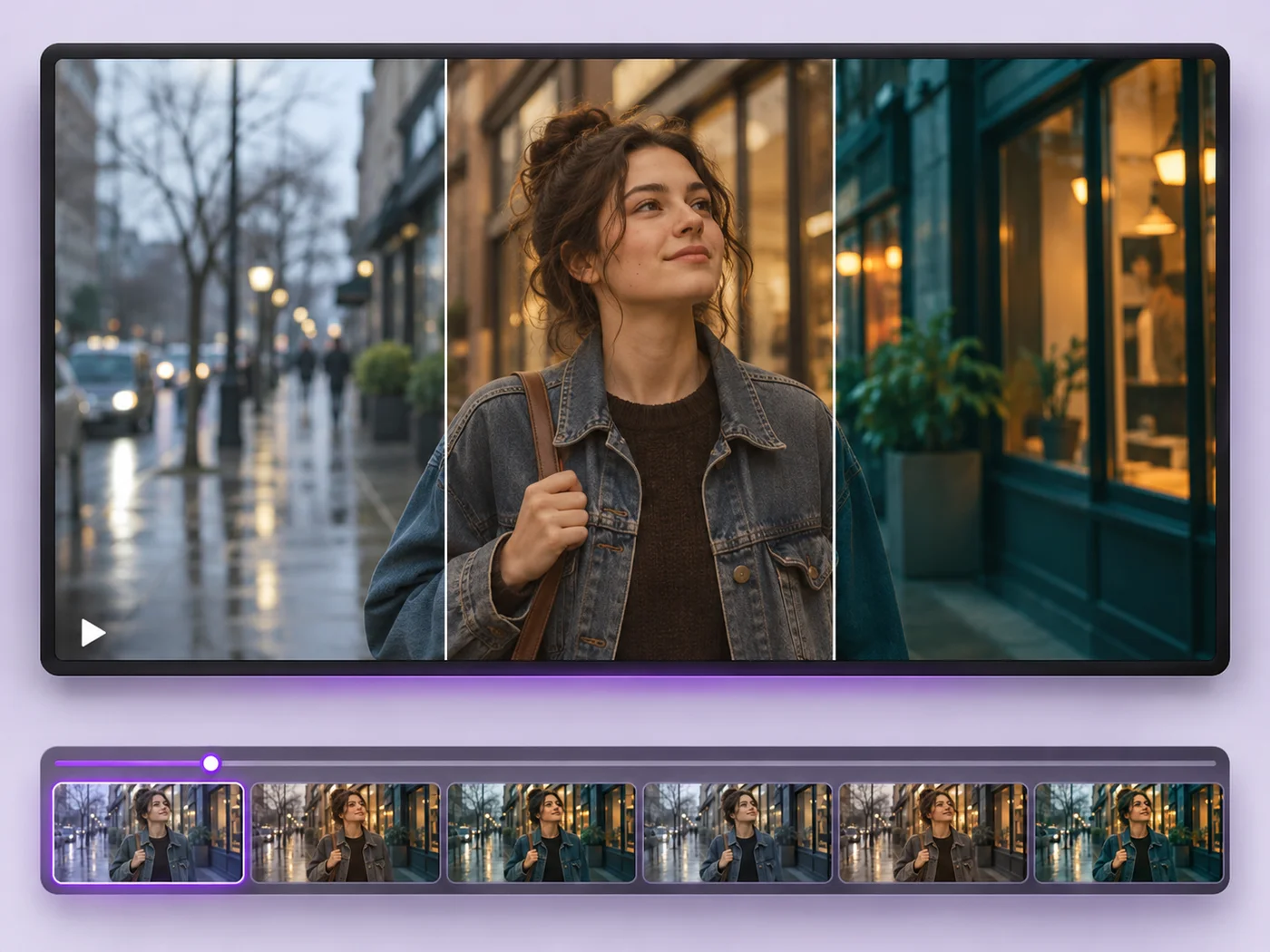
Illustrative preview
Starts at double speed
Play a video at double speed to turn a slow process into a quick clip. Double speed is already chosen; preview it and export an MP4.
MP4, MOV, WebM · Checking your upload limit…
Files are uploaded for processing. Uploads and finished videos are automatically deleted within 24 hours.
Speed is already set to double speed, so the preview plays fast as soon as the clip loads.
The exported length under the timeline is half the original, which helps a long clip fit a short post.
Pick a gentler speed from the Speed list for talking or demonstrations that need to stay easy to follow.
Press Apply effects and download the faster MP4. The sound plays faster too, at its normal pitch; remove it if you plan to add music.
Show a long mixing, painting or building step in a few seconds.
Make a slow walk through a home, a site or an app feel brisk and watchable.
Give sunsets, traffic or crowds a hurried, time-lapse feel without special equipment.
The Speed list goes up to double speed. To go faster, export at double speed and run the result through the effects page again.
Usually, because the video becomes shorter. For a much smaller file, run the result through the video compressor as well.
Voices keep their normal pitch but talk twice as fast, which can be hard to follow. Tick Remove sound for a silent clip, or choose a gentler speed for speech.
Free exports cover short clips at web size. Paid plans process longer videos and export in Full HD.
Every setting is also on the main page: Video Effects.
Tools for common next steps after Video Effects.
Video Tools
Make every common edit in one go: cut, crop, rotate, flip, add text and effects, change speed, then resize or compress. Preview it all before you export.
Try it nowVideo Tools
Write on your video in many fonts, with colors, outlines and backgrounds. Drag the text where you want it and see it on the video before you export.
Try it nowVideo Tools
Cut the start, the end or a section from the middle of your video. Preview the exact part you keep, then download an MP4 without a watermark.
Try it nowEvery photo crosses the slash untouched and comes out the other side finished.